Top 10 AI Tools to Improve Your Skills, Work, and Study in 2026
Skip hype. These 10 AI tools cut reading, drafting & revision time—plus how to choose the right one for work, study, or skill-building.


Why AI Tools Matter for Learning and Productivity Today
The real value of AI tools to improve skills is not that they “do the work for you.” It’s that they compress the time you spend on reading, drafting, revising, and searching, so you can spend more time thinking, practicing, and shipping.
That time compression shows up in three places:
- Faster intake: summaries, explanations, and guided reading for dense material
- Faster output: first drafts, outlines, code scaffolds, and slide structures
- Faster iteration: feedback loops for clarity, reasoning, and next steps
This is why many people now treat AI as core infrastructure, alongside calendars, notes, and search. In practice, AI productivity tools help you move from “blank page” to “workable draft,” and from “too many sources” to “a structured brief.” The best AI tools for learning help you turn raw material into practice: questions, flashcards, and study plans.
Set expectations, though. AI is a multiplier, not a substitute for understanding. Your results depend on what you feed it, how you check it, and whether you use it to practice instead of just consuming outputs.
If you want a baseline system before adding AI, start with fundamentals first: [Internal link to related productivity article]
How to Choose the Right AI Tool
Start with use-case fit. Most people choose tools backwards: they pick a famous tool, then try to force it into every workflow. A better approach is to map tools to the job:
- Studying: tutoring, summarizing, source-grounded Q&A, flashcards, lecture capture
- Work: drafting, analysis, meeting workflows, task extraction, automation
- Skill development: deliberate practice, feedback, drills, portfolio outputs
Then look at the learning curve and friction:
- UI simplicity: how quickly can you get to a useful result?
- Setup time: does it need a workspace, browser extension, or admin approval?
- Prompt sensitivity: does it require careful prompting to avoid generic output?
- Integrations: Google Docs, Microsoft 365, Slack, Notion, LMS tools
Also know the limits:
- Context windows: some tools handle long documents better than others
- Outdated info: models can miss recent changes unless browsing or grounded in sources
- Bias and overconfidence: plausible outputs can still be wrong
- Verification: you need a habit of checking claims, numbers, and citations
Quick decision checklist:
- How often will you use it: daily, weekly, or occasionally?
- Which integrations do you need: Docs, Slack, Notion, Gmail, Teams?
- Do you need citations and links for research or school?
- Do you need offline or desktop-first workflows?
- Are you handling sensitive data that should not be uploaded?
For a deeper framework, use this: [Internal link to tool-selection guide]
The Top 10 AI Tools
This list focuses on practical tools people actually use for learning, work output, and skill improvement in 2026. The goal is not novelty. It’s repeatable utility.
To keep comparisons fair, each tool section follows the same structure: what it does, best for, strengths, limitations, and a best use case.
One rule applies to all of them: verify critical facts, especially in academic work, healthcare, finance, legal topics, and anything high-stakes.

ChatGPT (OpenAI)
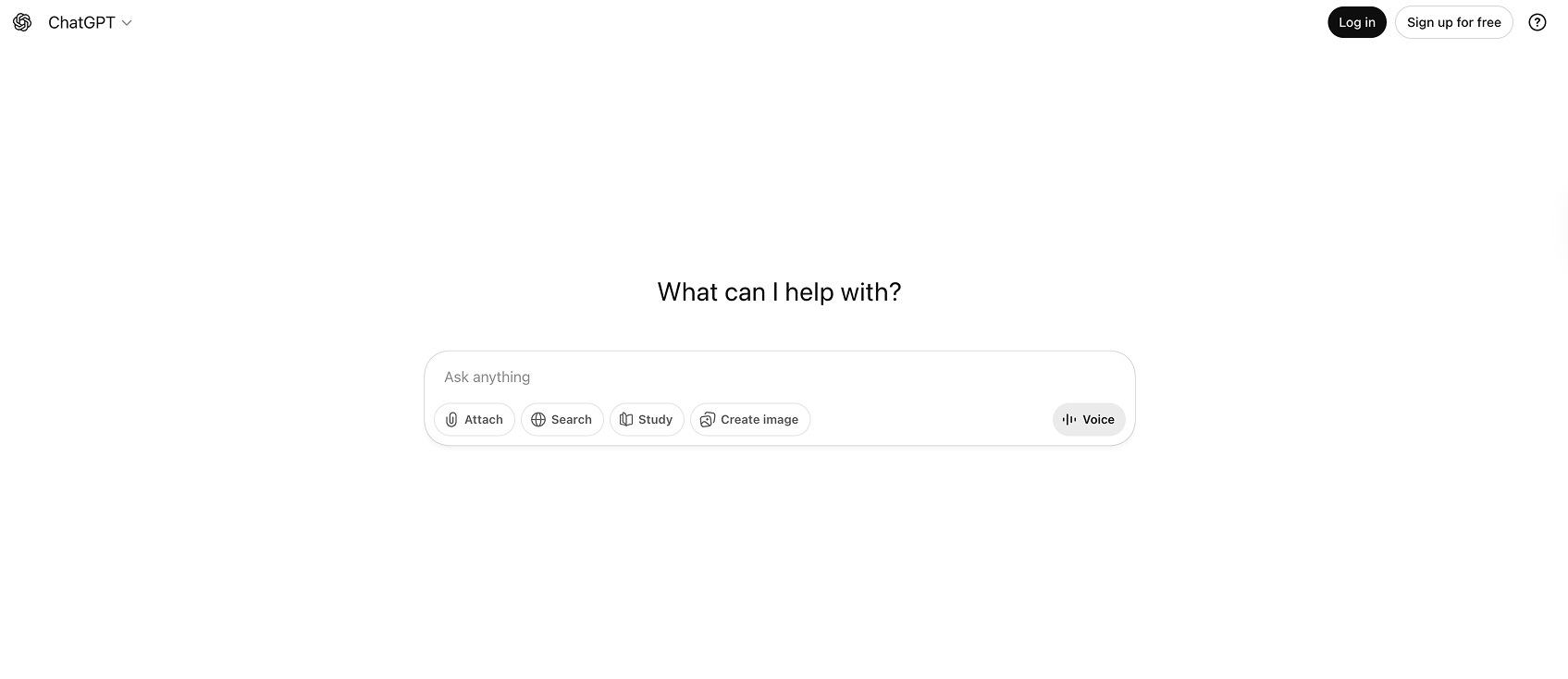
What it does: General-purpose AI for brainstorming, tutoring, drafting, coding help, and workflow assistance.
Best for: Students, professionals, and creators who want one flexible assistant across many tasks.
Key strengths:
- Versatile across writing, planning, tutoring, and problem-solving
- Strong at turning vague goals into structured outputs (checklists, plans, rubrics)
- Good at rewriting and transforming content for different audiences
Limitations:
- Can be confidently wrong and sound authoritative while missing details
- Needs clear prompts and constraints to avoid generic output
- Citations may require extra steps and verification
- Privacy depends on your settings, account type, and what you paste in
Best use case: Turn a messy goal into an actionable plan. For example, paste your syllabus or project notes and ask for a study schedule or project outline, then iterate weekly with feedback based on what actually happened.
Claude (Anthropic)
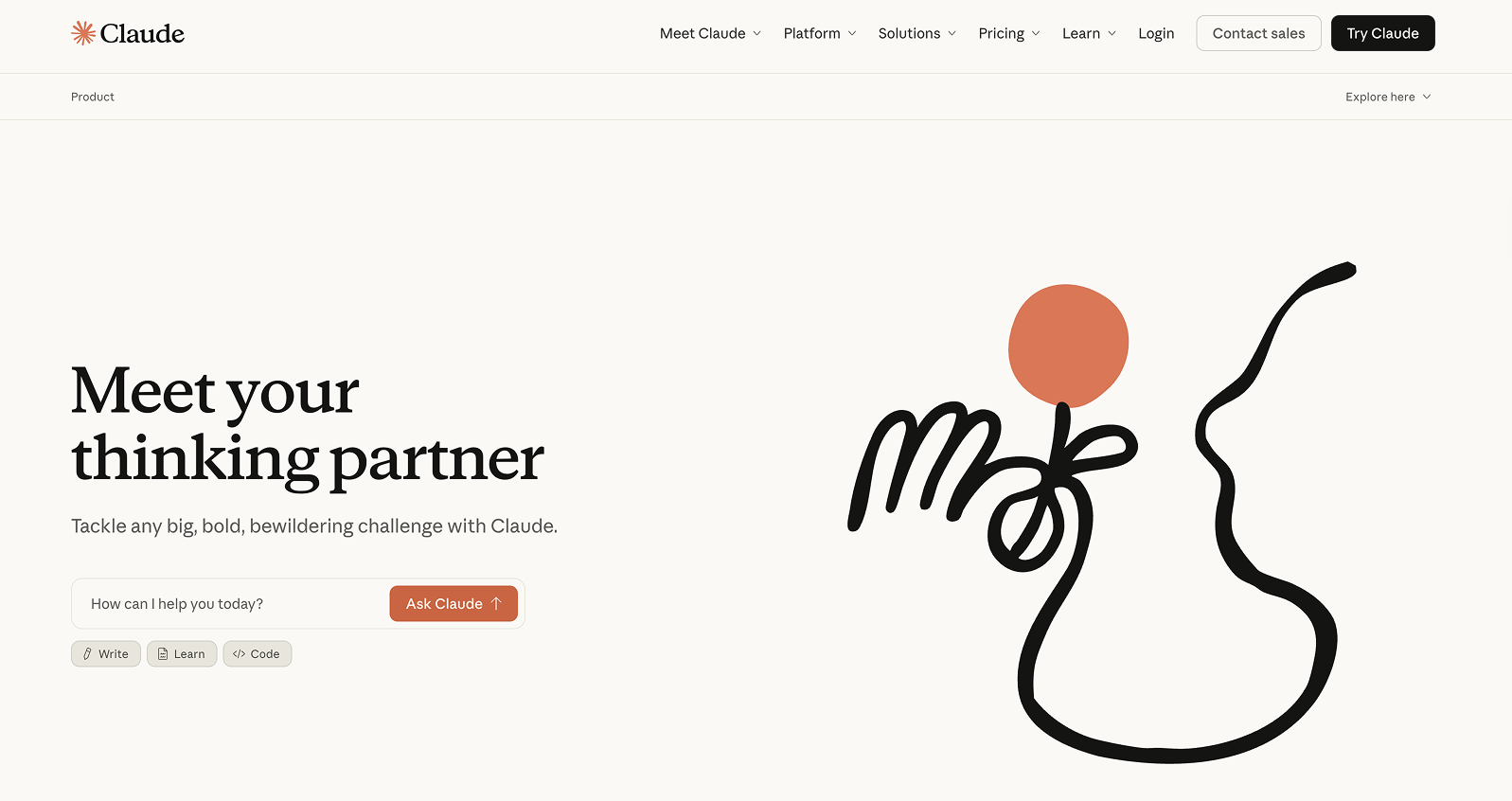
What it does: Long-form reading, summarization, writing assistance, and document-based Q&A.
Best for: People working with long documents such as papers, reports, policies, and dense notes.
Key strengths:
- Handles long context well compared to many alternatives
- Clear, readable writing style that works for briefs and summaries
- Strong at synthesis: comparing arguments, extracting decisions, outlining tradeoffs
Limitations:
- Still needs verification, especially for factual claims
- Output quality depends on the quality of your source material
- Availability and feature set vary by region and plan
Best use case: Paste or upload a long document and generate a structured brief: key points, risks, open questions, and next actions. This is useful for policy reading, literature review first passes, and leadership summaries.
Perplexity
What it does: AI-powered research and answer engine designed around web browsing and citations.
Best for: Anyone who needs faster research with sources: students, analysts, writers, founders.
Key strengths:
- Cites sources and links directly to references
- Good for fast comparison across multiple sources
- Useful for scanning recent updates, market changes, and technical overviews
Limitations:
- Sources can be uneven in quality depending on the query
- Summaries can miss nuance or conflict between references
- You still need to read original sources for accuracy and context
Best use case: Generate a cited research brief before deep reading. For example: definitions, competing viewpoints, and “what changed recently,” with links you can open and evaluate.
NotebookLM (Google)
What it does: Turns your own sources (notes, PDFs, docs) into a study and research assistant for Q&A and summarization.
Best for: Students, researchers, and knowledge workers who want AI grounded in their own materials.
Key strengths:
- Source-grounded answers, which reduces hallucinations when used correctly
- Excellent for studying from class notes and assigned readings
- Strong for building revision material: glossaries, outlines, likely questions
Limitations:
- Quality depends on what you upload and how clean it is
- Can struggle with messy scans or poorly formatted documents
- Privacy considerations apply if you upload sensitive documents
Best use case: Build an exam or presentation pack from your sources: a glossary, likely questions, an outline, and a one-page revision sheet. This is one of the most practical “study acceleration” workflows when your source set is stable.
Lorka.ai
.png)
What it does: Multi-model AI workspace for chatting with documents, translating text, drafting content, and switching between different AI models in one place.
Best for: Students, professionals, and researchers who work across PDFs, multilingual material, and mixed writing or study tasks.
Key strengths:
- Useful for chatting with PDFs and extracting answers from long documents
- Natural translation support for multilingual reading and writing workflows
- Lets you compare outputs across different AI models without juggling separate subscriptions
Limitations:
- Breadth can be a distraction if you do not already know which workflow you want
- Output quality still depends on the model you choose and the clarity of your prompt
- As with any AI workspace, factual claims and sensitive content still need review
Best use case: Upload a dense PDF, extract the key points, translate the important sections, and turn them into a cleaner study brief, draft, or working summary without switching tools.
Notion AI
What it does: Writing, summarizing, and turning notes into structured docs inside Notion workspaces.
Best for: Students and teams already using Notion for notes, projects, and internal wikis.
Key strengths:
- Reduces friction from notes to deliverables
- Useful for meeting notes, task extraction, and drafting SOPs
- Keeps output in the same system where your tasks and projects live
Limitations:
- Best if your system already lives in Notion
- Can produce generic writing without specific prompts and examples
- AI output can flatten voice if you accept suggestions blindly
Best use case: Convert lecture or meeting notes into action items, a clean summary, and a follow-up plan on one page. This is especially helpful when you need consistency across recurring meetings or classes.
Microsoft Copilot (Microsoft 365)
What it does: AI assistance inside Word, Excel, PowerPoint, Outlook, and Teams for drafting, analysis, and meeting workflows.
Best for: Professionals in Microsoft ecosystems and students using Office for assignments and presentations.
Key strengths:
- Excel support for summarizing tables, trends, and simple analysis
- Email drafting and rewriting in Outlook
- Slide creation from outlines and documents
- Meeting recap support (where available), including action items and summaries
Limitations:
- Value depends heavily on how much you already use Microsoft 365
- Permissions and data boundaries matter in workplaces
- Outputs still need review for accuracy, tone, and completeness
Best use case: Take a messy project update and generate three artifacts: an executive summary, a slide outline, and a stakeholder email draft. This is a real time-saver when you need to communicate the same update in multiple formats.
Grammarly
What it does: Writing improvement for clarity, tone, grammar, and rewriting across apps and browsers.
Best for: Anyone writing frequently: students, managers, customer support, creators.
Key strengths:
- Fast, consistent quality lift for everyday writing
- Tone control that helps match audience expectations
- Reduces careless errors that weaken credibility
Limitations:
- Not a substitute for strong thinking or structure
- Can over-sanitize voice if overused
- Needs enough context to avoid “technically correct, practically wrong” rewrites
Best use case: Final-pass editing for essays, emails, and reports. Use it to tighten clarity and reduce ambiguity before sending or submitting, especially when stakes are high and time is short.
Otter.ai
What it does: Meeting and lecture transcription, summaries, highlights, and searchable notes.
Best for: Students recording lectures, professionals in meetings, and researchers doing interviews.
Key strengths:
- Searchable transcripts for recall and review
- Automatic highlights and action items reduce manual note-taking
- Helps you capture details you would miss while trying to participate
Limitations:
- Accuracy depends on audio quality, speakers, and accents
- Consent and privacy requirements matter, especially at work or in classes
- Transcripts miss diagrams, whiteboards, and visual context
Best use case: Turn a lecture or meeting into a structured output: summary, key terms, decisions, and a follow-up checklist. Pair it with a template so every recap looks the same.

Zapier (with AI)
What it does: Automation across apps. AI helps build workflows faster and can add AI steps like extracting fields, classifying messages, and drafting responses.
Best for: Professionals, founders, and operations-minded users with repeatable weekly workflows.
Key strengths:
- Saves time on busywork and reduces context switching
- Connects tools like Gmail, Slack, Sheets, Notion, and CRMs
- Scales personal workflows without needing custom code
Limitations:
- Setup requires clarity about your process and edge cases
- Automations can break when apps change permissions or fields
- Sensitive data must be handled carefully with least-privilege access
Best use case: Automate admin intake: capture requests, categorize them, create tasks, draft a reply, and log the request in a tracker. This is one of the highest ROI uses of AI at work because it reduces repetitive coordination.
Anki (with AI-assisted card creation workflow)
What it does: Spaced repetition for memorization. Paired with AI, you can generate and refine flashcards faster.
Best for: Students learning dense material (languages, medicine, law) and professionals studying certifications.
Key strengths:
- Spaced repetition is a proven method for long-term retention
- Measurable progress over time (reviews, retention rates)
- AI can convert notes into draft Q/A cards quickly, which reduces setup friction
Limitations:
- Poor cards create poor learning, even if you review daily
- AI-generated cards need human cleanup to avoid ambiguity and errors
- Requires consistency before benefits compound
Best use case: Create high-quality flashcards from one chapter or lecture, then review daily. Use AI for draft creation, but enforce strict rules: one fact per card, clear wording, and a reference back to your notes.
How to Combine AI Tools for Maximum Impact
Most people get better results when they use a small “tool stack” rather than forcing one tool to do everything.
A practical stack usually looks like this:
- One tool for research
- One tool for thinking and writing
- One tool for capture
- One tool for automation or retention
Studying stack example:
- NotebookLM (source-grounded study)
- Anki (retention)
- Otter (capture)
- ChatGPT or Claude (practice questions and explanations)
Skill development stack example:
- ChatGPT or Claude (coach + drills)
- Perplexity (current references and sources)
- Notion (tracking practice and outputs)
- Anki (spaced practice for fundamentals)
A simple weekly workflow:
- Capture: lectures, meetings, reading highlights
- Summarize: create a brief and identify gaps
- Practice: quizzes, drills, flashcards, and explanation in your own words
- Ship output: submit the assignment, send the memo, publish the draft
- Review: note what confused you, what took time, and what to change next week
If you want a repeatable template, build it as a system: [Internal link to workflow systems article]
AI for Study and Learning
For studying, the main decision is not “which AI is smartest.” It’s where AI sits in the learning loop.
Note-taking:
- Capture: Otter is useful when you need a full transcript and searchable record.
- Structured notes: Notion is useful when you want clean pages, checklists, and linked topics.
- Source-grounded study: NotebookLM is useful when you want Q&A based only on your class materials.
Summarization: Summaries are best for a first pass, orientation, and review. They are not a replacement for deep reading when nuance matters. If you are learning conceptual subjects, proofs, or anything where the “why” matters, use summaries to prepare, then read the original carefully. For substantial academic projects, AI can help organize research and identify gaps. For law students, law dissertation guidance can support research questions, methodology, structure, and citations while keeping legal analysis human-led.
Active recall and spaced repetition: Turning notes into questions is where learning compounds. A practical flow is:
- Extract key concepts and definitions from notes
- Convert them into simple Q/A or cloze deletion cards
- Clean up wording so each card tests one idea
- Review daily, then adjust cards that feel confusing
Example card styles:
- Q/A: “What is X?” “Why does Y happen?”
- Cloze: “The process that converts A to B is called __.”
- Reverse: “Given symptom set A, what diagnosis is likely?” (use carefully; reverse cards can be misleading without context)
Academic integrity:
- Cite sources when you use AI to summarize or explain readings
- Disclose AI use if your institution requires it
- Do not submit AI-generated work as original thinking
- Use AI to practice and improve drafts, not to bypass learning
More on study systems: [Internal link to study techniques article]
AI for Work and Productivity
At work, AI is most useful when it reduces cycles: fewer drafts, fewer meetings, and fewer “where is that info?” messages.
Writing: A reliable workflow is drafting, tightening, tailoring.
- Draft with ChatGPT, Claude, or Copilot
- Tighten with Grammarly for clarity and tone
- Tailor by asking the model to rewrite for a specific audience and length (executive, technical, customer)
Analysis:
- Use Copilot in Excel to summarize trends and create readable interpretations of tables
- Use ChatGPT or Claude to sanity-check assumptions, outline decision options, and list risks and counterarguments
Meeting efficiency:
- Use Otter for capture and action items
- Use a recap template: decisions, owners, deadlines, risks, and open questions
Decision support: AI is good at generating options. It is not accountable for outcomes. Treat it like a structured brainstorming partner, then apply human judgment, domain context, and verification.
If you want to tighten time usage across your week, pair AI with basic time systems: [Internal link to time management article]
AI for Skill Development
Skill development is where AI helps most people stay consistent, because it reduces planning friction and gives you immediate feedback loops.
Learning new skills: Use ChatGPT or Claude to turn a goal into a syllabus with:
- projects
- milestones
- practice drills
- feedback checkpoints
- a realistic weekly schedule
Deliberate practice: Ask for drills that focus on specific subskills, not vague “practice more” advice. Then increase difficulty over time. Examples:
- A language learner: role-plays with constraints and correction
- A data analyst: progressively harder Excel or SQL exercises
- A manager: difficult conversation scripts and rewrites
Portfolio-building: Convert practice into artifacts:
- reports
- presentations
- code snippets
- case studies
- decision memos
Retention and transfer:
- Use Anki for foundational facts, terminology, formulas, and patterns
- Use projects to apply ideas under constraints
- Avoid “just reading summaries,” which feels productive but rarely transfers to performance
Build this into a long-term plan: [Internal link to skill-building roadmap article]
Risks and Common Mistakes
The main risks are not technical. They are behavioral.
Over-reliance: If you outsource thinking, you get fragile knowledge. Use AI to generate prompts, questions, and alternatives. Do the reasoning yourself, then ask AI to critique it.
Shallow learning: Summarizing everything and practicing nothing leads to familiarity, not mastery. If you want performance improvement, your workflow must include recall, application, and feedback.
Privacy mistakes: Do not upload sensitive work documents, private client data, or restricted academic material without permission. Know where your data goes, who can access it, and what retention policies apply.
Practical guardrails: Keep a small verification habit:
- “Show sources and links.”
- “List assumptions you made.”
- “What would change your conclusion?”
- “Explain your reasoning step by step.” (Use selectively; it can be verbose, but it surfaces gaps.)
- Cross-check numbers, dates, and claims against primary sources
For a privacy baseline, see: [Internal link to privacy and security article]
Conclusion
The best AI tools to improve skills are the ones you will use consistently inside a clear workflow.
Start small:
- Pick 1 tool for research (Perplexity or NotebookLM)
- Pick 1 tool for writing and tutoring (ChatGPT or Claude)
- Pick 1 tool for capture or retention (Otter or Anki)
Then use them intentionally:
- Verify outputs
- Practice actively
- Measure results: time saved, grades, output quality, and fewer revisions
This list is a living reference. Tools and features will change through 2026, and the right choice will depend on your workflow more than the brand name.
For more comparisons and updates: [Internal link to AI tools hub]
FAQ: Top 10 AI Tools to Improve Your Skills, Work, and Study in 2026
What are the best AI tools to improve skills in 2026?
For most people, a practical set is ChatGPT or Claude for tutoring and drafting, Perplexity for research with citations, NotebookLM for studying from your own sources, and Anki for retention. The “best” choice depends on whether you need research, writing, capture, or memorization most.
Which AI tools are best for students?
NotebookLM, Anki (with an AI-assisted card workflow), Otter.ai for lecture capture, and ChatGPT or Claude for practice questions and explanations are strong options. Add Perplexity when you need cited research starting points.
Which AI tools are best for professionals at work?
Microsoft Copilot (if you live in Microsoft 365), ChatGPT or Claude for drafting and planning, Grammarly for final-pass editing, Otter.ai for meeting capture, and Zapier for automation across tools.
Are AI productivity tools reliable for factual work?
They can be useful, but not automatically reliable. Use tools with citations when possible, verify against primary sources, and treat AI outputs as drafts. This matters most for numbers, legal issues, medical topics, and anything high-stakes.
How should I combine AI tools without getting overwhelmed?
Use a small stack: one research tool, one thinking and writing tool, and one capture or retention tool. Add automation only after your workflow is stable and repetitive enough to justify it.
Can I use AI tools for study without violating academic integrity?
Often yes, but policies vary. Use AI for explaining concepts, generating practice questions, organizing notes, and improving clarity. Cite sources, disclose AI use if required, and do not submit AI-generated writing as your original work.
What’s the biggest mistake people make with AI for learning?
They summarize too much and practice too little. Real learning requires active recall, problem-solving, and feedback. Use AI to generate practice and critique your reasoning, not to replace it.
FAQs (Frequently Asked Questions)
Why are AI tools important for improving skills and productivity today?
AI tools compress the time spent on reading, drafting, revising, and searching, allowing you to dedicate more time to thinking and practicing. They offer 'time compression' through faster intake (summaries), faster output (drafts), and faster iteration (feedback). Additionally, they provide 'cognitive leverage' by offloading repetitive tasks like formatting and transcription while keeping human judgment central. This leads to skill acceleration via tighter feedback loops and guided learning paths. However, AI tools serve as multipliers—not substitutes—for understanding; effective results depend on quality inputs, thorough review, and intentional practice.
How can I choose the right AI tool for my needs in study or work?
Start by identifying your use case—whether it's studying (tutoring, summarizing), work (writing, analysis, automation), or skill development (practice, feedback). Consider the learning curve including UI simplicity, setup time, prompt sensitivity, and integrations with platforms like Docs or Slack. Evaluate reliability and accuracy by checking how often the tool hallucinates or cites sources. Also assess data privacy concerns relevant to your files or compliance needs. Balance cost versus value by comparing free tiers with paid plans depending on usage frequency and team workflows. Be aware of limitations such as context windows and outdated information. Use a quick decision checklist focusing on usage frequency, needed integrations, citation requirements, and offline capabilities.
What are some of the best AI tools for learning and productivity in 2026?
Top AI tools include ChatGPT by OpenAI—ideal for brainstorming, tutoring, drafting, coding help, and workflow assistance; Claude by Anthropic—great for handling long-form reading, summarization, writing assistance, and document-based Q&A; and Perplexity—a powerful AI research engine designed for rapid web browsing with citations. These tools cater to students, professionals, creators alike by offering versatile features that improve skills and productivity across study and work contexts.
What strengths and limitations should I be aware of when using ChatGPT for skill improvement?
ChatGPT is versatile with strong reasoning capabilities across many tasks including writing transformation and structured workflows like checklists or study plans. It suits students, professionals, and creators needing flexible assistance. Limitations include occasional confident errors ('hallucinations'), the need for clear prompts to get accurate outputs, extra steps required for citations, and privacy considerations depending on account settings. It's best used to transform broad goals into actionable plans that can be iterated upon with feedback.
How do AI tools provide cognitive leverage in learning and work?
AI tools offer cognitive leverage by automating repetitive steps such as formatting documents, generating first drafts, or transcribing content. This offloads routine tasks from human users while preserving critical judgment and accountability roles for people. By handling these foundational activities efficiently, AI frees up mental resources enabling users to focus more deeply on higher-order thinking tasks like analysis, synthesis, critique, and creative problem-solving.
What should I consider regarding data privacy when using AI productivity tools?
When using AI tools—especially in professional or educational settings—it's important to consider data privacy aspects such as sensitive work files or student information compliance with enterprise policies. Avoid uploading confidential or regulated data unless the tool guarantees strong security measures compliant with relevant standards. Understand each tool's data handling practices including storage duration and sharing policies to mitigate risks associated with unauthorized access or data breaches.
.png)
.png)



.avif)