


10 Best Plagiarism Checkers in 2026: Protect Your Content Integrity
Stop plagiarism and verify AI-generated text with our 2026 guide to the top 10 detection tools. From Grammarly to Copyleaks, find the best fit for your business or classroom.


Reviewer Expertise: Corporate Video Production & LMS Compliance
In 2026, "plagiarism" has evolved. It’s no longer just about catching a copied sentence; it’s about verifying the human-to-AI ratio in your scripts and ensuring your training materials don't trigger copyright strikes.
As a team that develops interactive video training for law enforcement and corporate clients, we’ve tested these tools against complex scripts, infographics, and proprietary manuals. Here is our authoritative ranking of the 10 best tools to protect your content integrity this year.
In an era where AI-generated content is everywhere, maintaining originality is no longer just a "nice-to-have"—it’s a professional requirement. Whether you are building corporate training modules, developing a new marketing campaign, or finishing a thesis, the right plagiarism checker ensures your work remains credible and unique.
Here is our definitive list of the top 10 plagiarism checkers for 2026, categorized by how they best serve your specific needs.
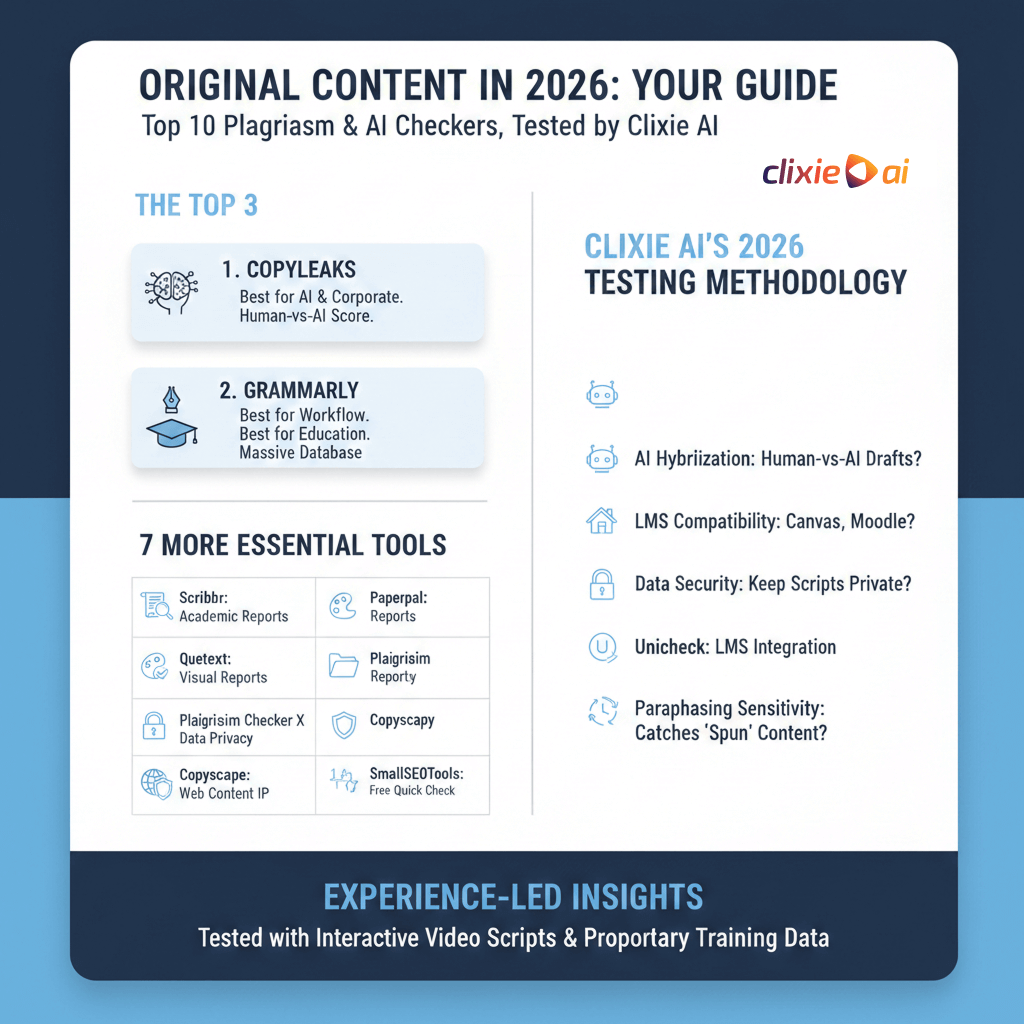
1. Copyleaks – The Gold Standard for AI Detection
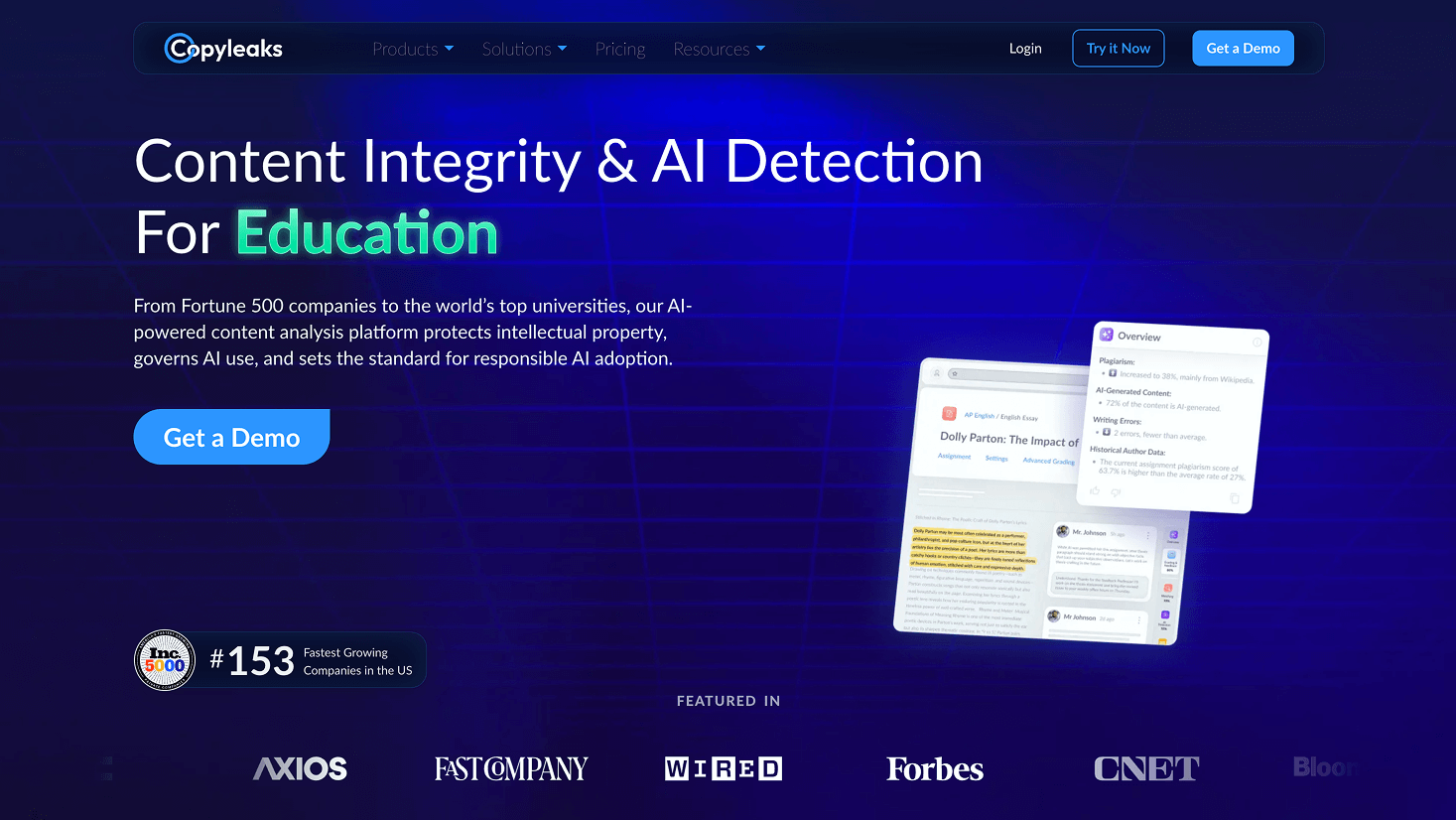
In the "agentic era" of 2026, Copyleaks is our top pick. It doesn't just find matching text; its AI Content Detector is the most accurate at identifying where a human writer ends and an AI begins.
- Why we use it: We use this to verify that our training scripts maintain a "human-first" tone, essential for high-engagement de-escalation training.
- Key Advantage: Detailed multilingual support (100+ languages).
- Pricing: Subscription-based; starts at ~$11/mo.
2. Grammarly – The Best for Integrated Workflows
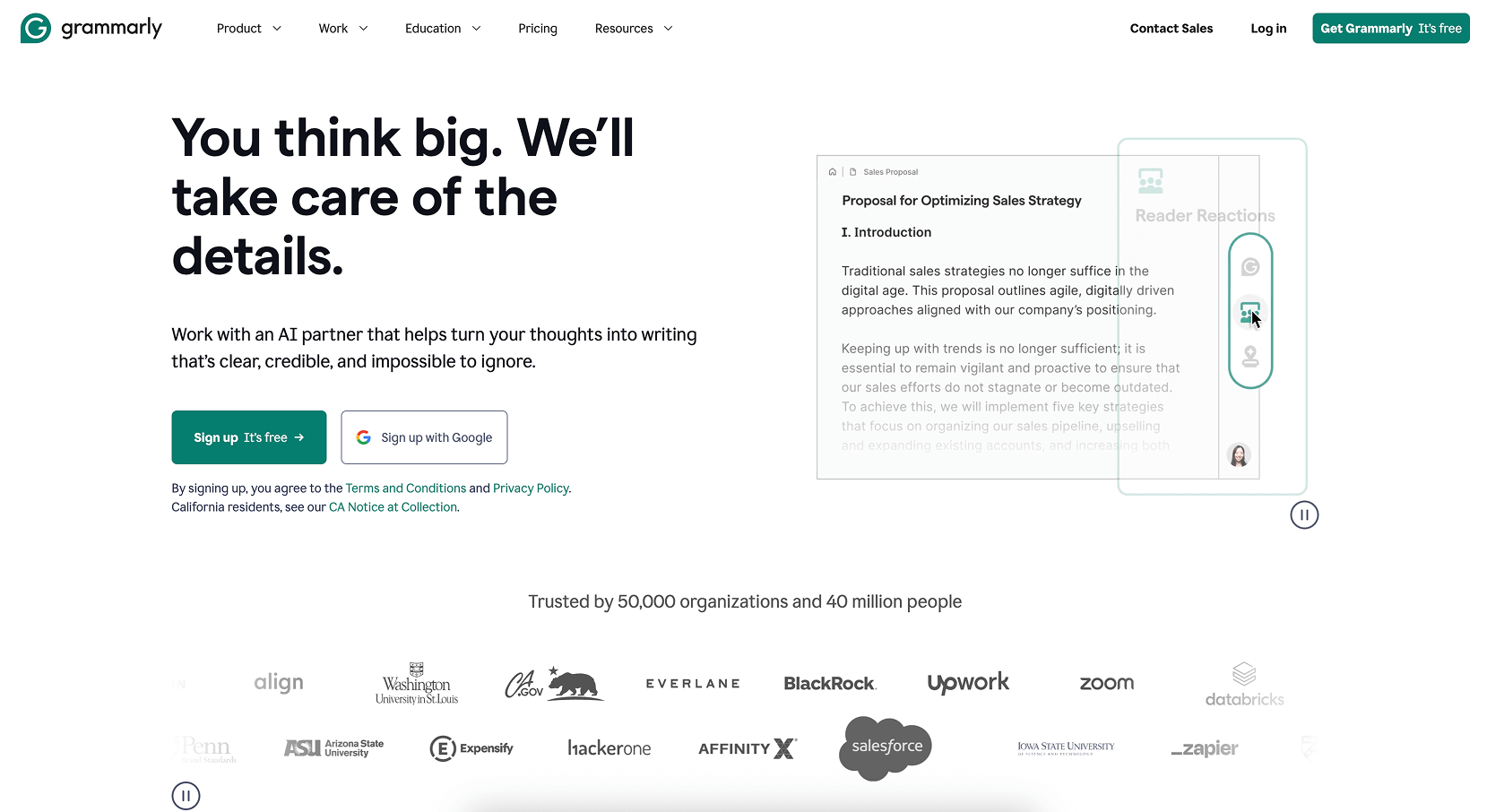
Grammarly remains the most seamless tool. Its 2026 updates have improved its ability to detect "patchwriting"—where a writer subtly rearranges a source's sentence structure.
- Experience Note: It’s our go-to for quick checks on blog drafts and internal communications.
- Key Advantage: Its browser extension works inside almost every web-based CMS.
3. Turnitin – Essential for LMS & Education
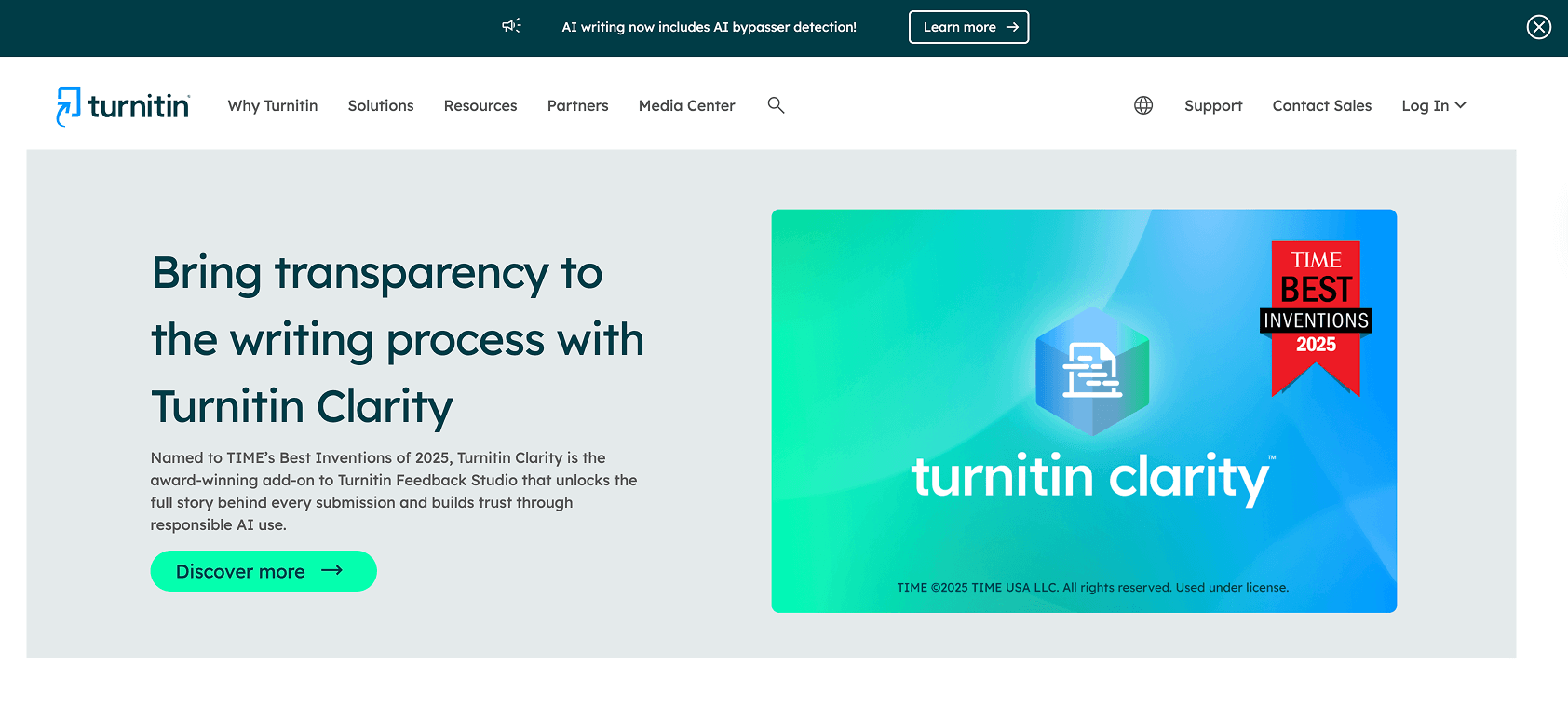
For our projects involving Learning Management Systems (LMS) like Canvas or Moodle, Turnitin is the non-negotiable standard. It compares your work against a private database of billions of student papers that other tools cannot access.
- Best For: Schools and certification bodies.
4. Scribbr – High-Accuracy Academic Reports
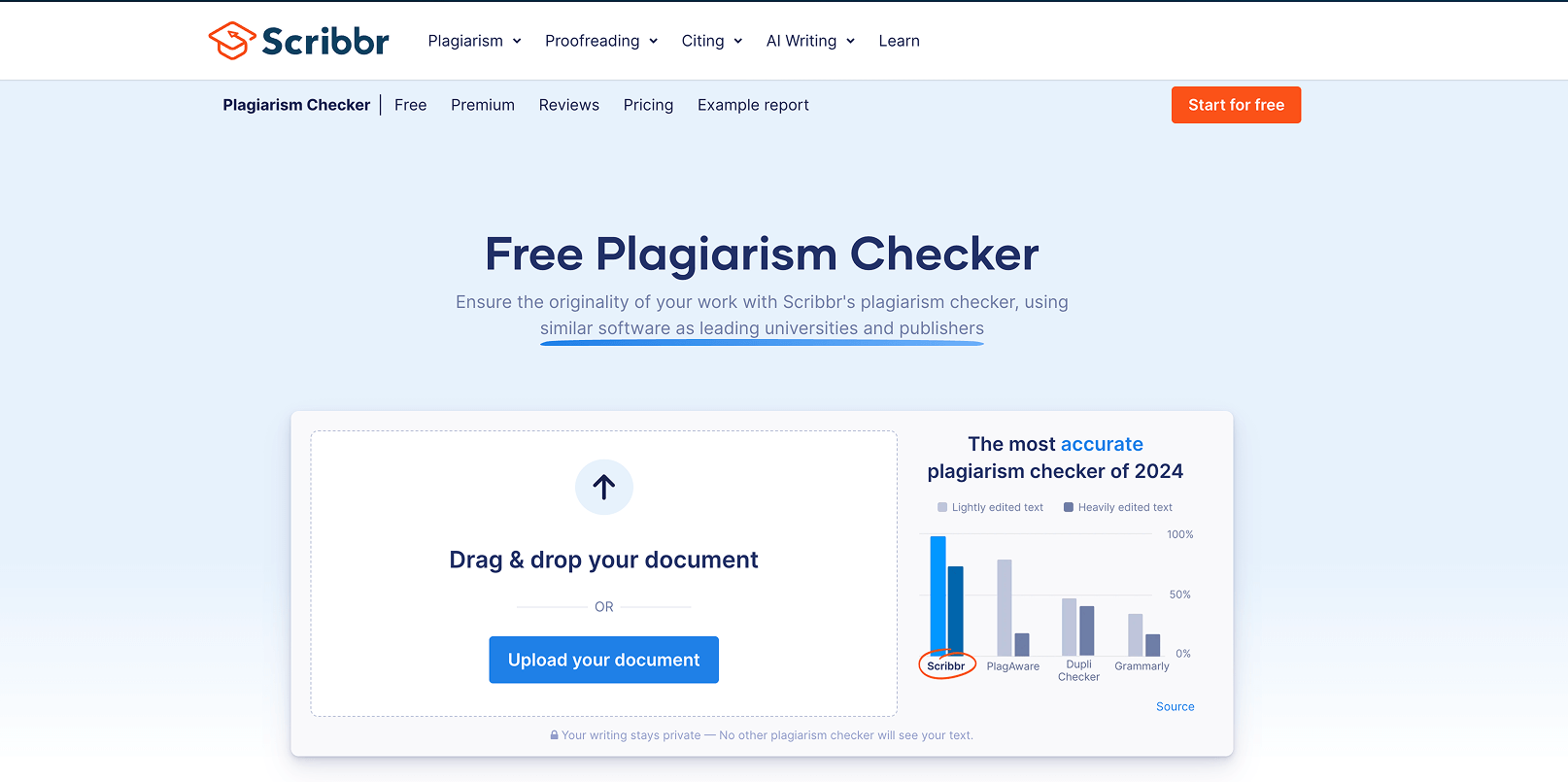
Scribbr uses the Turnitin engine but is available to individuals. We recommend this for freelance researchers or those developing accredited licensing courses.
- Trust Signal: Their "Self-Plagiarism" tool is excellent if you’re updating old training manuals with new data.
5. Quetext – The Best Visual Interface
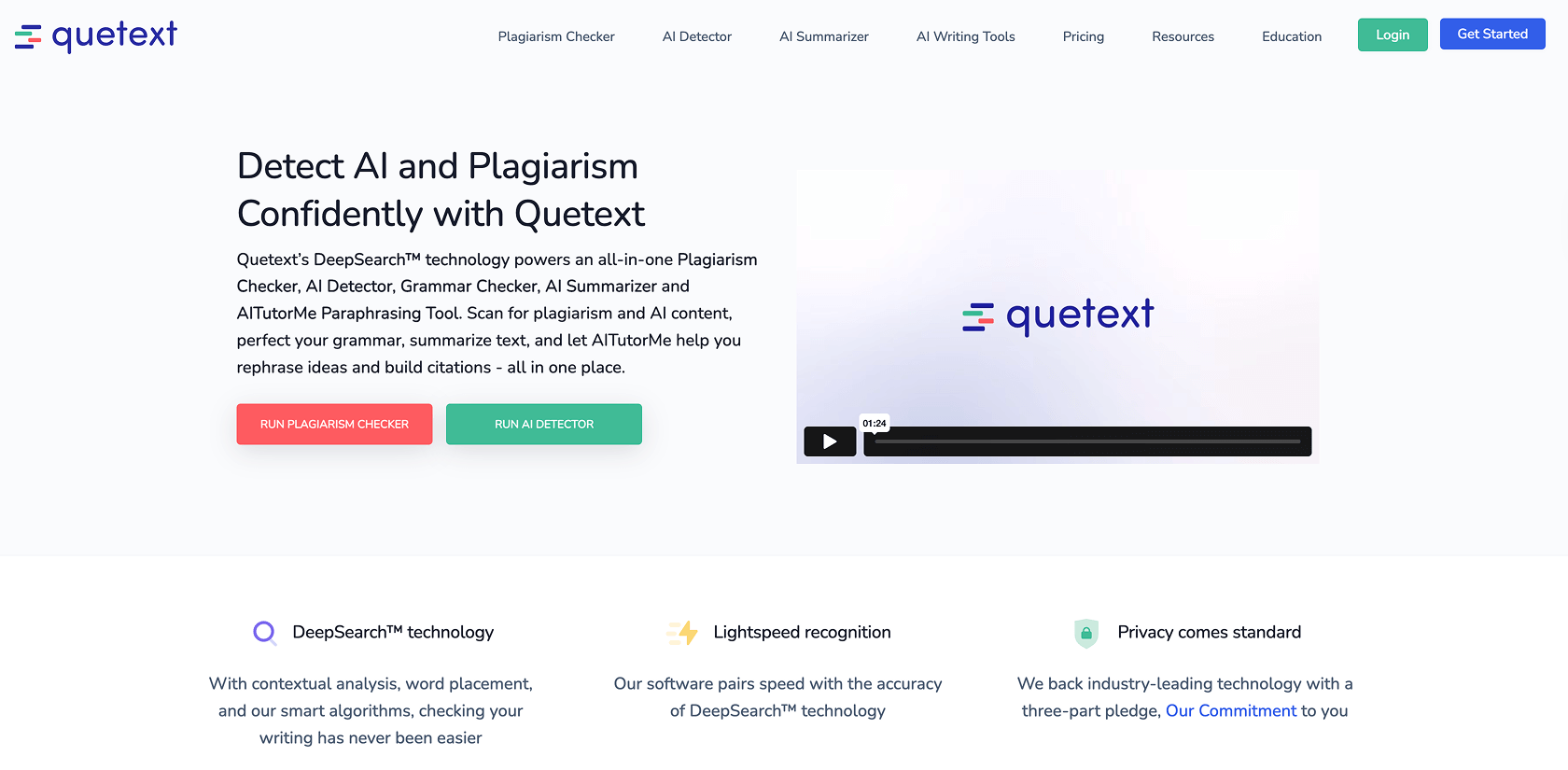
Quetext’s "DeepSearch" technology provides the most intuitive report we’ve seen. It uses a color-coded system that makes it incredibly easy to see exactly where citations are missing.
- Key Advantage: Built-in citation assistant to fix issues in one click.
6. Plagiarism Checker X – Best for Data Privacy & Security
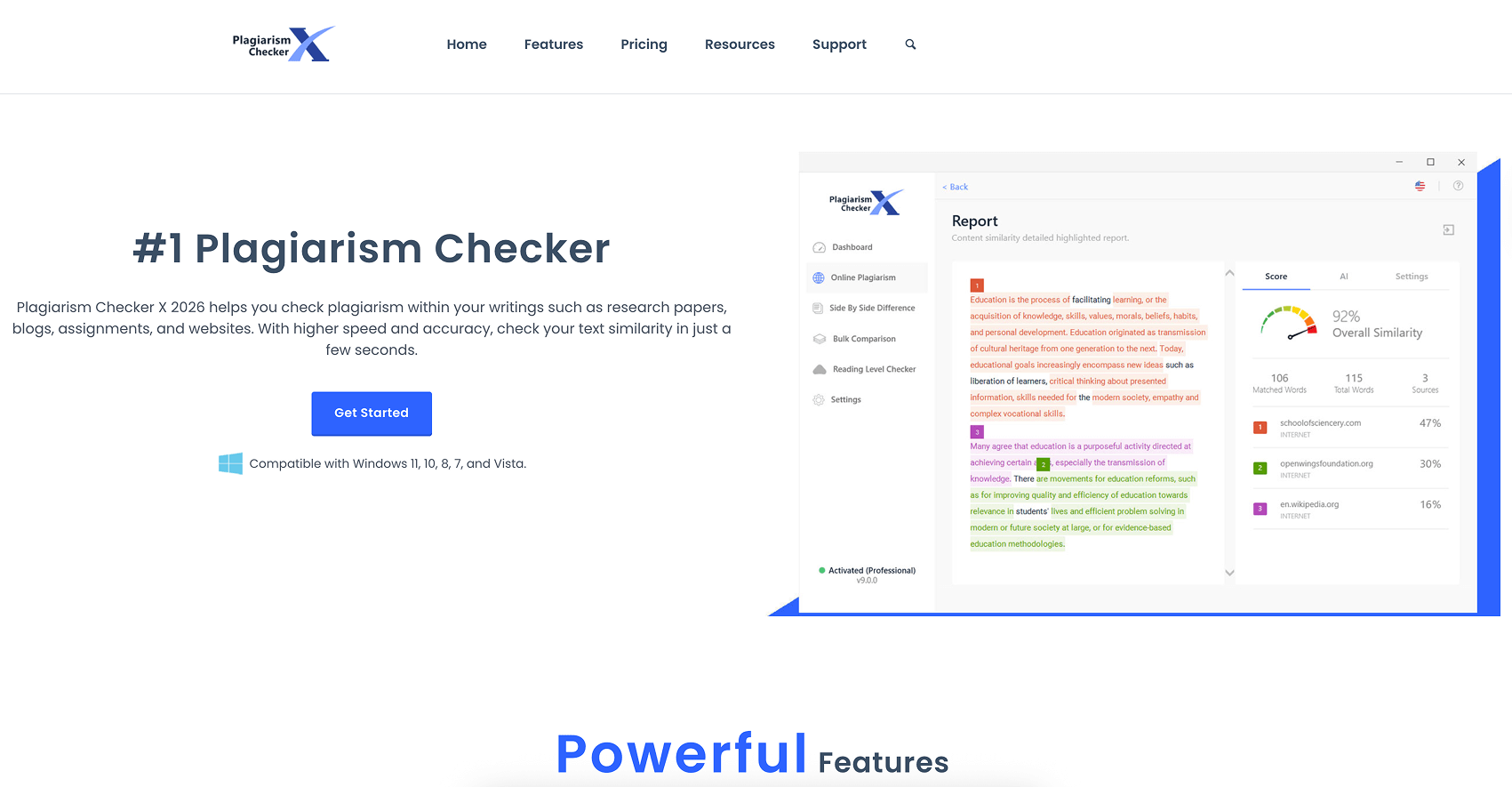
If you are handling proprietary training data (like sensitive corporate SOPs), you shouldn't upload them to the cloud. This tool runs locally on your desktop.
- Why it matters: In 2026, data sovereignty is a major compliance pillar.
- Pricing: One-time purchase of $39.95.
7. Copyscape – Protecting Your Published IP
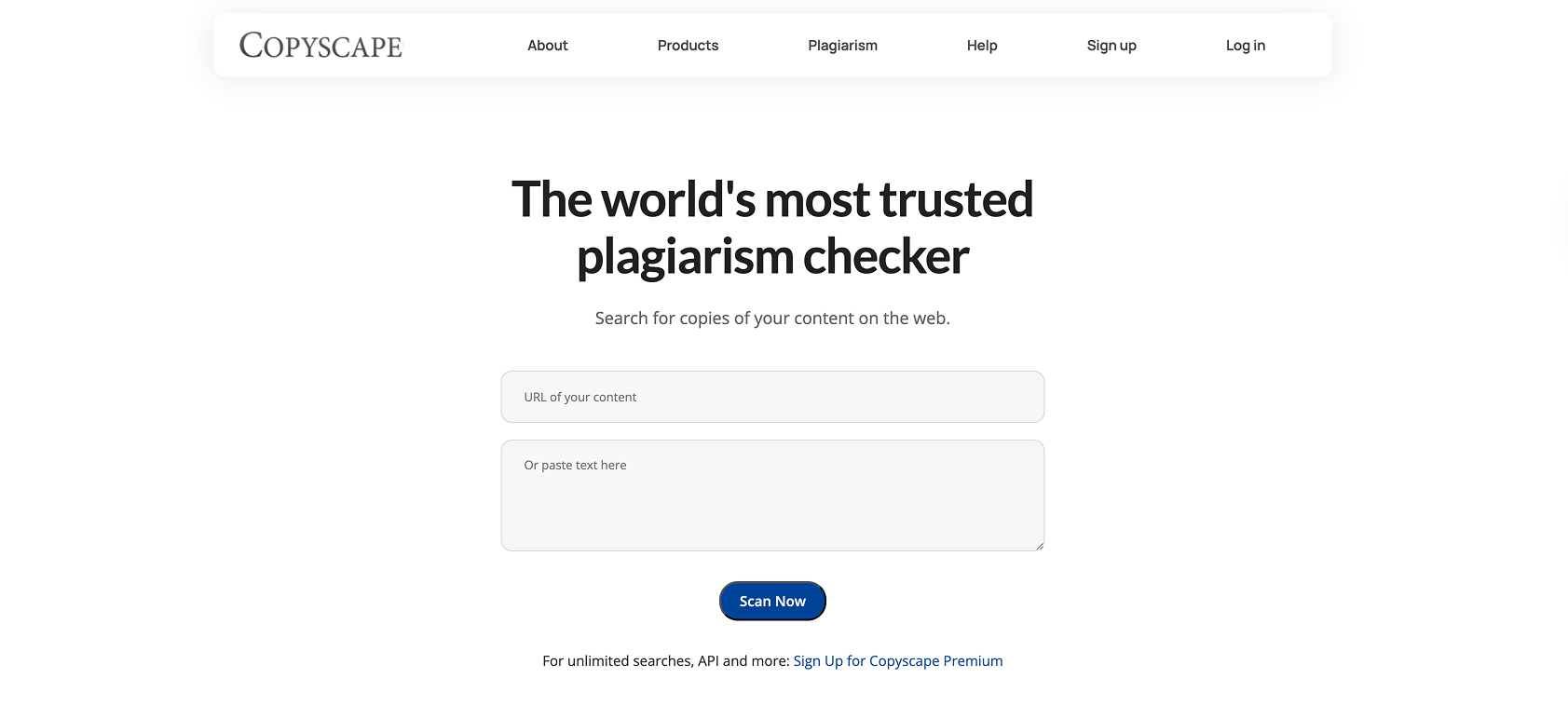
Unlike the others, Copyscape scans the web to see if others have stolen your content.
- Key Advantage: The "Copysentry" feature automatically alerts you if your blog posts or scripts appear on a competitor's site.
8. Paperpal – The Researcher’s Choice
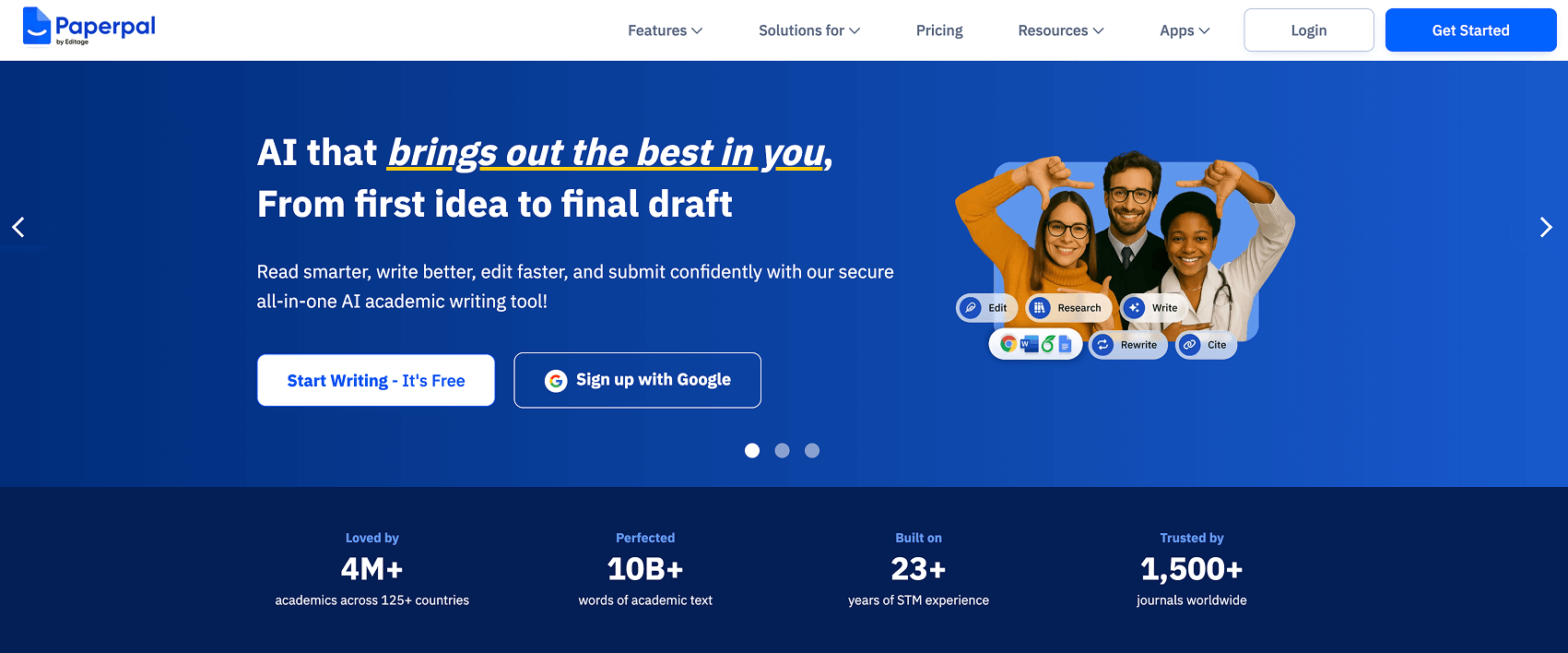
Specifically tuned for STEM and technical writing. It understands complex scientific terminology, preventing "false positives" that often plague general-purpose checkers.
- Best For: Medical training and scientific whitepapers.
9. Unicheck – The LMS Integration Specialist
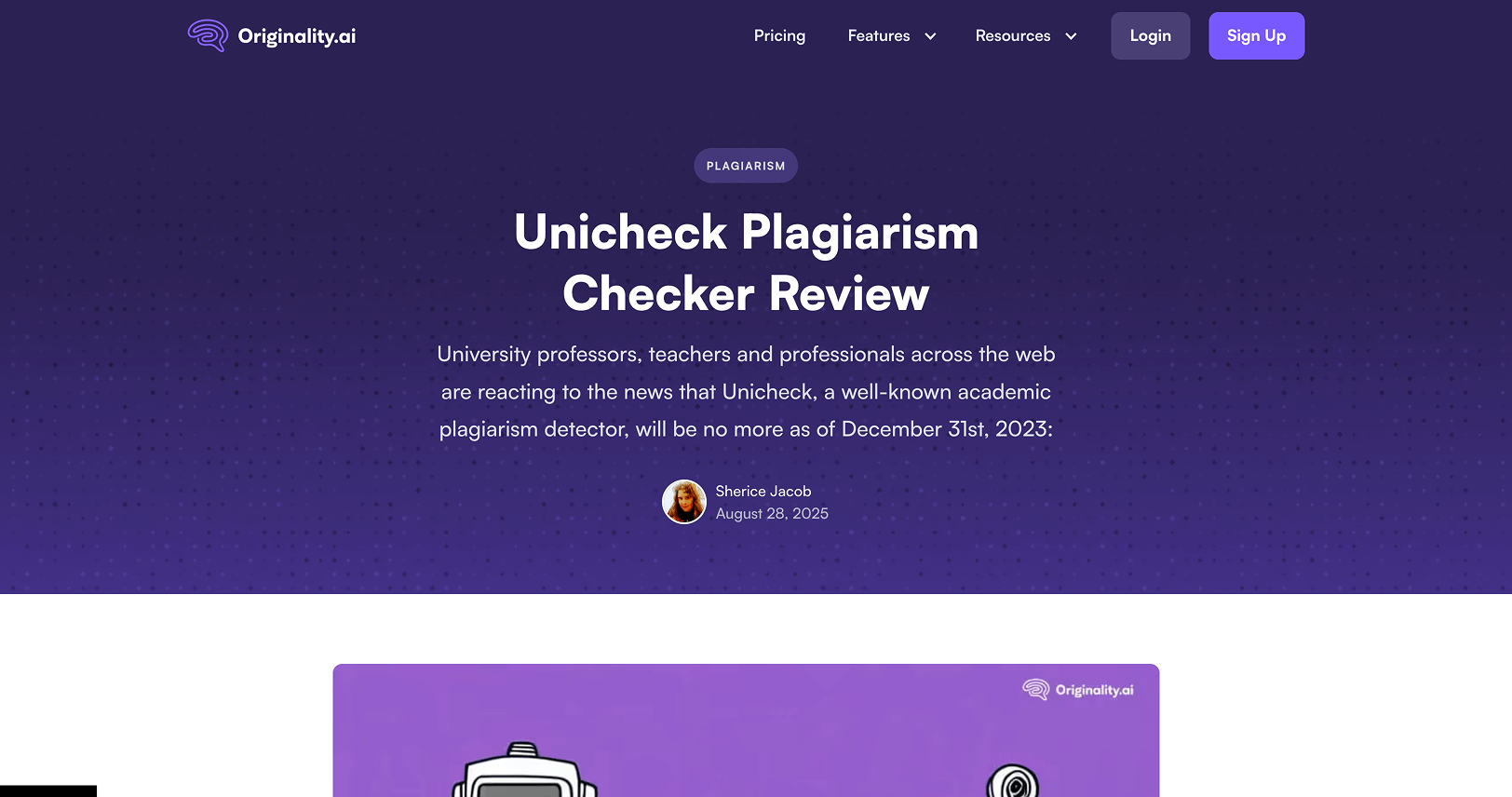
Unicheck is built specifically to live inside education platforms. It is lightning-fast and provides a very "clean" report that ignores bibliographies automatically.
- Key Advantage: Great for high-volume classroom settings.
10. SmallSEOTools – The Quick "Sanity Check"

When you just need to check a 500-word email or a social media post, this free tool is sufficient.
- Warning: It lacks the deep-database scanning of the paid tools above; use it only for low-stakes content.
11. TruthScan – The Fastest Way to Verify AI-Generated Text
.avif)
TruthScan focuses specifically on identifying AI-written content, giving a clear probability score on whether a script or document was generated by AI rather than written by a human.
Why we'd use it: A quick, straightforward check for scripts and training copy before they go into production—useful when you need a fast answer without digging through a detailed report.Key Advantage: Simple, easy-to-read results focused specifically on AI detection.Pricing: Free scans available; paid plans for higher word limits and additional features.
Our 2026 Testing Methodology
To ensure this list is accurate and helpful, we evaluated these tools based on four "Real-World" criteria:
- AI Hybridization: Can it tell the difference between a human-edited AI draft and pure human writing?
- LMS Compatibility: Does it integrate with the platforms where our training videos live?
- Data Security: Does the tool offer options to keep sensitive corporate scripts private?
- Paraphrasing Sensitivity: Can it detect when a source has been "spun" rather than copied?
Frequently Asked Questions
Q: Do these tools detect AI-generated text?
A: Tools like Copyleaks and Grammarly have dedicated AI detectors. However, in 2026, no tool is 100% foolproof; they provide a "probability score" rather than a definitive "yes/no."
Q: Which is better for corporate scripts, Grammarly or Copyleaks?
A: For speed and grammar, use Grammarly. For deep compliance and checking if a script was "too AI-reliant," we recommend Copyleaks.
Conclusion: Navigating the 2026 Content Landscape
Originality in 2026 is about more than just avoiding "copy-paste" errors; it is about establishing a genuine, human-to-human connection in a world filled with automated noise. Whether you are drafting a training manual for law enforcement or developing a curriculum for agricultural licensing, the integrity of your content is the foundation of your authority.
Choosing the right plagiarism and AI detection tool is a vital first step in protecting that foundation. By utilizing the production-tested tools listed above, you ensure that your materials remain compliant, credible, and uniquely yours.
Transform Your Static Content into an Experience
Checking for plagiarism ensures your content is original—but Clixie AI ensures it’s unforgettable.
Don't just verify your scripts; bring them to life with the world's most advanced interactive video platform. From clickable branch-path scenarios to real-time assessments integrated directly into your training, Clixie AI turns passive viewers into active participants.
Ready to lead the future of interactive training?
- Boost Engagement: Increase retention by up to 70% with interactive touchpoints.
- Actionable Data: Get deep insights into how your viewers are actually learning.
- Seamless Integration: Sync effortlessly with your existing LMS and 2026 workflow.
.png)
.png)




