


Top Digital Tools for Creative Collaboration Your Team Needs in 2025
In this guide, we share Digital Tools for Creative Collaboration designed to simplify teamwork and fuel productivity.


Introduction
If you’ve ever worked on a team project, you know collaboration can get messy. Ideas get scattered across emails, design files pile up in different versions, and meetings sometimes feel like they go in circles. But in 2025, you don’t have to struggle with that anymore. With the right digital tools for creative collaboration, you can cut down on this back-and-forth.
22 Best Collaboration Software for Teams
Working with a team becomes easier when you have the right collaboration tools. Here’s a list of the 17 best collaboration software options that can boost productivity and streamline teamwork. From managing projects remotely to sharing ideas in real time, these tools help everyone stay on the same page. Whether it's a project management tool or an interactive video, everything you need to save time and money.
Interactive Video Tools
1. Clixie.ai

Clixie.ai is a powerful platform for creating interactive videos, allowing you to add clickable elements, quizzes, and branching paths to your videos. This makes training sessions, workshops, and presentations more dynamic by letting viewers actively participate instead of just watching. The tool also provides analytics to track engagement and responses, helping educators, trainers, and businesses measure learning outcomes and improve content effectiveness.
2. Vimeo

Vimeo Interactive is a collaborative work solution that brings in similar features, where your viewers can take actions right inside the video. As a result, your team not only pays more attention but also interacts with the material.
Social Media Tools
3. Social Champ
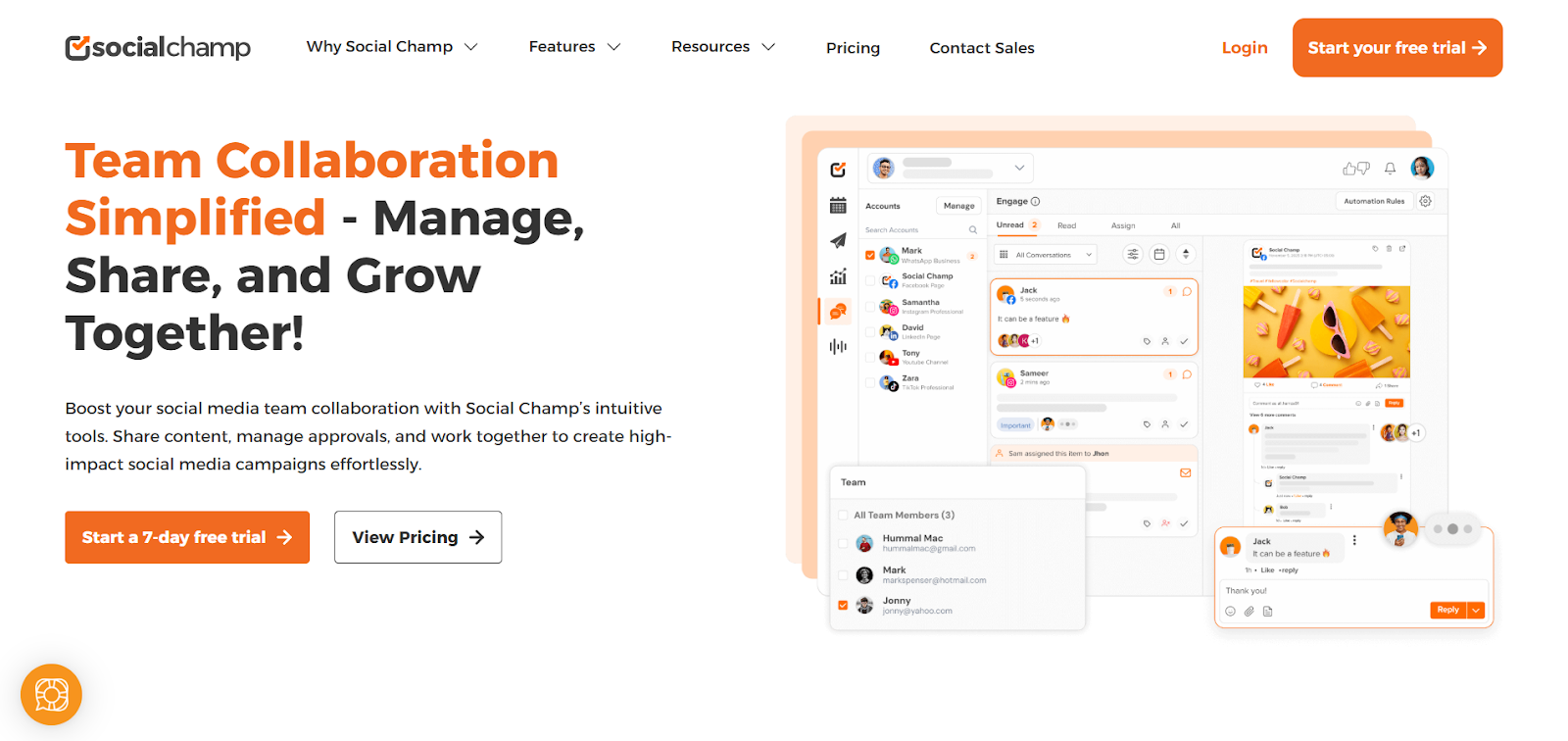
Social Champ is an all-in-one social media management tool that helps teams plan, create, and approve content together. Its collaboration features bring everyone into a single workspace, keeping campaigns consistent and feedback fast—so your team spends less time coordinating and more time creating.
4. Repurpose.io
.png)
Repurpose.io is a cloud‐based automation platform focused on helping creators and marketers take one piece of content—such as a podcast, video, or live stream—and convert and distribute it across multiple social media and content platforms.
5. CommentGuard
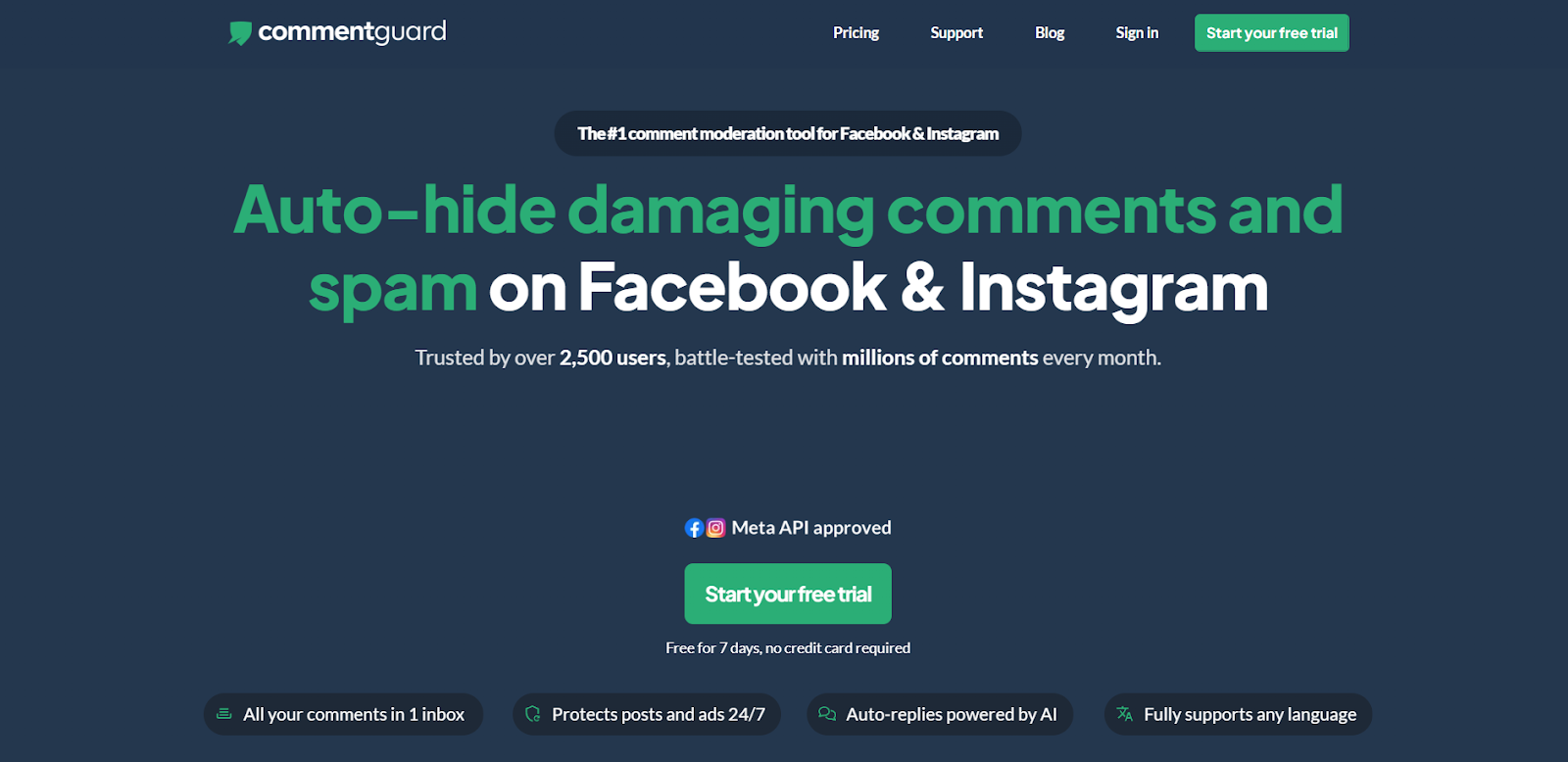
CommentGuard is an AI-powered comment management tool that helps teams stay responsive without manually checking every notification. It filters spam, flags negativity, organizes incoming feedback, and even generates smart auto-replies that match your brand voice. This keeps engagement high, protects your reputation, and ensures your audience gets timely responses even when your team is offline.
Digital PR & Authority Building
6. Respona
Respona is an all-in-one blogger outreach platform that helps teams connect with relevant bloggers, publishers, and podcast hosts to start content collaborations, secure guest posts, and book podcast appearances. It combines prospecting, verified contact discovery, and AI-powered email personalization in a single workflow, so you can pitch the right people with tailored messages at scale. With automated follow-ups and built-in campaign tracking, Respona makes it easier to turn outreach into real partnerships and consistent brand visibility.
Presentation Tools
7. SlidesAI

SlidesAI is an AI presentation maker that transforms plain text into professional slides within minutes. Instead of spending hours formatting layouts, you simply add your content and let the tool generate polished designs with matching colors, fonts, and visuals. It’s a time-saving option for anyone who needs high-quality presentations quickly, whether for work, school, or client meetings.
8. Twistly.ai
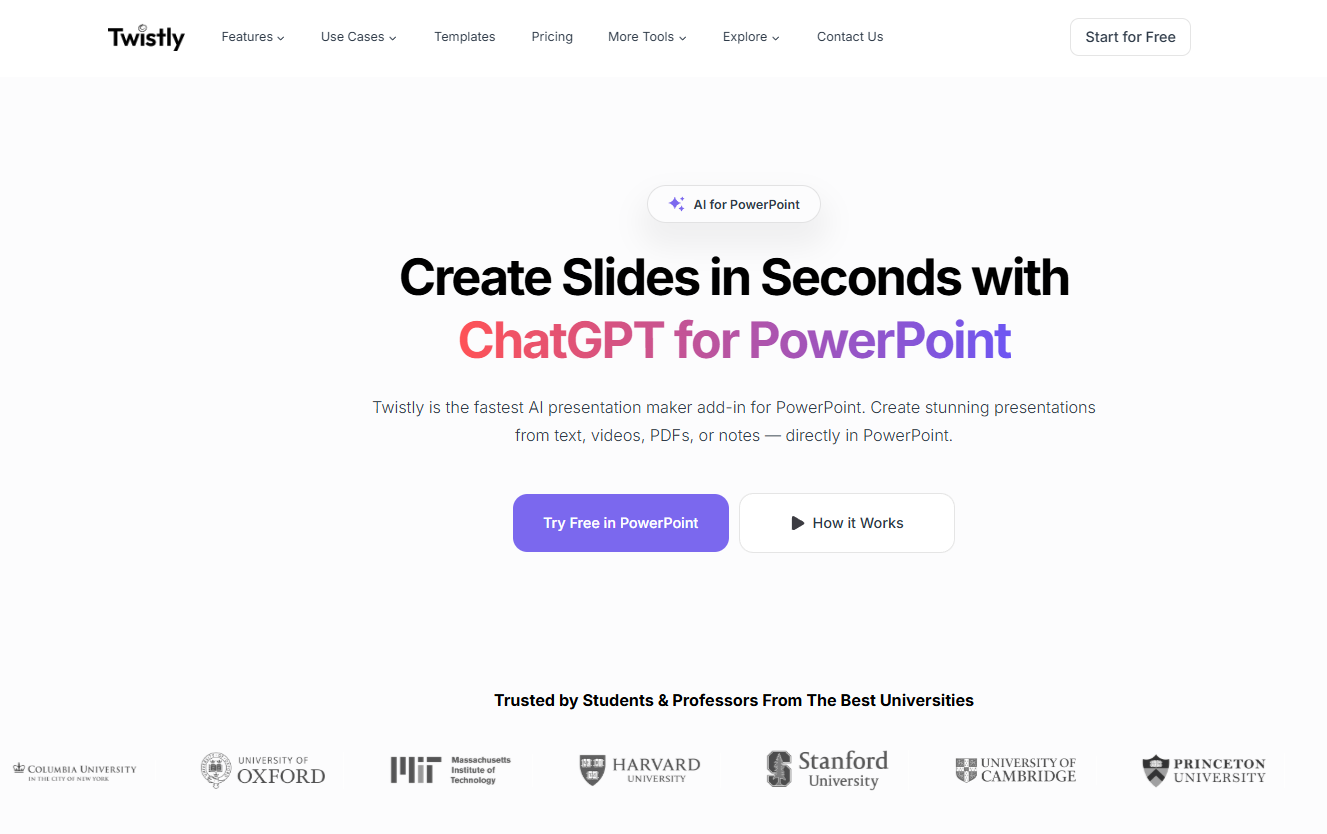
Twistly is an AI PowerPoint add-in that turns text, ideas, files or even videos into interactive, engaging PowerPoint presentations in just a few steps. Instead of adjusting layouts, fonts, or design elements, you write your content and let this AI presentation maker inside PowerPoint automatically generate clean, visually aligned slides.
9. Prezi

Prezi is different from traditional slides. Instead of moving from one slide to the next, it zooms in and out of your content, creating a flow that feels more like a story than a slideshow. Prezi comes in handy when you want to keep your audience’s attention during a presentation or workshop.
Digital Whiteboard Tools
10. Miro

Miro is a favorite here. It comes with ready-made templates for things like mind maps, user journey flows, or team retrospectives. What makes Miro powerful is the way it allows everyone to jump in at once. Whether you are in the same room or spread across the world, you can see ideas take shape in real time.
11. MURAL

MURAL is designed for creative problem-solving. Like Miro, Mural also lets you and your team jump into the same canvas, sketch ideas, and move things around in real time. The best part? No one has to take photos of the whiteboard afterward. Everything stays saved, organized, and ready for your next session.
Note-Taking & Knowledge Tools
12. Wave Connect
.png)
Wave Connect is a digital business card platform that helps professionals and teams exchange details instantly, capture leads in real time, and keep contact information continuously up to date. Whether shared via QR code, Apple Wallet, Google Wallet, NFC tap, or a simple link, your information automatically updates everywhere—making networking faster, more accurate, and far more sustainable than traditional paper cards. Teams can customize cards with branding, integrate with CRMs, and manage contacts from one unified dashboard.
13. Audionotes

Audionotes is an AI note-taking app that records conversations and automatically generates clear, structured summaries. It saves you the effort of sorting through long discussions to capture the key points, ensuring nothing important gets overlooked. With this tool, you can stay focused during meetings or lectures without worrying about missing details while writing notes.
14. Notion

Notion, on the other hand, gives you a flexible space where you can keep notes, tasks, and databases together. It’s like having your team’s brain in one place. The best part is its flexibility. You can structure it however you like: a simple note-taking app, a team wiki, or even a full project management hub.
15. Online Notepad
.png)
Online Notepad is one of the most reliable note-taking tools. It is so easy to access that you don’t even need to sign up or log in. Think of it as your digital notebook where you can quickly jot down ideas, save important web links, or store meeting outcomes. The tool even allows you to polish them with its built-in Paraphraser. You can also export or download those notes easily.
16. actiTIME
.png)
actiTIME provides the data layer your collaboration needs. It tracks time, analyzes productivity, and manages project scope in one intuitive interface. By visualizing exactly where your team’s hours go, actiTIME helps you optimize workflows and ensures that every minute of collaboration counts toward your project goals.
Interactive Meeting Tools
17. Interactico

Interactico is an audience engagement tool that is designed to make your meetings and presentations more interactive. Instead of talking to your team, you can add polls, Q&A sessions, and live feedback so everyone stays involved. It helps you turn a standard presentation into a two-way conversation.
18. Mentimeter

Mentimeter is another tool that keeps audiences engaged. You can create live quizzes, word clouds, or quick polls that show results in real time. It’s especially useful when you want to break the ice, gather opinions, or make a virtual meeting feel less one-sided.
19. Gather.town

Gather.town takes virtual collaboration in a different direction. It looks like a little 2D video game where each team member has an avatar. You can “walk” around the space, bump into colleagues, and start conversations, just like in a real office. It adds a fun, casual element to remote meetings and team-building sessions.
AI Project Management Tools
20. Breeze.pm
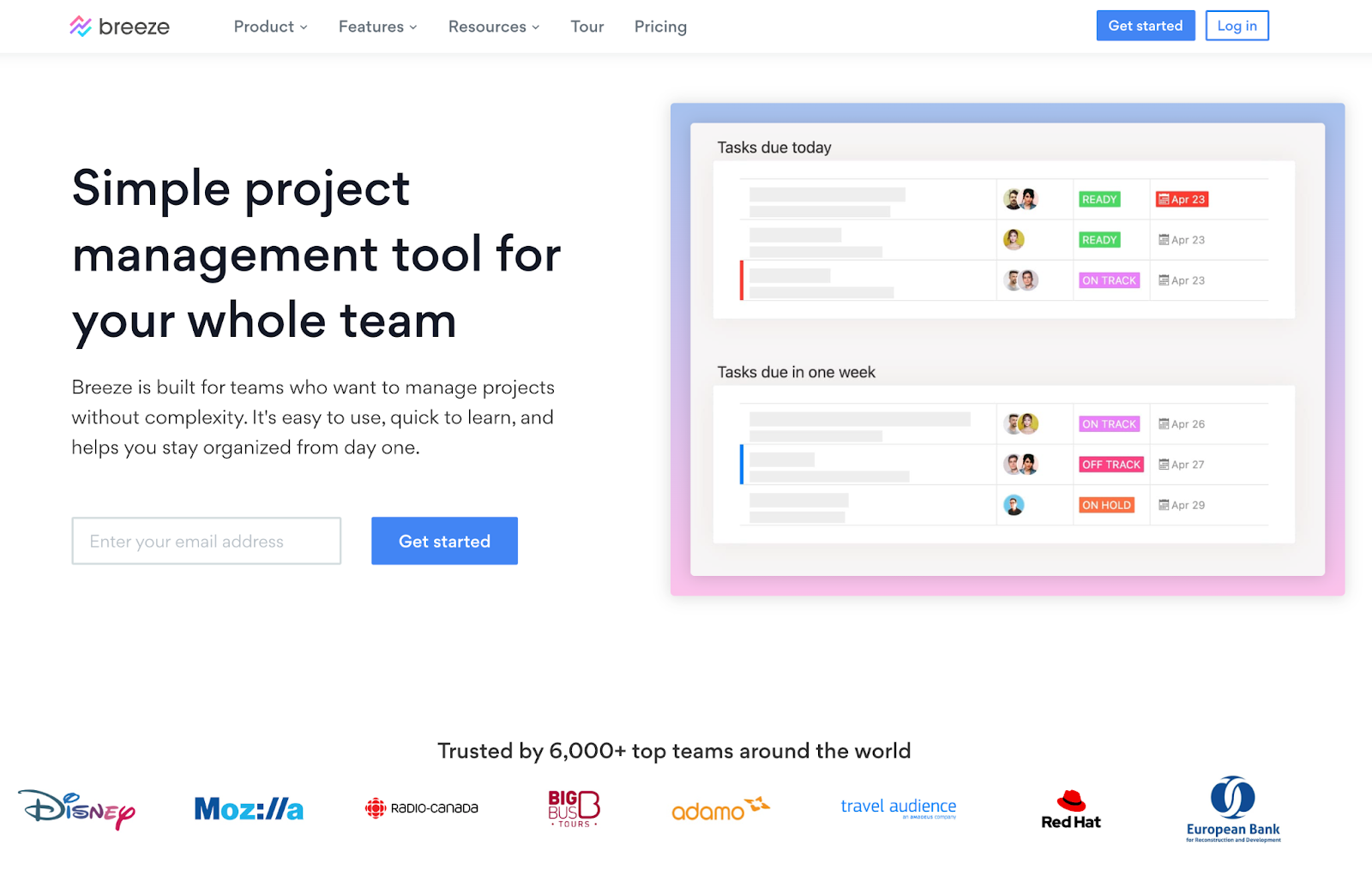
Breeze is a project management tool that helps creative teams manage work without losing track of updates, revisions, or responsibilities. You can set up boards for campaigns, design projects, or content production, assign tasks, attach files, add comments, and follow deadlines in one workspace. It also includes calendars, activity tracking, and reporting, which helps teams review progress and catch delays before they affect delivery. For teams that want a simpler way to coordinate creative work, Breeze gives them a practical setup for day-to-day collaboration.
21. Monday.com

Monday.com is a visual project management tool that makes teamwork simple. You can build colorful boards to track tasks, deadlines, and workflows. The platform also connects easily with other apps your team already uses, For example you can integrate Monday checklist directly into tasks and workflows for clearer execution and tracking.
AI support, Monday.com gives insights into bottlenecks and helps you stay on schedule without adding more stress.
Bridging Physical and Digital Workflows
22. Uniqode’s QR Code generator
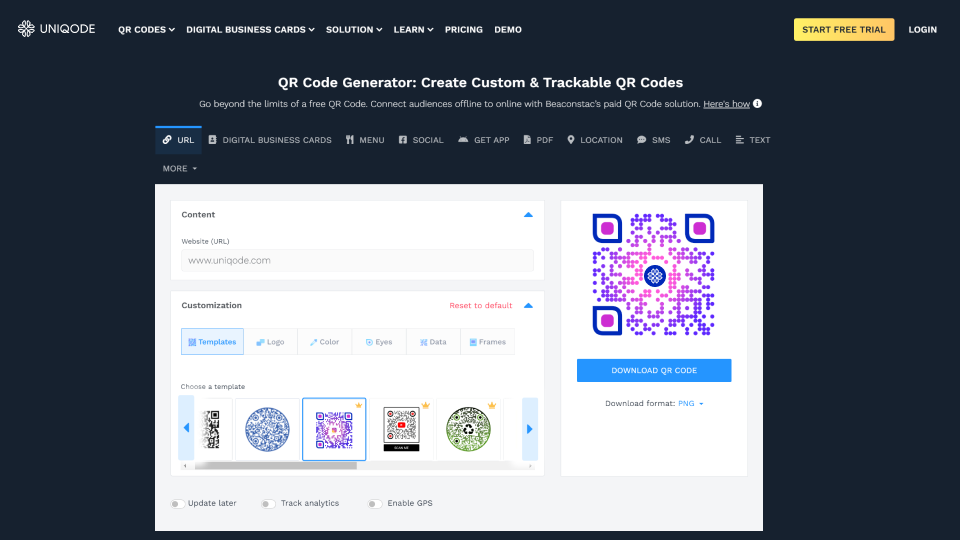
Uniqode’s QR code generator connects your physical materials to digital files. Add a code to printed designs, office boards, or project briefs, and your team can scan it to open shared folders, mockups, or any resource they need. The best part is that you can update where the QR code remains functional even after printing, so the same QR code on your wall can link to updated files without needing to reprint anything. You can also use QR codes to collect feedback through Uniqode forms, share digital business cards at networking events, or let Una (their AI assistant) suggest the right QR code type for your specific needs.
Conclusion
In 2025, the tools you use shape how well your team works together. Be it AI presentation tools, note-taking solutions, or interactive meeting platforms, every category of digital tools for collaboration is designed to make teamwork more creative and less stressful.
By choosing the right mix, you can give your team the freedom to focus on ideas, creativity, and impact. The beauty of these collaborative work solutions is that they bring out the best in your team.
.png)
.png)




.avif)
