


My 2026 AI Video Journey: 1,200 Clips, $15k Spent, and What Actually Works
I tested Kling, Runway, Veo 3, and Sora for commercial video. A transparent breakdown of costs, failures, and the workflow that actually delivers ROI.


AI Video Journey: Successes, Failures, and Lessons Learned
I didn't start using AI video to replace my camera crew. I started because my clients in the pharmaceutical and public sectors needed more content than their budgets allowed. Since shifting my focus to generative video infrastructure in 2023, I have generated over 1,200 usable clips for paid campaigns, internal training, and social ads.
This isn't a futurist prediction piece. This is a breakdown of the last 18 months spent in the trenches with Kling, Runway, Luma, Google Veo, and Sora.
In mid-2025, I made a decision to stop "playing" with AI and start treating it like a production line. The results? I’ve spent roughly $15,000 on credits and subscriptions, discarded about 80% of what I generated, and successfully deployed the remaining 20% to happy clients.
Moving from chaos to an engineered workflow was painful. Here is the transparent documentation of my wins, my expensive failures, and the hard lessons that make AI video commercially viable in 2026.
The AI Video Tools I Tested (2025-2026)
Not all models are created equal. In a commercial setting, "cool" doesn't matter. Consistency, resolution, and prompt adherence are the only metrics that count.
Kling 1.6
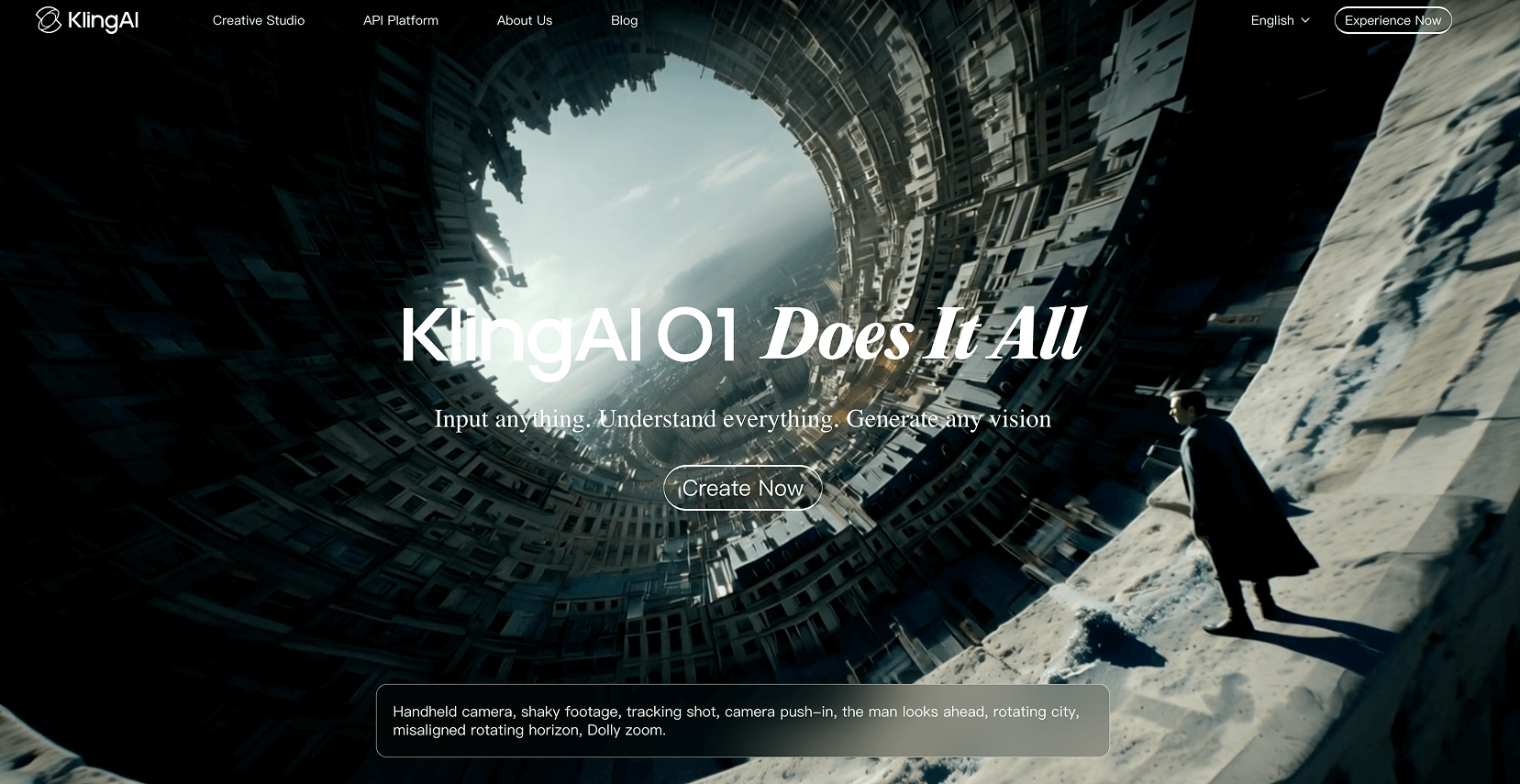
Kling remains a heavyweight for character consistency.
- Max Usable Clip Length: 5 seconds (though it claims longer, coherence drops after 5s).
- Best Use Case: Human movement and realistic cinematic texture. It handles physics slightly better than Luma for walking shots.
- Weaknesses: The server load is unpredictable. I have missed deadlines waiting for generations to queue.
- Commercial Viability: High. The "Pro" plan is essential for the priority processing needed in client work.
Runway Gen-4
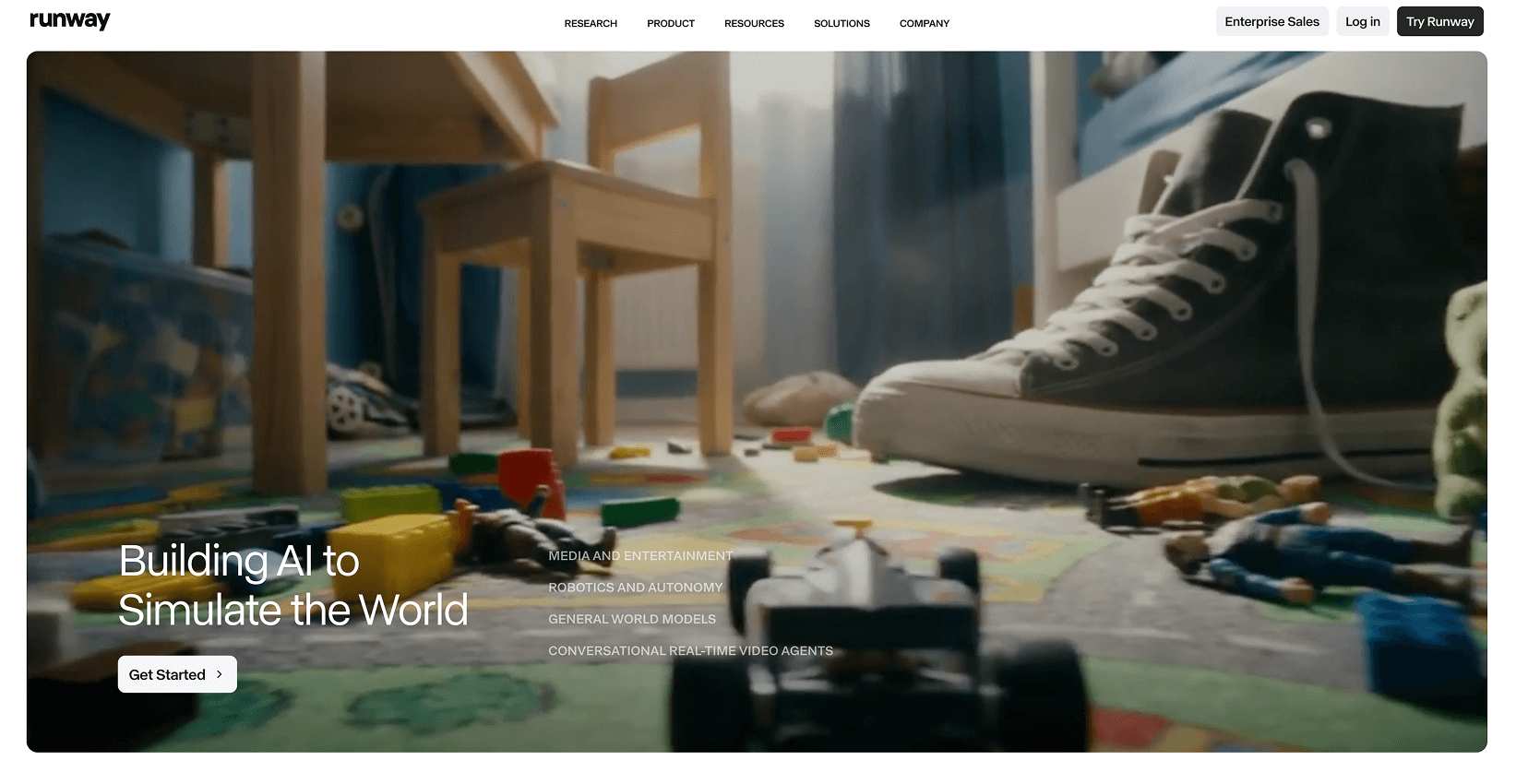
Runway is the workhorse of my agency. The Gen-4 model, specifically the Turbo variant, allows for rapid iteration.
- Max Usable Clip Length: 10 seconds.
- Best Use Case: Environmental establishing shots and texture. The "Director Mode" camera controls are indispensable for matching distinct shot types (e.g., specific pans and tilts).
- Weaknesses: It can still struggle with complex hand interactions.
- Credit Burn: High. Gen-4 burns 12 credits per second. A single failed 10-second clip costs you, and when you are iterating 20 times to get a hand gesture right, it adds up fast.
- Commercial Viability: Essential. It is the most "controllable" tool on the market.
Luma Dream Machine
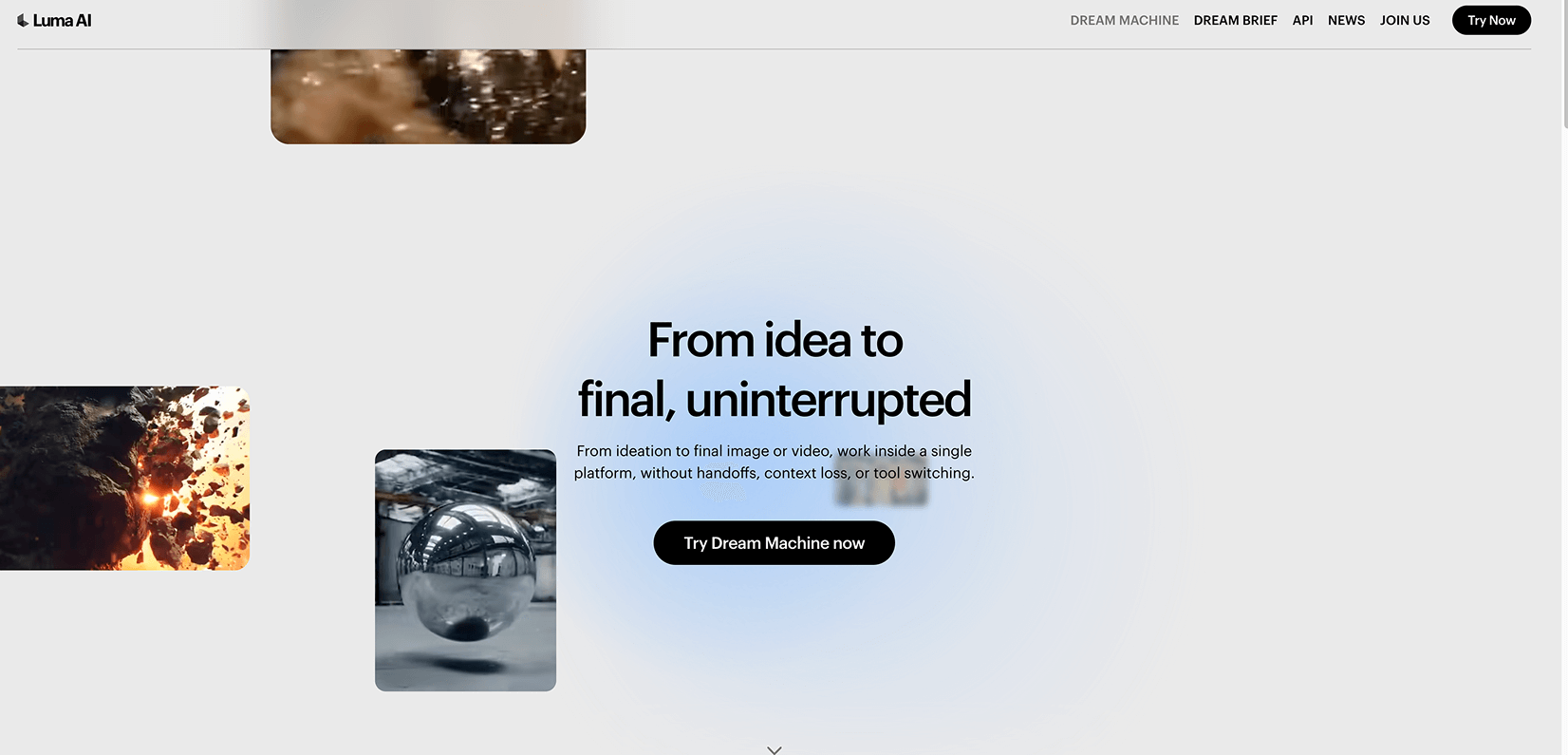
Luma’s Ray 3 model brought High Dynamic Range (HDR) to the table, which helps when matching footage to Arri or RED camera plates.
- Max Usable Clip Length: 5-8 seconds.
- Best Use Case: High-energy, dynamic camera moves. If I need a drone shot or an FPV perspective, I go to Luma.
- Weaknesses: It has a tendency to "morph" background elements if the camera moves too fast.
- Commercial Viability: Moderate. I use it for specific shots, but not as my primary generator.
Google Veo 3
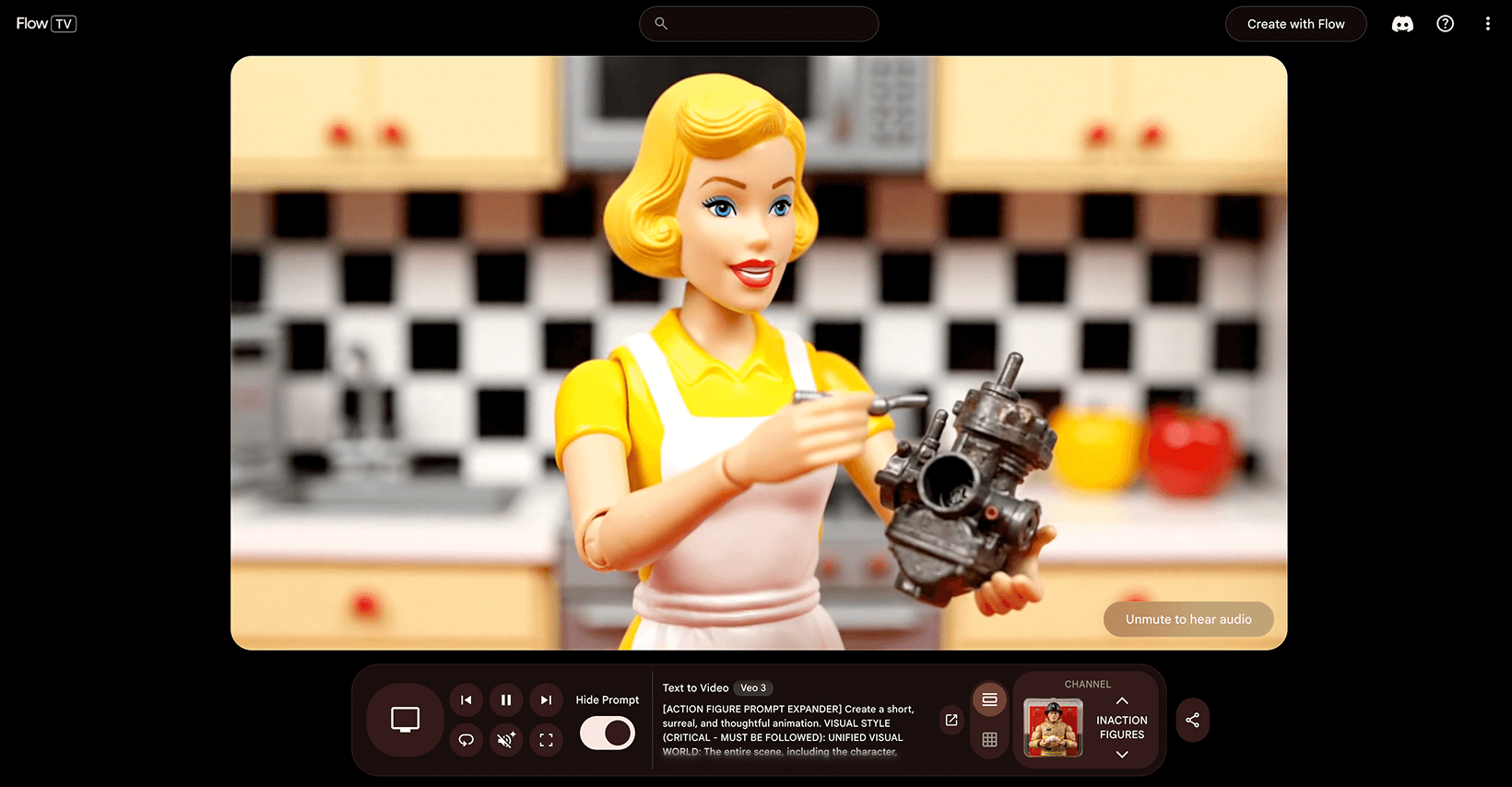
Veo 3 changed the game for resolution.
- Max Usable Clip Length: 8 seconds (strict).
- Best Use Case: 4K deliverables. The native 4K output requires less upscaling (and therefore fewer artifacts) than competitors.
- Weaknesses: Strict safety filters. Creating medical content can sometimes trigger false positives on "bodily fluids" or biological imagery.
- Commercial Viability: High for broadcast/high-res web outputs.
OpenAI Sora
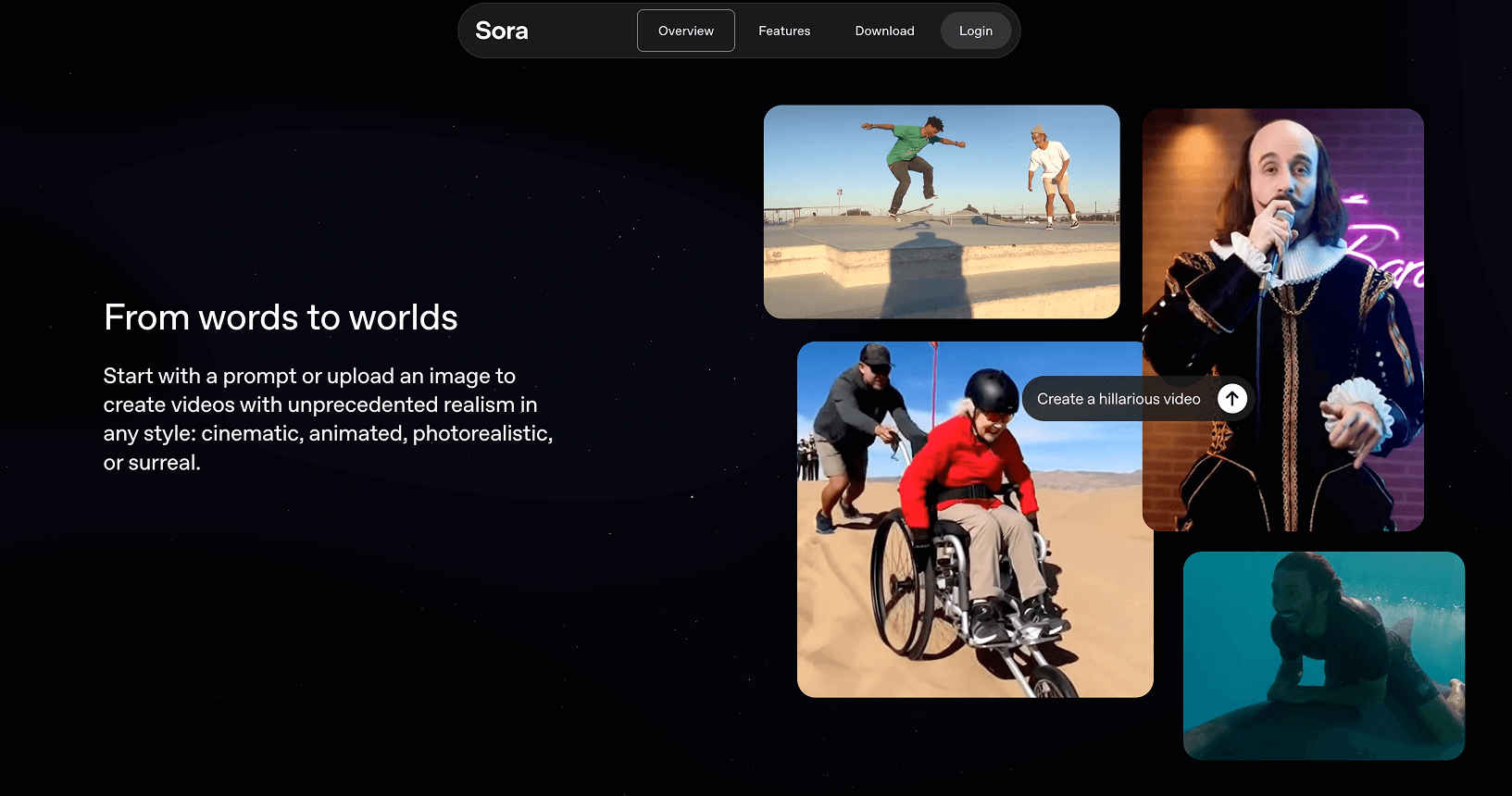
The unicorn we waited years for.
- Max Usable Clip Length: Up to 20 seconds (Pro tier).
- Best Use Case: Surrealism and "one-shot" sequences where continuity is key over a long duration.
- Weaknesses: Availability and cost. Access is gated behind the highest tier memberships, and the wait times during peak hours can be hours long.
- Commercial Viability: Niche. I use it for "hero" shots that justify the wait time.
My Biggest Wins Using AI Video
When the workflow clicks, the ROI is undeniable.
Win 1: Pharmaceutical Micro-Training
The Brief: Create 15 short vignettes showing a patient interacting with a new medical device in a home setting.
The Workflow: We used Runway Gen-4 for the environment and Kling for the character action. We utilized a "Character Consistency Prompt" (see Section 5) to ensure our actor looked the same in the kitchen as she did in the living room.
The Result: Traditional animation would have cost $25,000 and taken six weeks. We delivered in 10 days for under $6,000 (including labor and heavy credit usage).
Metric: 76% cost reduction vs. traditional production.
Win 2: Public Sector Awareness Campaign
The Brief: A "Save Water" campaign requiring visuals of dried riverbeds transitioning to lush greenery.
The Workflow: This was a pure Google Veo 3 job due to the need for 4K resolution on digital billboards. We used image-to-video, feeding in stock photos of local landmarks and prompting for "time-lapse overgrowth."
The Result: We generated, edited, and trafficked the spot in 48 hours.
Metric: 0 reshoots required.
Win 3: Social Ad from a Single Reference
The Brief: A fashion brand wanted a "mood film" based on a single hero photograph of a model.
The Workflow: We used the "9-Panel Prompt" technique. We asked an LLM to imagine the hero image as a storyboard, extracted the individual frames, and ran them through Luma Dream Machine to animate the "moments between."
The Result: The ad outperformed their traditionally shot campaign by 40% in click-through rate because we could iterate the "mood" based on daily analytics.
The Most Painful Failures
Transparency matters. Here is where I lost money.
Fail 1: The "Morphing" Face
Early in 2025, I pitched a video series featuring a specific CEO. I thought I could train a model on his face.
The Reality: In motion, his identity drifted. In one frame he was the CEO; in the next, he looked like a generic stock model.
Cost: We had to scrap the AI video portion entirely and hire a crew. I ate the $2,000 in development costs.
Lesson: Never promise specific identity replication for long-form dialogue. Use AI for B-roll and generic talent.
Fail 2: The Credit Casino
I once spent $400 in credits in a single evening trying to get a specific shot of a "dog catching a frisbee in slow motion" where the physics looked real.
The Reality: I was gambling, not directing. I kept hitting "generate" hoping for a lucky roll.
Lesson: If it doesn't work in the first 5 generations, change the prompt or change the tool. Do not brute force it.
Fail 3: Lip Sync Collapse
I attempted a 30-second monologue using an AI avatar overlay on an AI video background.
The Reality: After 10 seconds, the lip sync desynchronized from the micro-expressions. It fell into the "Uncanny Valley" hard.
Lesson: Keep talking head shots under 10 seconds, or use dedicated lip-sync tools (like HeyGen) rather than trying to do it all inside a video generator.
The Workflow That Makes AI Video Commercially Usable
In 2026, you cannot prompt and pray. You need a pipeline.
- Concepting (The 9-Panel Grid): Before generating video, I use Midjourney or DALL-E 3 to generate a "9-panel contact sheet" of the scene. This ensures the lighting and color grade are consistent before I burn video credits.
- Modular Generation: I never try to generate the whole scene. I generate 4-second "Lego blocks."
- Shot A: Establishing
- Shot B: Medium action
- Shot C: Extreme close-up details
- Reference Anchoring: Every video prompt includes an image prompt. Text-to-video is too random for client work. Image-to-video provides the guardrails.
- The Editor is King: We treat AI clips like raw footage. They go into Premiere Pro or CapCut immediately for color grading, speed ramping (to hide artifacts), and grain application.
The "S.S.C.M.L." Prompt Formula
Commercial prompts must be structural, not poetic. I use this formula for every shot:
- Subject: (Who/What)
- Style: (Film stock, aesthetic)
- Camera: (Lens length, angle, distance)
- Motion: (Pan, tilt, static, zoom)
- Lighting: (Hard, soft, volumetric, source)
Prompting Examples That Actually Work in 2026
The Good Prompt (Structured)
Subject: A pharmacist handing a prescription bottle to an elderly patient. Style: Cinematic commercial, Arri Alexa, 35mm film grain, high fidelity. Camera: Over-the-shoulder shot from patient perspective, shallow depth of field (f/1.8). Motion: Slight handheld camera shake, rack focus from shoulder to bottle. Lighting: Clean clinical lighting, soft white balance, rim light on the bottle.
Why it works: It gives the model physics constraints (rack focus) and lighting coordinates.
The Bad Prompt (Vague)
A pharmacist giving medicine to an old woman, looks realistic and cinematic, 4k, trending on artstation.
Why it fails: "Realistic" is subjective. The model will guess the angle, lighting, and mood, usually resulting in a generic, flat image.
My "Negative Prompt" List
I always include these parameters to reduce artifacts:
morphing, melting limbs, extra fingers, text, watermarks, cartoon, oversaturated, blurry background, disjointed physics.
Deep Dive: Real Struggles with Google Veo 3
Veo 3 is designed to generate high-quality video with synchronized audio from text or image inputs. However, its ambition creates predictable friction points in real production workflows.
1. Temporal Consistency Under Motion Pressure
Maintaining character identity, object stability, and spatial coherence across movement remains difficult. Complex camera motion, fast action, or crowded scenes amplify drift, leading to faces changing between frames, hands deforming, or background geometry warping.
2. Human Realism Limitations
Despite high-fidelity output, realism breaks at fine detail. Hair often appears synthetic, teeth may merge into a single white block, and skin can look wax-like. These defects are glaring in close-ups.
3. Prompt Adherence is Directional, Not Exact
The model captures tone effectively but may misinterpret detailed instructions. Specific camera language is often ignored, and dense cinematic prompts can increase volatility, causing the system to invent visual details to compensate for ambiguity.
4. Multi-Shot Continuity Strain
Single clips are manageable, but multi-shot sequences expose structural instability. Issues include wardrobe changes between clips, set dressing inconsistencies, and character identity drift across angles.
5. Native Audio Issues
When dialogue and sound are generated natively, realism expectations double. Breakpoints include imperfect lip synchronization, algorithmic dialogue cadence, and audio timing detached from physical movement.
6. Eight-Second Clip Limitation
The 8-second maximum per generation is a structural constraint. Long-form storytelling becomes a stitching exercise, leading to narrative pacing fragmentation and increased iteration costs.
7. Guardrails and Refusal Behavior
Realistic audiovisual synthesis demands safety restrictions. Prompts may be blocked, partially fulfilled, or altered without obvious cause, introducing unpredictability during production.
8. Cost and Iteration Friction
High-fidelity video generation is computationally heavy. Each regeneration consumes time and resources. Iteration cycles are slower than image workflows, forcing tighter pre-planning.
The Core Pattern:
The main struggles cluster around temporal consistency, human realism artifacts, clip length constraints, prompt precision, and continuity management. Veo 3 can produce striking results, but control requires disciplined prompting, controlled motion design, and acceptance of its structural limits.
Final Verdict
Is AI video ready for primetime in 2026?
Yes, but only if you are an editor first and a prompter second.
If you are a marketing agency looking for a "make movie" button, you will burn your budget and produce garbage. But if you are a creative team willing to build a pipeline—concepting in text, storyboarding in image, animating in 4-second bursts, and compositing in post—then these tools are commercially viable right now.
The Bottom Line:
- Viable for: B-roll, mood films, internal training, social ads, and storyboards.
- Not Viable for: Long-form narrative with specific human talent, complex dialogue scenes, or documentary-style factual recording.
I have generated +1,200 clips to find the 240 that changed my business. The technology evolves weekly, but the discipline of the workflow is the only thing that keeps the lights on.
FAQ
Q: How long does it take to generate usable clips?
A: The time required can vary significantly depending on the complexity of your workflow and the specific tools you are using. On average, generating a few usable clips may take several hours, especially when refining and compositing is involved.
Q: Can I use AI-generated content for professional projects?
A: Absolutely! AI-generated content is already viable for various professional applications such as social media ads, mood films, and internal training. However, it’s not yet suitable for projects requiring intricate narrative storytelling or detailed human performance.
Q: How often do the tools improve?
A: The technology evolves incredibly quickly, with improvements happening on a weekly basis. Staying updated with the latest tools is essential to maximize their potential for your projects.
Q: What’s the biggest challenge of working with AI-generated content?
A: Workflow discipline is crucial. While the tools are powerful, it takes a structured approach to sift through generated outputs, refine them, and ensure quality outcomes that meet your goals.
Q: Can AI generation replace human talent completely?
A: Not at this stage. While AI can enhance and support creative workflows, it lacks the nuance and depth of specific human performances, making it unsuitable for some aspects of production.
.png)
.png)




.avif)
