9 Tools to Create a Faster and More Organized Clinic Waiting Area
Discover 9 tools that help clinics create faster, more organized waiting areas with digital check-ins, queue management, and smarter patient flow systems.


Introduction
A crowded or disorganized waiting area can quickly affect how patients feel about a clinic. Long waits, unclear check-in processes, and limited communication often lead to frustration for both patients and staff.
The right tools can make a big difference. From digital check-in systems to queue management platforms and automated reminders, clinics now have several ways to organize patient flow more effectively. These tools help reduce congestion, keep patients informed, and make it easier for staff to manage appointments and walk-ins.
In this guide, we’ll look at nine tools that help clinics create a faster, more organized waiting area and improve the overall patient experience.
9 Best Tools to Create a Faster and More Organized Clinic Waiting Area
The right tools can help clinics manage patient arrivals more smoothly and reduce congestion in waiting areas. From digital check-ins to queue management systems, these platforms help staff organize patient flow while keeping visitors informed about their wait.
1. Qminder
Qminder is a patient check-in and queue management system designed to help clinics keep waiting areas organized and moving efficiently. With Qminder’s Virtual Waiting Room Software, patients do not have to stay crowded in reception areas while waiting. Instead of relying on manual sign-in sheets or busy front desks, patients can check in using a kiosk, their phone, or a web browser. Once checked in, they receive real-time updates about their place in line so they know when their appointment is approaching.
For clinic staff, the platform provides clear visibility into wait times, patient flow, and service performance. This helps teams spot bottlenecks, adjust schedules, and manage busy periods more effectively. With support for multiple locations and secure handling of patient information, Qminder helps clinics maintain an organized and efficient waiting area.
Key Features:
- Schedule and manage appointments alongside patient check-ins
- Self-service check-in through kiosks, mobile devices, or web browsers
- Real-time SMS or app alerts with queue updates
- Central dashboard for managing queues across clinic locations
- Tracking of wait times, service duration, and patient flow
- Reporting tools that highlight delays and performance trends
- Integrations with CRM systems and scheduling software
Pros:
- Clean interface that is easy for both patients and staff to use
- Reporting tools help clinics improve scheduling and workflow
- Works well for clinics operating across multiple locations
Cons:
- Some features may be more advanced than small clinics require
Pricing: Free 14-day trial available. Paid plans start at $789 per month.
2. Noterro
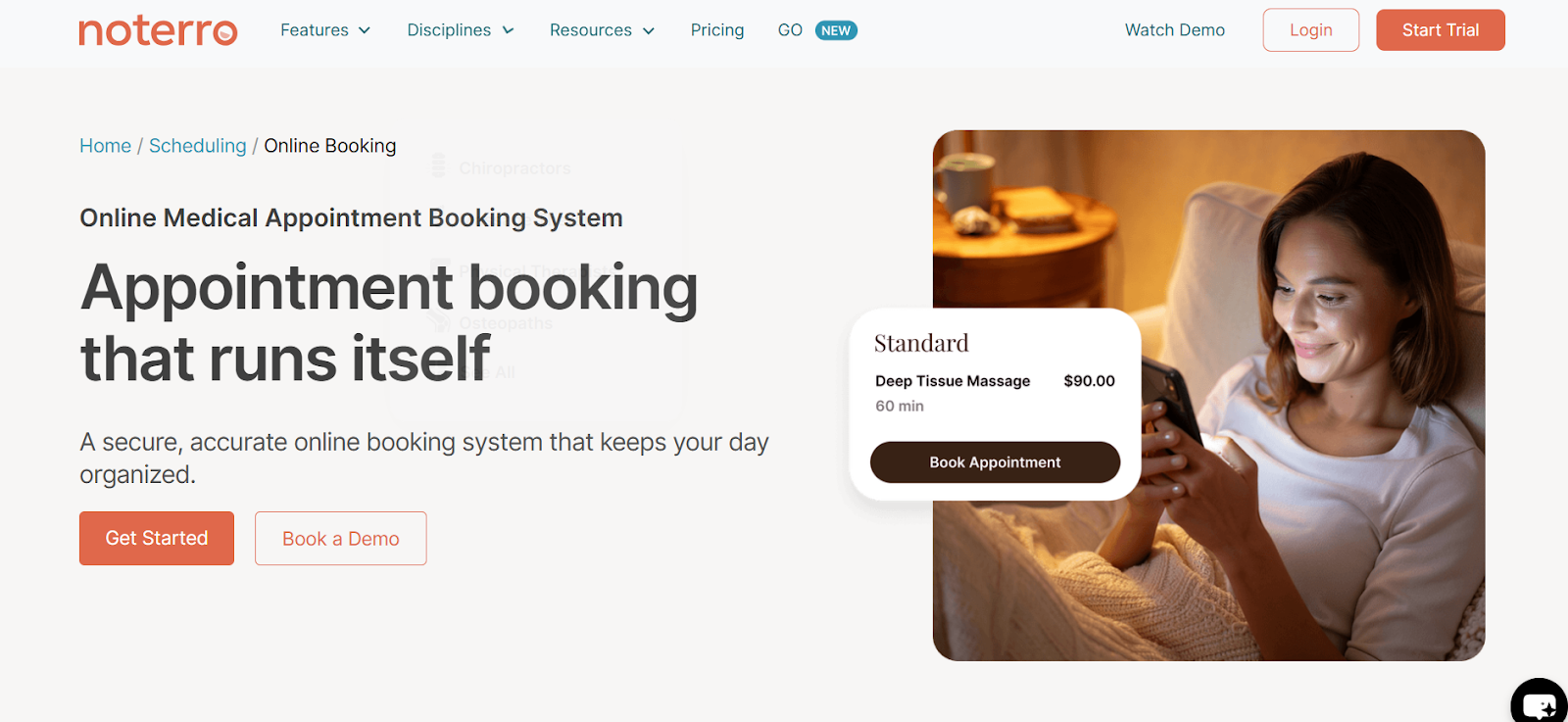
Noterro is a clinic management and scheduling platform designed for healthcare professionals who want to organize appointments and patient information in one place. With Noterro's Appointment Reminder Software for clinics, providers can automatically send reminders that help reduce missed visits and keep schedules running on time. The platform combines online medical scheduling with charting, billing, and documentation tools, helping clinics run daily operations more smoothly.
The system works well for both single-location clinics and practitioners who provide care across multiple locations. With the Noterro GO mobile app, providers can manage appointments, update schedules, and access patient details while working on the move.
Key Features:
- Custom-branded online booking pages for patient appointments
- Personalized intake forms that simplify patient onboarding
- Automated SMS and email reminders that help reduce missed visits
- Mobile tools including calendar sync and location-based scheduling
- Charting tools that speed up clinical documentation
- Integrations with Square, QuickBooks, and Xero
Pros:
- Works well for both in-clinic and mobile healthcare providers
- Combines scheduling, billing, and charting in a single system
Cons:
- Some advanced features may take time to learn
Pricing: Plans start at $30 per month with a 14-day free trial available.
3. Qmatic
Qmatic is a patient queue management platform designed for healthcare environments that need more structured control over waiting areas and service flow. Patients can check in online or at kiosks using QR codes or links, and then receive updates through digital displays or mobile alerts.
The system supports both scheduled appointments and walk-in patients, making it easier for clinics and hospitals to manage busy periods without overcrowding waiting areas. With virtual queuing, patients can also wait remotely and return when their turn approaches.
Key Features:
- Web or kiosk-based check-in with digital ticket generation
- Real-time queue displays and mobile updates for patients
- Priority routing for elderly patients or urgent cases
- Dashboards and analytics to monitor wait times and service flow
- Integration with hospital information systems through HL7 middleware
Pros:
- Supports multiple touchpoints from check-in to service completion
- Analytics help teams adjust workflows and improve patient flow
Cons:
- HL7 integration may require technical setup in large hospitals
- Admin interface may feel complex for non-technical staff
Pricing: Pricing available on request.
4. Wavetec
Wavetec is a patient queue management and appointment platform designed for hospitals that want a more organized approach to handling patient arrivals. It connects appointment booking, digital check-ins, and queue management into one system, helping hospitals manage patient flow without overcrowding reception areas.
Patients can book appointments online, check in through kiosks or messaging platforms, and receive digital queue tickets. Real-time updates through digital signage and mobile notifications help guide patients during their visit, while feedback tools allow hospitals to measure satisfaction and identify service gaps.
Key Features:
- WhatsApp-based appointment booking and check-in options
- Interactive digital signage for real-time queue guidance
- Post-visit feedback collection through SMS or WhatsApp
- Self-service kiosks for billing, printing, and information access
- Analytics dashboards that highlight service issues and patient trends
Pros:
- Conversational check-ins through WhatsApp improve patient engagement
- Combines queue management with feedback tracking in one platform
Cons:
- Self-service kiosk setup may require coordination across departments
- Feedback tools may need additional configuration during implementation
Pricing: Pricing available on request.
5. QLess
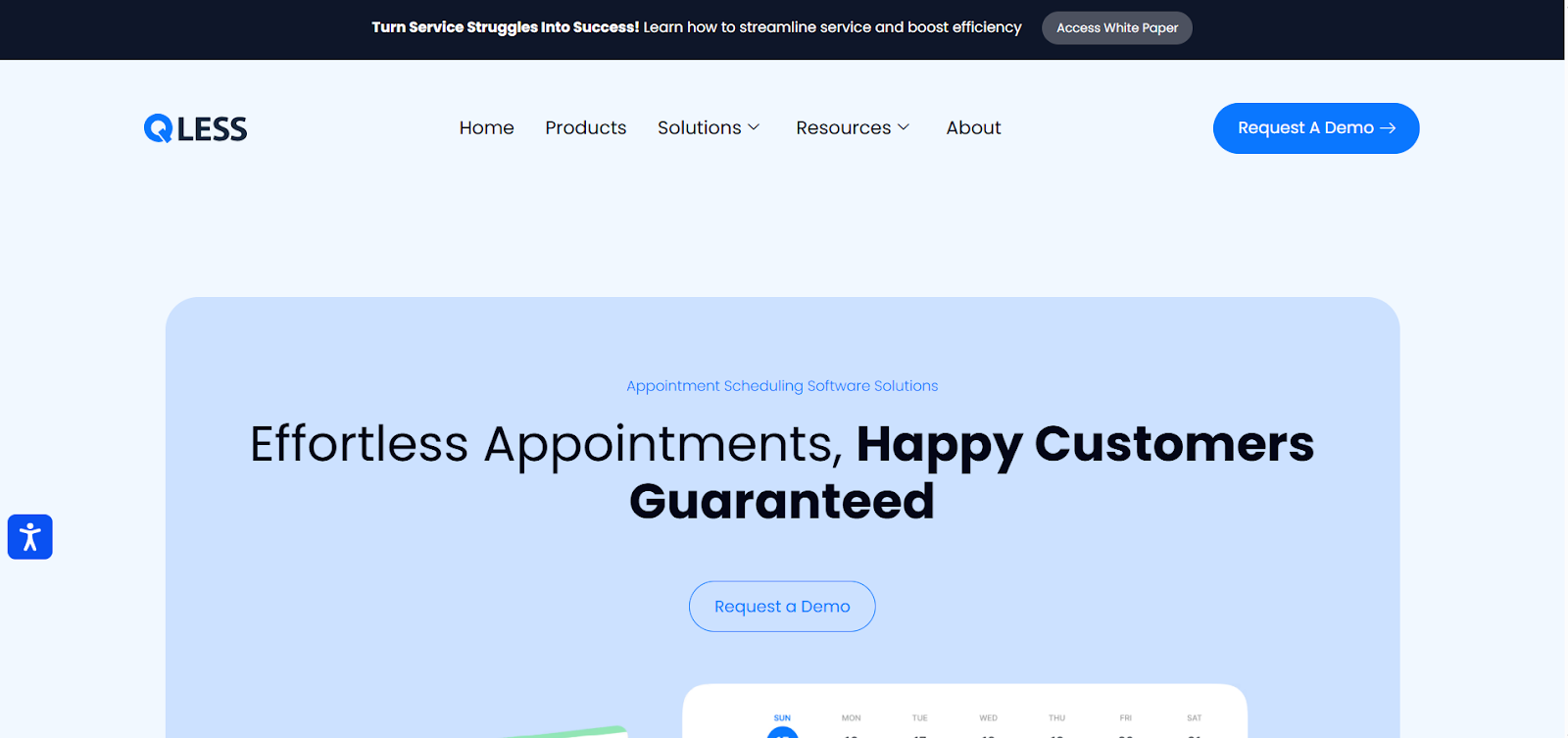
QLess is a virtual queue management platform used by healthcare providers and public service organizations to reduce waiting room congestion. Instead of requiring patients to remain in crowded lobbies, the system allows them to join a queue through a mobile device, app, or kiosk and wait remotely until their turn approaches.
The platform focuses heavily on communication and queue visibility. Patients receive updates about wait times and queue status, while staff can send messages, adjust queues, and manage patient flow from a central dashboard.
Key Features:
- Two-way messaging between staff and patients for clearer communication
- Callback queuing that lets patients wait remotely and return when called
- AI-powered scheduling that estimates wait times and balances patient load
- Dynamic flow control that can close queues near closing time
- Virtual waiting room with SMS or app notifications about queue status
Pros:
- Two-way messaging reduces confusion and improves communication
- Virtual waiting and callbacks help reduce crowded waiting areas
Cons:
- Callback systems may require careful scheduling to avoid staff overload
- Some smaller clinics may find advanced automation more than they need
Pricing: Pricing available on request.
6. Vizitor
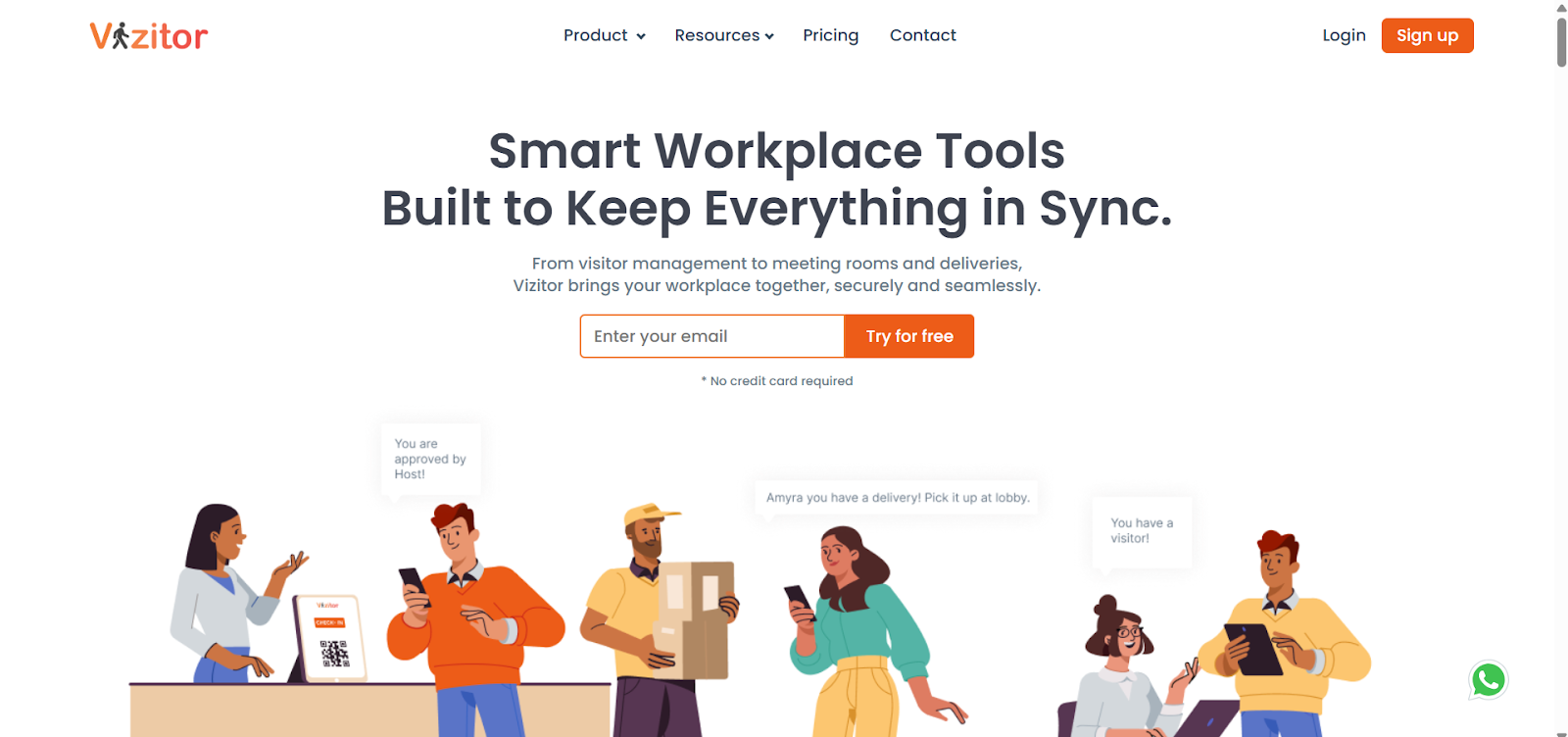
Vizitor is a digital check-in and queue management platform that helps clinics and hospitals handle patient arrivals without relying on paper forms or manual logs. Patients can register using a mobile phone, tablet, or browser by scanning a QR code or verifying their identity with an OTP.
After checking in, patients receive real-time updates about their queue position, which reduces the need to gather around reception desks. Staff can monitor live queue activity from a dashboard and guide patients to the appropriate department, helping clinics keep waiting areas more organized.
Key Features:
- Digital patient check-in through phone, tablet, or QR code
- Real-time queue updates delivered through SMS or mobile notifications
- Smart token assignment across multiple departments
- Automatic queue reset and token management
- Dashboard for tracking patient flow and wait times
- Cloud-based platform for managing queues securely
Pros:
- Simple system that patients and staff can use easily
- Handles high patient volumes across departments
Cons:
- Larger hospitals may need technical assistance during setup
- Customization options may be limited on lower-tier plans
Pricing: Plans start at $36 per month.
7. Qtrac
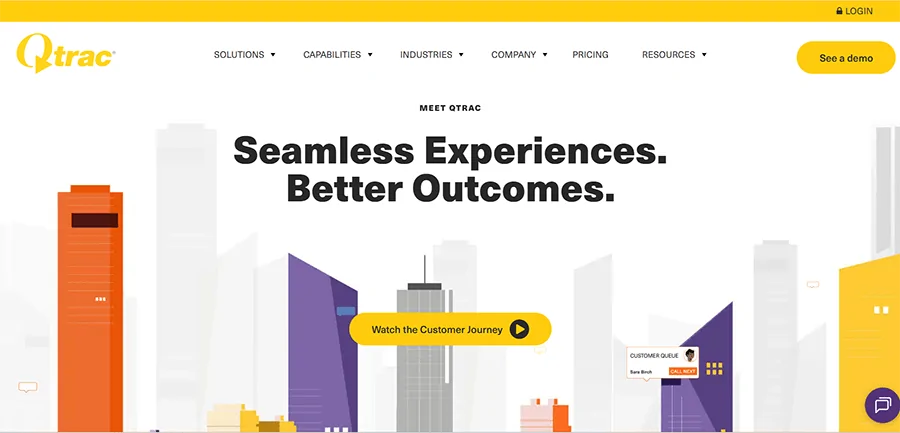
Qtrac is a queue management platform designed for hospitals that need more control over complex patient flows. It supports virtual check-ins, walk-ins, and scheduled appointments, helping healthcare facilities manage patient arrivals across multiple departments.
Patients can join the queue through SMS, QR codes, or kiosks and then track their status without waiting in crowded areas. Staff can monitor queues from a central dashboard and move patients between departments when needed, which helps hospitals manage busy environments more efficiently.
Key Features:
- Queue re-routing that allows staff to move patients between departments without restarting the process
- Real-time alerts when wait times exceed predefined thresholds
- Greeter mode that helps reception staff screen patients and assign services
- Offline mode that keeps queues running during internet outages
- Centralized dashboard for hospitals with multiple entry points or buildings
Pros:
- Supports complex hospital layouts with multiple departments and service points
- Allows reception staff to redirect patients quickly based on needs or availability
Cons:
- Greeter-based workflows may require staff training
- Offline mode may experience sync delays once connectivity returns
Pricing: Pricing available on request.
8. Qnomy
Qnomy is a patient flow and queue management platform designed for hospitals that need to coordinate care across multiple departments. Instead of focusing only on waiting lines, it supports the full patient journey, from appointment booking to service completion.
Patients can check in through kiosks, mobile apps, or a virtual lobby. Staff can then route them based on priority, service type, or staff availability. This makes it useful for hospitals where several departments need to work together while keeping patient movement organized.
Key Features:
- Integrated patient flow management connecting front-office and back-office tasks
- Skill-based routing to match patients with the most suitable staff
- Custom workflows that align with hospital protocols and service types
- Multi-service appointment scheduling through a centralized patient portal
- Interaction tracking across kiosks, video calls, and chat channels
Pros:
- Well suited for hospitals that need to connect service counters with internal operations
- Flexible workflows allow customization without heavy development
Cons:
- Some modules may require setup time to align with existing hospital systems
- Interface may feel complex for teams used to simpler queue tools
Pricing: Pricing available on request.
9. Nemo-Q
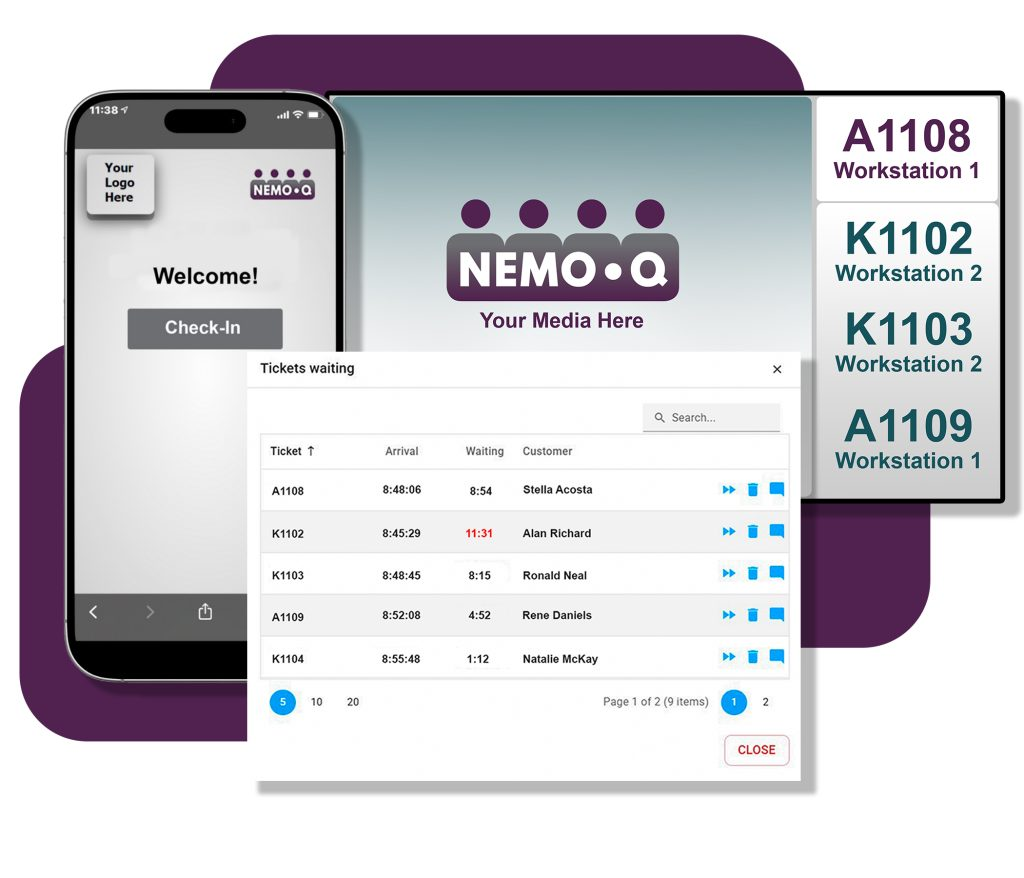
Nemo-Q is a queue management platform designed to make hospital visits smoother with digital check-ins and real-time updates. Patients can join the queue using their phone, a self-service kiosk, or an online link. Once registered, they receive updates about their wait time and where they need to go next.
This system helps reduce crowded waiting areas while keeping patients informed throughout their visit. For staff, it provides a clear overview of queue activity and department workloads, making it easier to manage patient flow during busy periods.
Key Features:
- Check-in through QR codes, kiosks, or mobile links
- Digital signage that displays ticket numbers, wait times, and directions
- Real-time queue updates sent through SMS alerts
- Appointment scheduling integrated with live queue activity
- Built-in feedback tools to collect insights after visits
Pros:
- Works well for hospitals combining virtual check-ins with in-person services
- Flexible setup across multiple entrances and departments
Cons:
- Staff may need training to manage both appointments and walk-ins
- Custom digital signage features may require additional setup time
Pricing: Plans start at $290 per month.
Conclusion
A well-organized clinic waiting area can make a big difference in how patients experience care. Tools like digital check-ins, scheduling platforms, and queue management systems help reduce confusion, shorten wait times, and keep patient flow steady throughout the day.
When clinics use the right mix of these tools, staff can focus more on care instead of managing crowds or paperwork. The result is a calmer environment, smoother operations, and a better overall experience for both patients and healthcare teams.
FAQs
Why is it important to organize a clinic waiting area?
An organized waiting area helps clinics manage patient flow and avoid overcrowding. When check-ins, queues, and seating are structured, patients know what to expect and staff can serve people faster. This reduces stress for both patients and healthcare teams.
What tools help reduce waiting time in clinics?
Tools such as digital check-in kiosks, online appointment scheduling, queue management systems, and SMS notifications help clinics manage arrivals more efficiently. These tools keep patients informed about their place in line and help staff balance workloads throughout the day.
How does a digital check-in system improve clinic waiting areas?
A digital check-in system lets patients register through a kiosk, tablet, or their mobile phone. This reduces paperwork and front desk congestion while automatically placing patients into the correct queue or appointment slot.
Can queue management systems improve patient experience?
Yes. Queue management systems provide real-time updates about wait times and service status. Patients stay informed, waiting areas remain less crowded, and staff can guide people to the right department more quickly.
Are smart reception systems suitable for small businesses?
Yes, many smart reception systems offer simple setups and flexible plans that work for smaller clinics or practices. Even basic tools like digital check-ins and appointment reminders can help small teams manage visitors more smoothly.
.png)
.png)



.avif)