6 Tools for Live Streaming Video That Help Creators and Businesses Deliver Better Experiences
Compare the 6 best live streaming tools for businesses and creators. Discover top production software and interactive tools like OBS, StreamYard, and Vimeo.
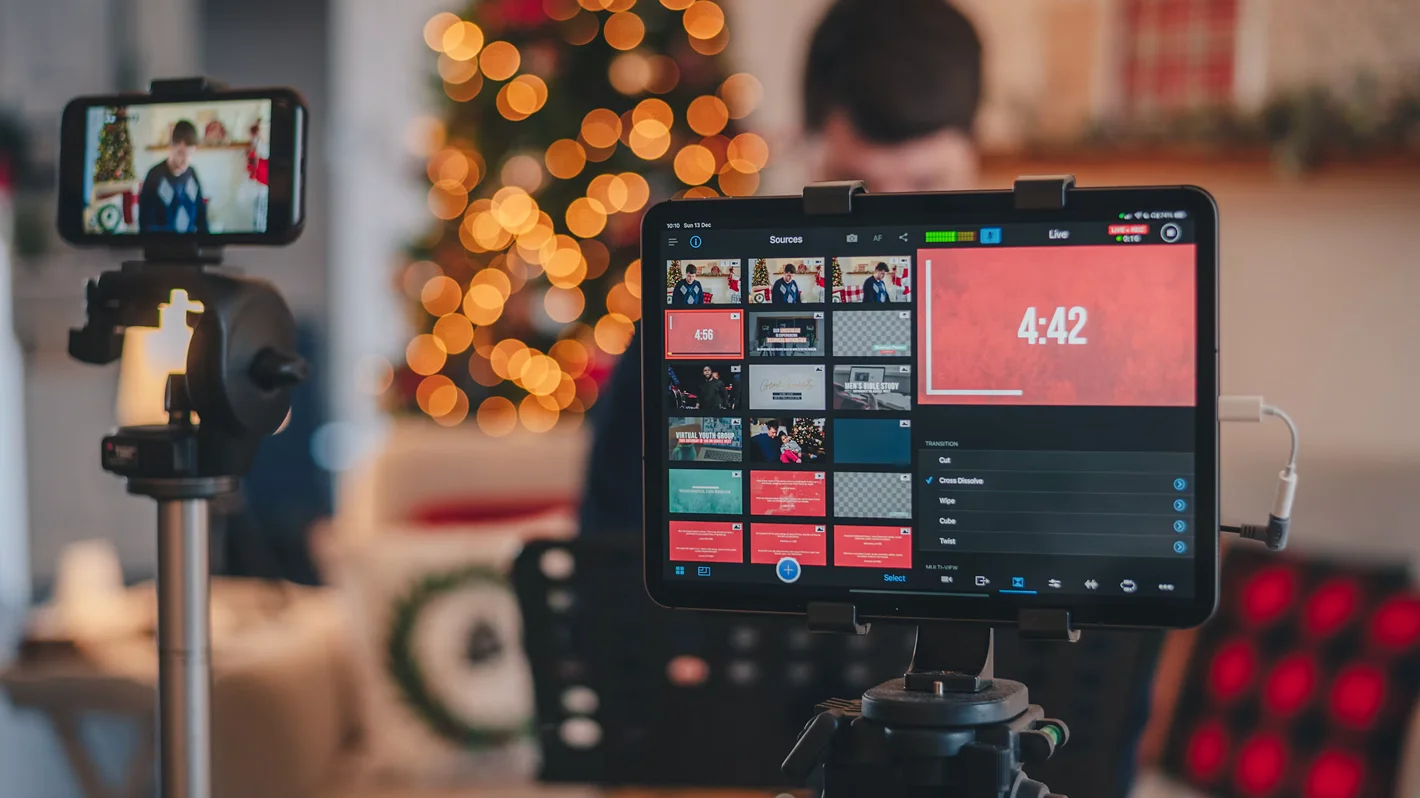


Live streaming has become a popular way for businesses, creators, educators, and event organizers to engage audiences in real time. From product launches and webinars to interactive entertainment, many content formats benefit from the authentic, real-time urgency of live video.
Its effectiveness is also well-documented. In one experiment from a 2026 Journal of Marketing study, 398 participants who believed a stream was live felt more connected to the streamer and were more willing to engage.
Like any other production process, live streaming depends on the right tools. Quality live streaming software can support everything from video production and distribution to audience interaction and performance tracking.
However, not every platform is built the same way. With so many options available, finding a suitable platform can take some research. This article compares six live streaming video tools to help narrow down your search.
Key Takeaways
- Live video makes people feel closer to the host and increases their willingness to engage.
- The tools fall into two groups: production software that builds the broadcast (OBS Studio, Wirecast, Vimeo) and layers that change how the audience takes part (Delulu Stream, Clixie).
- Browser-based studios like StreamYard and Vimeo are the quickest to set up. Desktop tools like OBS Studio and Wirecast give more control but take more setup.
- Several of these tools work together. Delulu Stream runs alongside OBS, and Clixie adds interactive elements to Zoom webinars you already run.
How We Evaluated These Tools
We compared each tool against five criteria that reflect how creators and business teams plan a live broadcast. We didn’t rank the tools overall, because the best choice depends on the format you produce.
OBS Studio: Customizable Live Production
OBS Studio is a free, open-source broadcasting tool for creators who prefer having complete control over their live productions. OBS Studio 33.0 landed in October with a big browser engine upgrade, moving from CEF 127 to 150. It also reworks how plugins load and adds NVENC hardware encoding on ARM64 machines with NVIDIA GPUs.
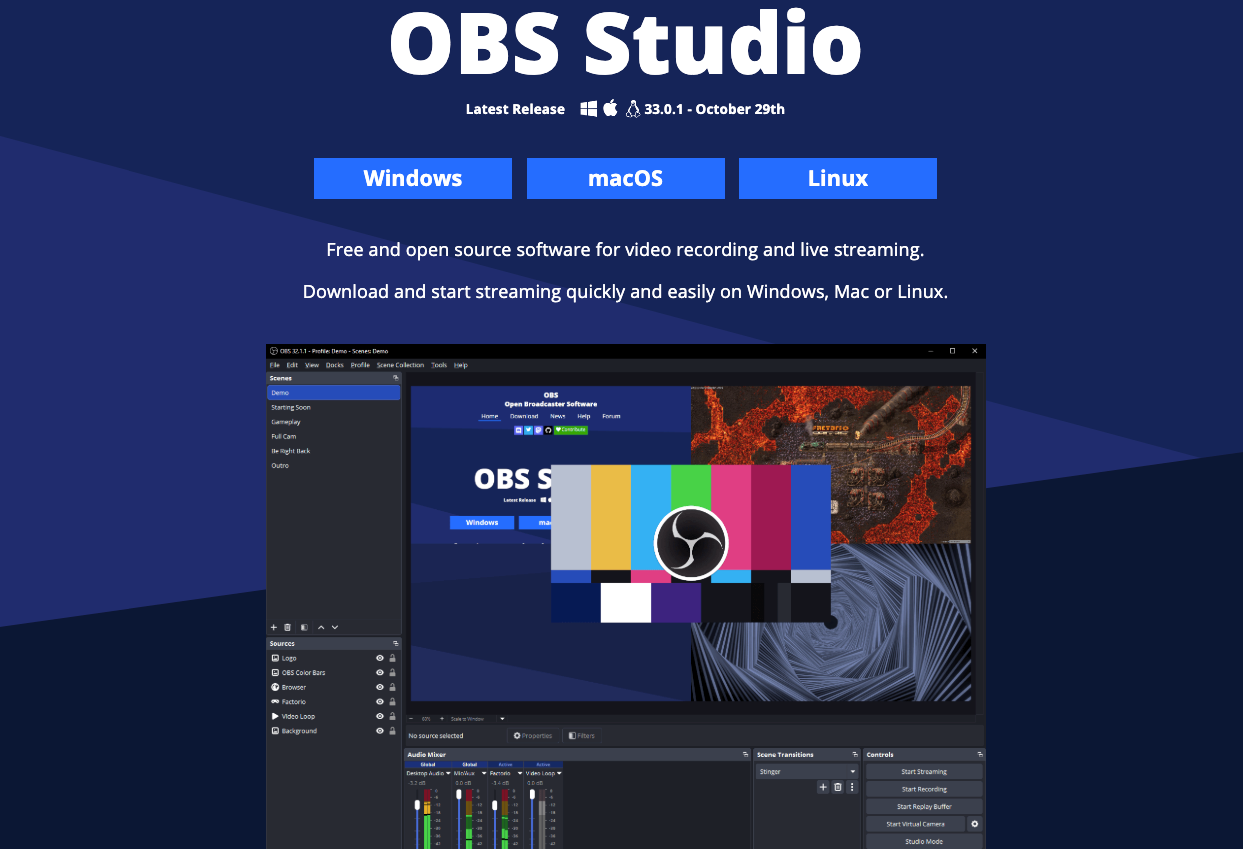
The streaming software lets you combine webcam feeds, screen recordings, graphics, and other sources into custom scenes. You also get dedicated controls for audio mixing and transitions.
For example, during a live tutorial, you can switch between your camera and screen while keeping your audio settings consistent. Its plugin support also gives experienced users room to customize their setups.
Delulu Stream: Real-Time AI Video Transformations
Developed by Decart, Delulu Stream brings playful use of generative AI to live broadcasting. Creators can change their appearance, outfits, or surroundings during a stream, giving audiences something new to interact with as the session unfolds.
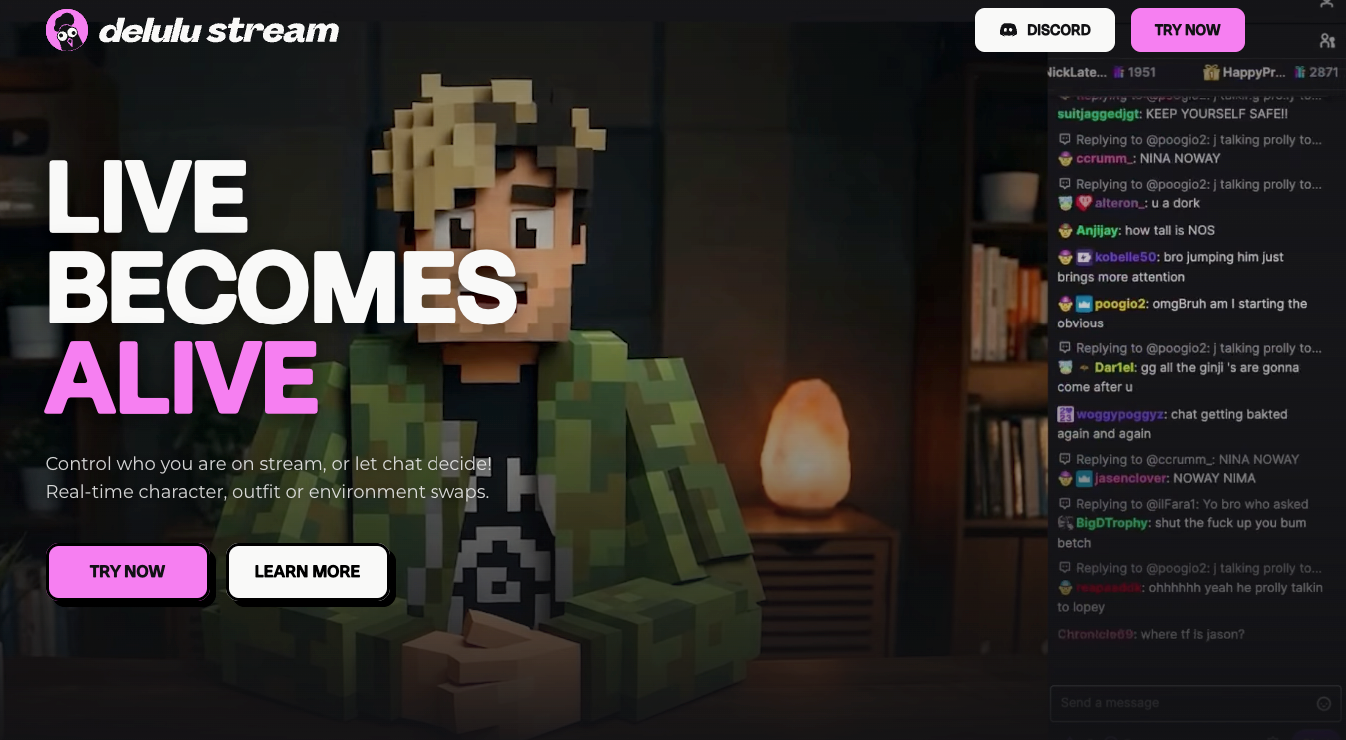
What's especially useful is how viewers can influence these changes themselves. Through chat commands or supported platform interactions, they can trigger visual transformations, with options to connect them to tips, gifts, or other monetized actions.
If you are a creator producing interactive entertainment, this opens up possibilities for audience-led challenges and character-based content. Delulu also works alongside OBS and other broadcasting software, so your existing setup can stay in place.
Clixie AI: Interactive Overlays for Live Zoom Webinars
Webinars can feel like talking to a screen full of silent faces. Clixie’s Zoom integration brings interactive elements like quizzes, polls, and clickable resources into your sessions, so attendees get something to do besides listen. Knowledge checks help you see whether a point landed, which is handy for training sessions and product demos.
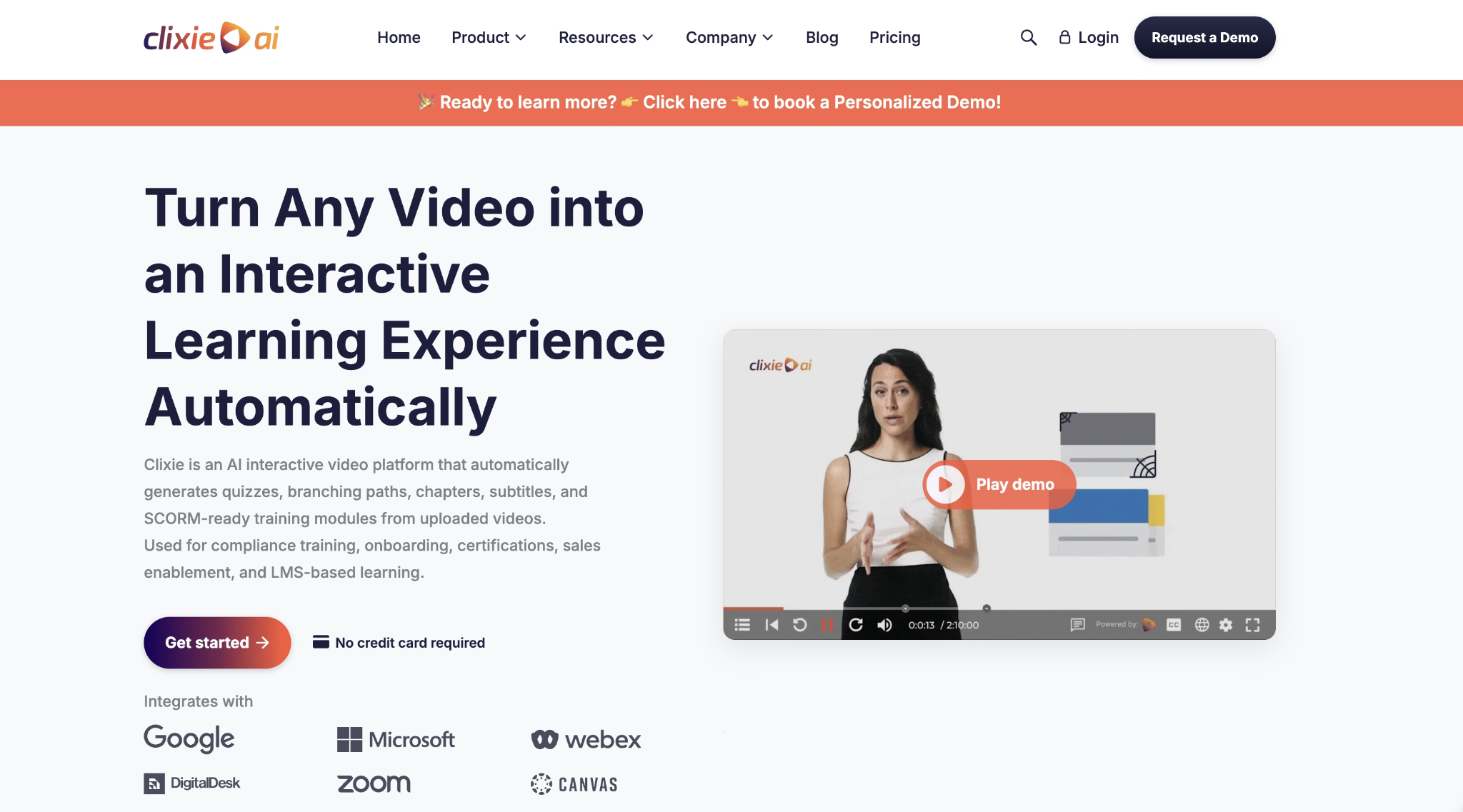
Afterward, you can import your Zoom cloud recording, and the AI builds searchable chapters and suggests quiz questions.
This keeps the replay useful for anyone who missed the live session. It’s a solid pick when audience participation is your main goal.
StreamYard: Browser-Based Guest Interviews
If you regularly host interviews, webinars, or podcasts with remote guests, it's worth checking out. It's a browser-based broadcasting studio where guests can join through a link without downloading additional software.
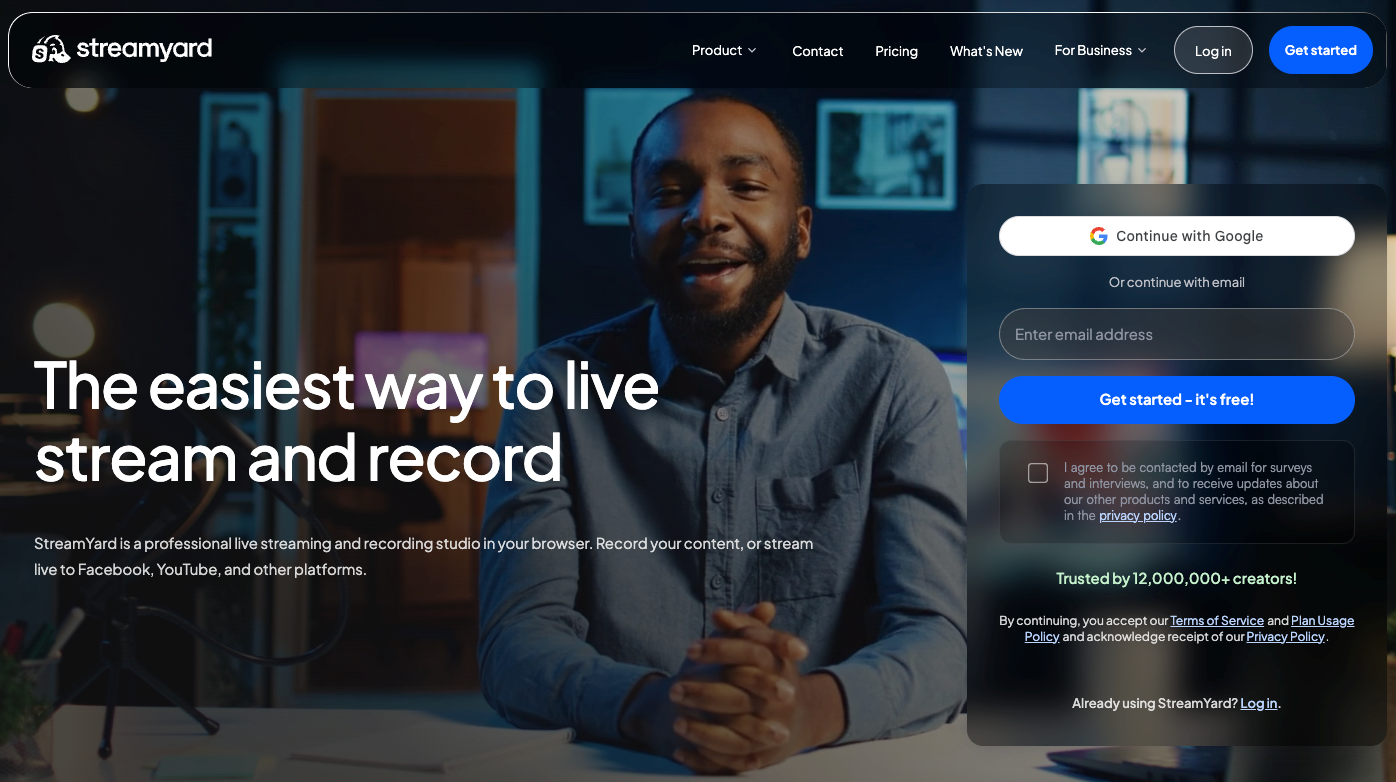
Hosts can manage who's on screen, share presentations, and customize interview layouts with logos, backgrounds, and branded overlays. Its local recording feature is particularly useful for podcasts, as each participant's audio and video are recorded separately on their device.
StreamYard also supports simultaneous broadcasting to platforms like YouTube, Facebook, and LinkedIn, making it practical for creators who have audiences across multiple channels.
Vimeo: Managed Live Event Hosting
Vimeo gives businesses plenty of flexibility when producing live events. Its browser-based studio supports multiple cameras, audio mixing, and color correction, while professional teams can connect their existing encoders through RTMPS or SRT.
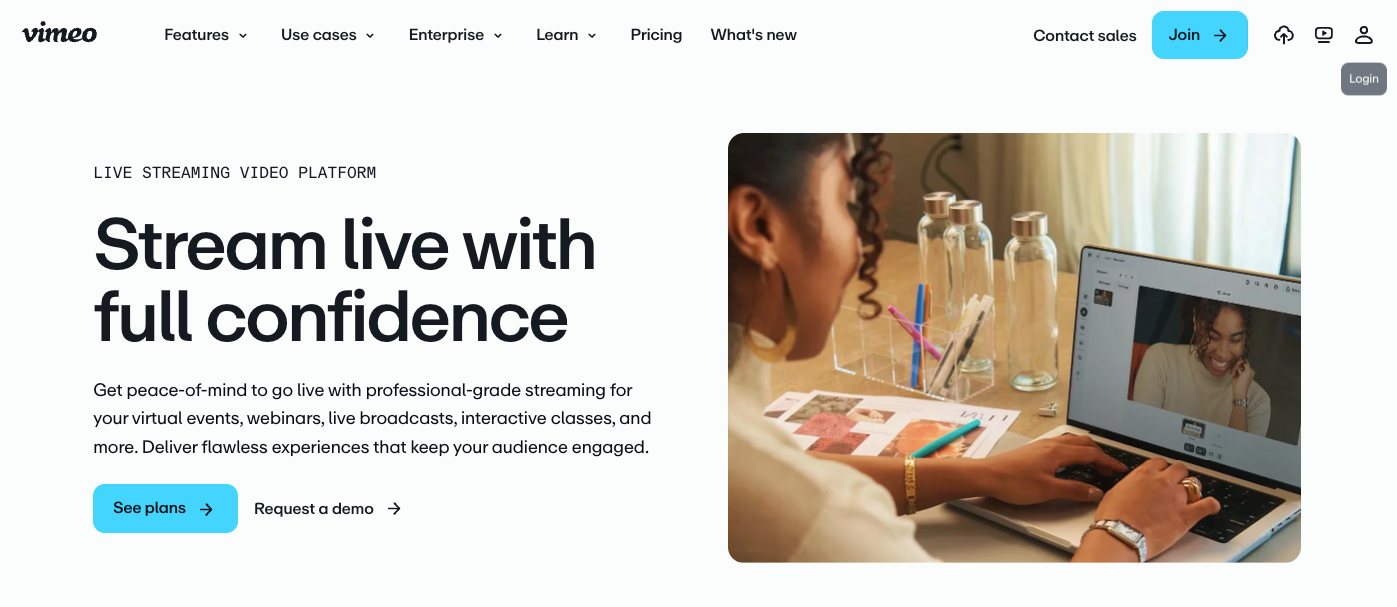
Vimeo has also been expanding its video offerings. In April 2025, the company rolled out branded subscription streaming services for creators.
Event hosts can use its AI script generator and teleprompter to prepare presentations or broadcast prerecorded sessions as live events. During broadcasts, adaptive bitrate streaming, backup feeds, and automatic failover help prevent interruptions. Simulcasting also lets teams reach audiences across multiple platforms.
Wirecast: Multi-Camera Live Production
Wirecast is a good choice when a live production involves several cameras, speakers, or presentation sources. Available for Mac and Windows, it lets production teams switch between camera feeds, prerecorded footage, graphics, and slides during a broadcast.
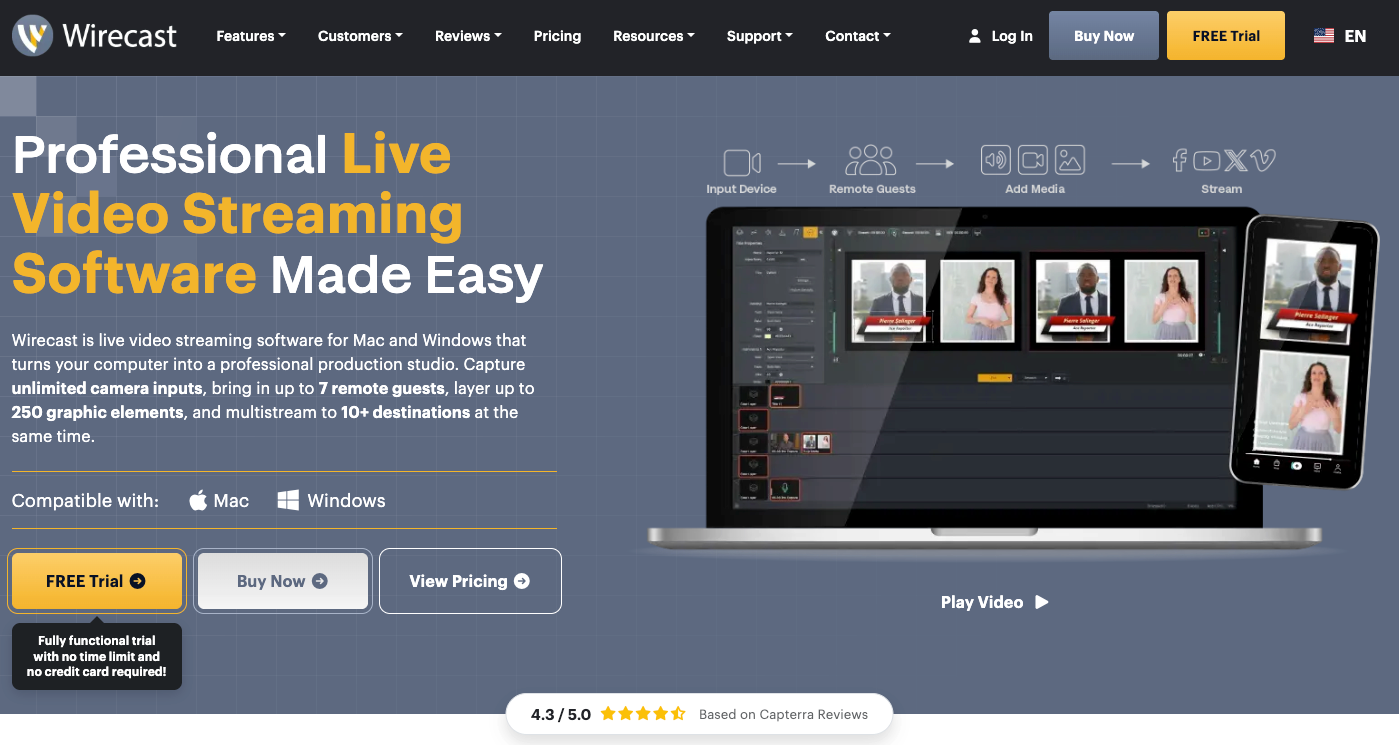
Consider a conference where the audience needs to see the presenter, close-up demonstrations, and supporting visuals. Wirecast lets operators manage these sources from a single production interface, with tools for audio mixing and graphic overlays.
It also supports remote guests, camera control, and streaming to multiple destinations. For event teams and experienced broadcasters, these capabilities offer greater flexibility when producing complex live sessions.
How to Choose the Right Live-Streaming Tool
The right live-streaming tool depends on the kind of content you produce and how you plan to deliver it. Before comparing platforms, consider these four factors to make a more informed decision.
- Factor in the number of cameras, speakers, and visual elements your broadcasts involve. Also, consider your expected audience size and whether you'll stream to one platform or several simultaneously.
- Some platforms work directly in a browser, while others require technical setup. Check how easily you can customize layouts, manage audio, invite guests, and connect your existing equipment or software.
- Live polls, chat interactions, and audience-triggered effects can make sessions more engaging. AI-generated visuals may be especially useful if your content involves entertainment, storytelling, or creative audience participation.
- A simple setup might work well initially, but your requirements could grow. Review pricing tiers, streaming limits, integration options, and available upgrades before committing to a platform.
Start Small, Test Often, Adjust Along the Way
Most good streams begin with a modest setup and a willingness to tweak things. You don’t need every feature on day one, and nobody expects a flawless first broadcast. Try a free trial or a free plan, invite a friend to watch, and note what feels clunky.
Pay attention to small annoyances like a muffled mic or a sluggish layout, since they often steer you to the right tool faster. Over time, you’ll build a rhythm that suits your audience, and the software will start to feel like a natural part of how you tell your story.