Top 5 AI Video Generators in 2026: Elevate Your Visual Content Creation
Discover the 5 best AI video generators in 2026. Compare EaseMate AI, Runway, InVideo, and more for cinematic quality, ease of use, features, and pricing.


Visual content continues to dominate digital marketing, social media, and online education. However, traditional video production remains time-consuming and expensive. Artificial intelligence has reshaped this landscape, enabling creators, businesses, and agency teams to produce studio-grade videos from simple text prompts or static images in minutes.
Whether you need viral short-form social videos, corporate avatars, or cinematic clips, choosing the right tool is key. Here are the 5 best AI video generator tools in 2026, ranked by quality, ease of use, feature depth, and efficiency.
Quick Comparison Table
1. EaseMate AI — The Ultimate All-in-One AI Video Generator
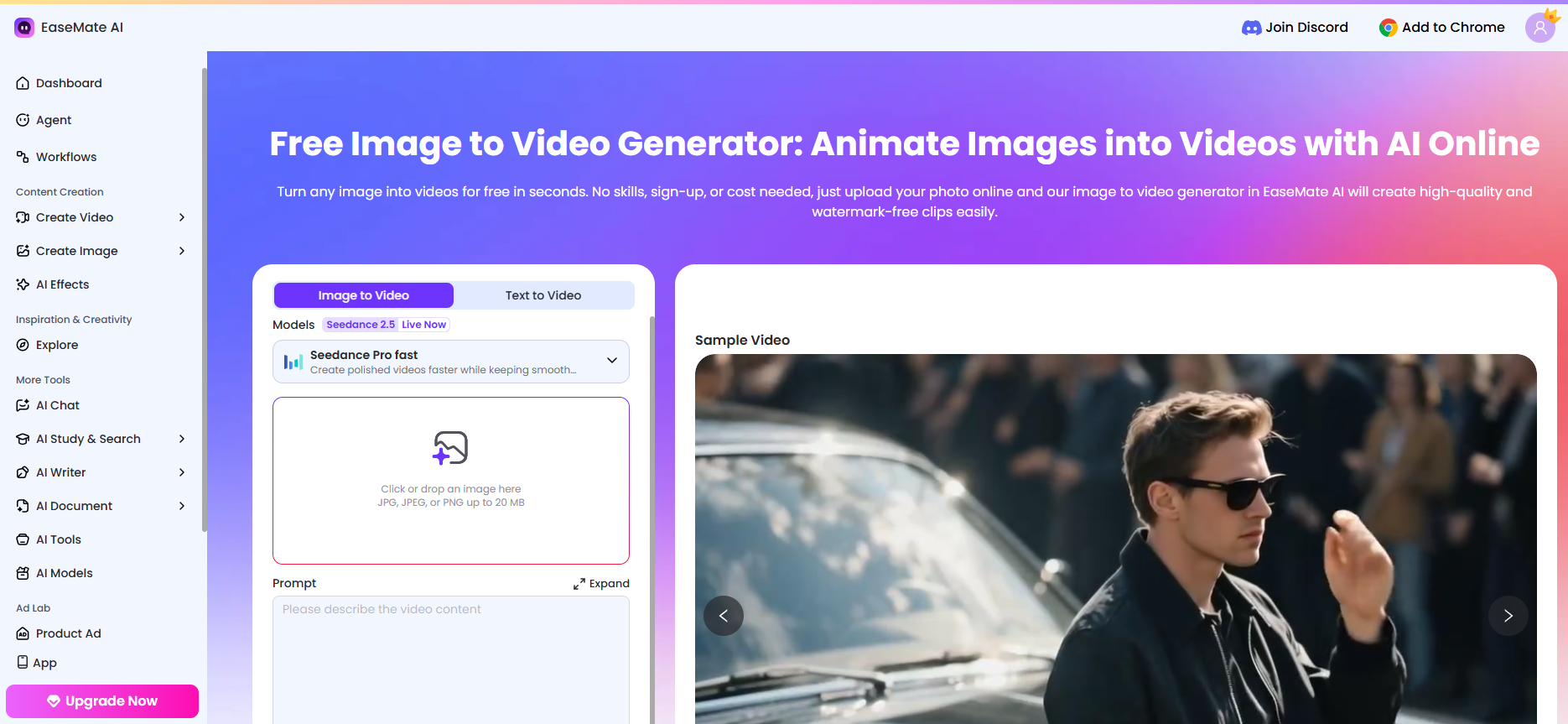
EaseMate AI has emerged as a standout solution for creators seeking speed, reliability, and studio-grade visual outputs without steep learning curves. By unifying generative text-to-video, image-to-video, and stylized visual transformation in an intuitive workspace, EaseMate streamlines the entire production workflow.
Key Features
- Multi-Modal Generation: Seamlessly convert text descriptions or uploaded images into dynamic video clips.
- High-Speed Rendering: Optimized cloud processing that reduces rendering queues significantly.
- Intuitive Prompt Assistant: Built-in guidance that refines user prompts for better motion consistency and detail.
- Cross-Platform Accessibility: Flexible access via web browser and mobile interfaces.
Pros & Cons
Pros:
- Clean, beginner-friendly interface requiring zero prior editing experience.
- High motion consistency across character actions and backgrounds.
- Cost-effective pricing tiers tailored for both solo creators and small teams.
Cons:
- Precise frame-by-frame timeline editing is currently limited compared to traditional NLE software.
Our Experience: In our hands-on testing across dozens of marketing mockups, EaseMate AI proved exceptionally reliable for turning rough creative briefs into polished, multi-scene b-roll within minutes. We found its multi-modal rendering engine particularly forgiving with iterative prompt adjustments, making it our top internal recommendation for solo creators and fast-moving growth teams who need immediate visual turnaround without wrestling with intricate motion curves.
2. Runway — Best for Cinematic Control and Motion Artistry
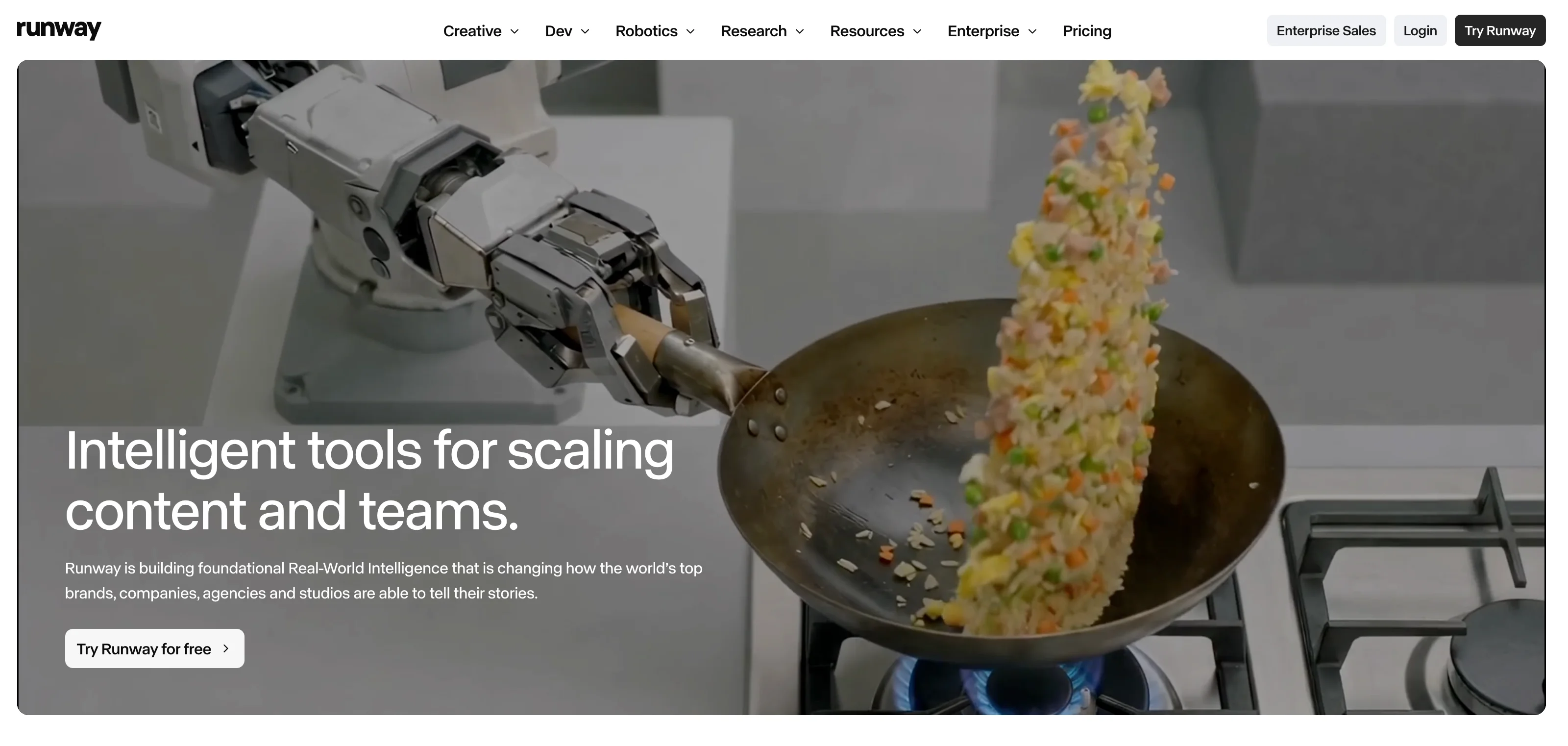
Runway remains a benchmark in visual AI, offering precise camera movements and generative control built specifically for creative directors and filmmakers.
Key Features
- Motion Brush & Camera Control: Fine-tune motion speed, zoom, pan, and tilt on specific screen sectors.
- Generative Video-to-Video: Apply complex stylistic layers onto raw video footage.
- High-Definition Upscaling: Render output at crisp resolutions suitable for widescreen displays.
Pros & Cons
Pros:
- Industry-leading motion fidelity and artistic flexibility.
- Deep feature set for post-production editing.
Cons:
- Higher cost per generation credit compared to standard social video generators.
- Steeper learning curve for non-technical users.
Our Experience: When stress-testing tools for high-fidelity brand assets, Runway consistently stood out for its uncompromising visual craftsmanship. We leveraged its Motion Brush and granular camera vectors on complex tracking shots, and the spatial fidelity remained locked even through aggressive zooms and lighting shifts. While the credit burn demands deliberate storyboarding upfront, the cinematic payoff is unmatched for commercial-grade concept pieces.
3. InVideo AI — Best for Automated Social Media Video Creation
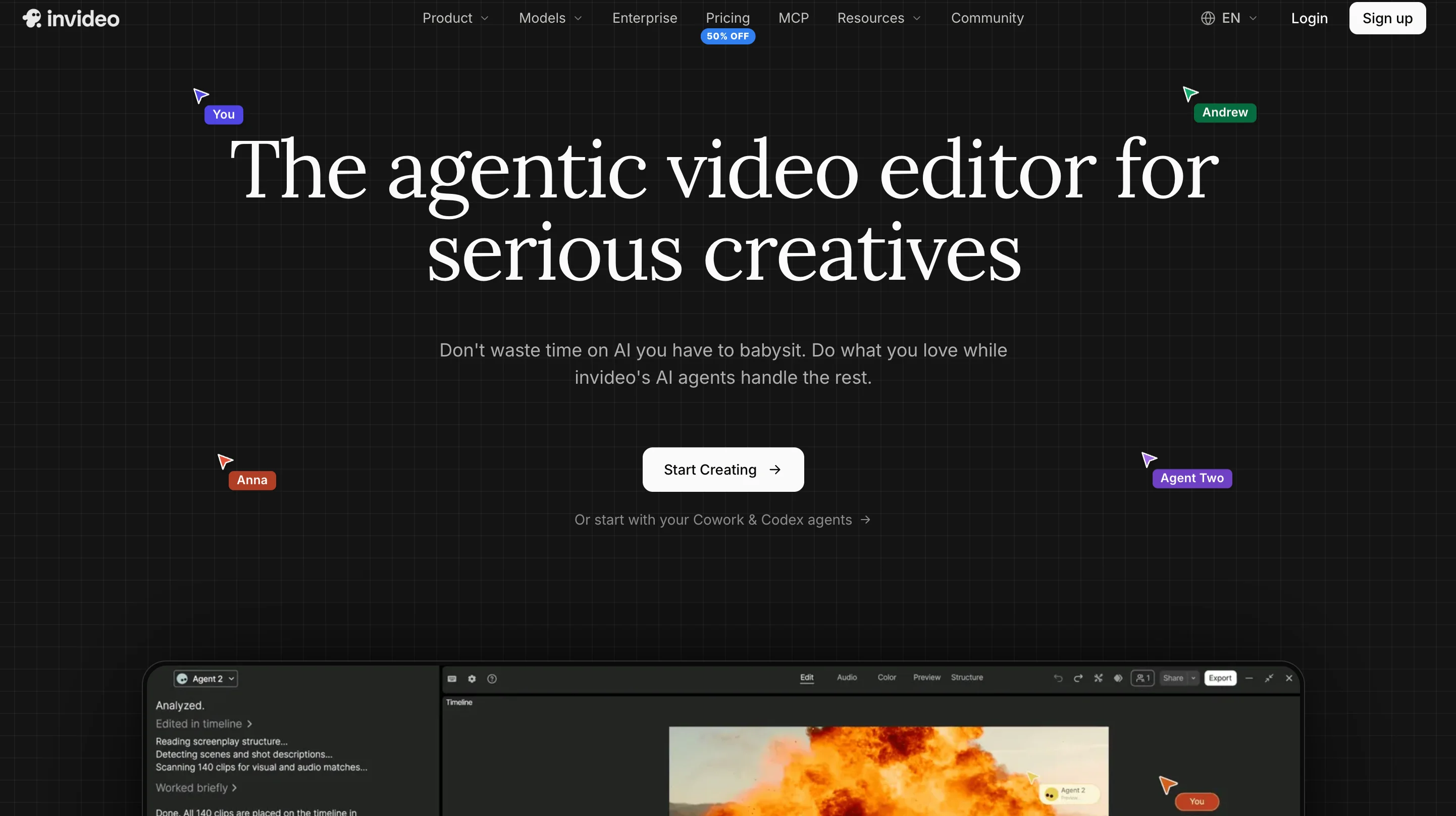
InVideo AI operates as a complete production assistant. By typing a simple topic or script, it generates a complete video with stock footage, captions, voiceovers, and transitions.
Key Features
- Prompt-to-Script-to-Video: Generates long-form or short-form scripts and auto-selects matching visuals.
- Text-Based Video Editing: Modify video elements simply by typing text commands (e.g., "change background music to upbeat").
- Realistic AI Voiceovers: Natural-sounding voices in multiple accents and languages.
Pros & Cons
Pros:
- Extremely fast creation flow for YouTube Shorts, TikTok, and Instagram Reels.
- Extensive built-in stock media library.
Cons:
- Heavy reliance on stock footage can sometimes feel repetitive.
- Custom visual generation is secondary to stock assembly.
Our Experience: We evaluated InVideo AI specifically for rapid social distribution, and its prompt-to-timeline pipeline cut our rough-cut assembly time by nearly 70%. Typing simple natural-language commands to swap stock clips, adjust voice pacing, or restyle captions worked reliably right out of the box. While purists may spot recurring stock elements, nothing in our workflow shipped complete, captioned short-form video to test audiences faster.
4. Synthesia — Best for Corporate Communications & Training Videos
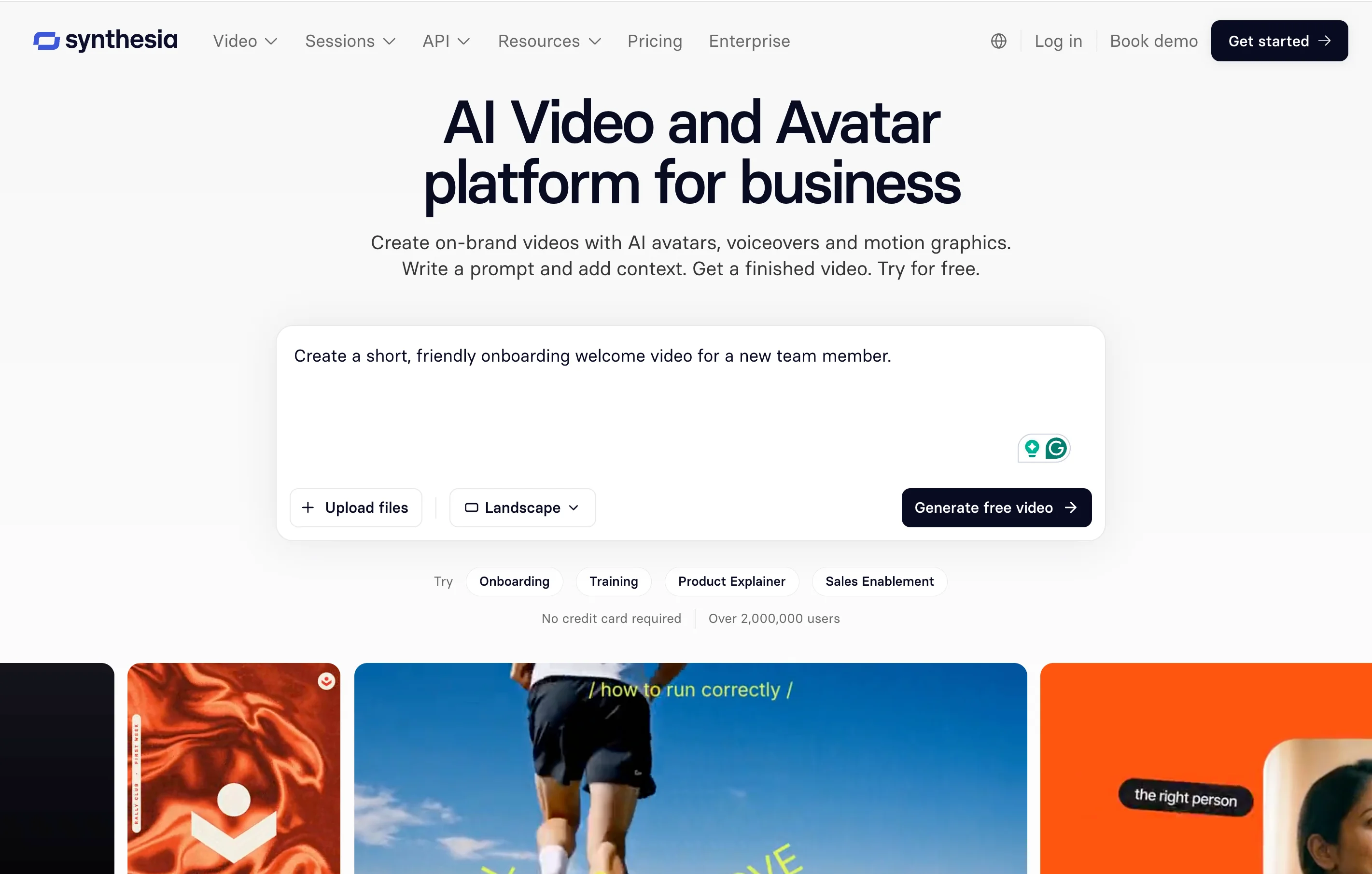
Synthesia specializes in avatar-led instructional content, making it the top choice for human resources, customer onboarding, and enterprise learning platforms.
Key Features
- 160+ Digital Avatars: Diverse, highly realistic human avatars with subtle facial expressions.
- Multilingual Localization: Automatic voice generation across 120+ languages and accents.
- Custom Enterprise Avatars: Option to record a real employee to create a digital twin.
Pros & Cons
Pros:
- Eliminates the need for physical studio cameras, actors, or microphones.
- Ideal for rapid updates to corporate training materials.
Cons:
- Unsuited for cinematic action scenes or creative storytelling.
- Static presentation format.
Our Experience: We routinely deploy and evaluate Synthesia within internal training modules and client onboarding flows, where human face-to-camera connection is vital. Its automated phoneme-to-lip synchronization across localized languages saved our team weeks of re-recording voiceovers and hiring voice talent. For structured corporate learning and standardized SOPs, the production consistency and rapid update capability are virtually unmatched.
5. Luma Dream Machine — Best for Realistic 3D Physics and Visual Depth

Luma Dream Machine excels at understanding volumetric space, depth cues, and physical movement, delivering realistic environmental lighting and fluid motion dynamics.
Key Features
- Physics-Aware Generation: Accurately models liquid motion, smoke, lighting shifts, and perspective warping.
- Keyframe Stitching: Allows creators to define starting and ending frames to control video trajectories.
- High Camera Motion Stability: Maintains subject shape through fast-moving camera passes.
Pros & Cons
Pros:
- Exceptional photorealism and camera speed simulation.
- Free trial options available for feature evaluation.
Cons:
- High-speed action sequences can occasionally introduce digital artifacts.
- Credit consumption can be rapid during experimentation.
Our Experience: Putting Luma Dream Machine through physics-intensive benchmarks—such as dynamic fluid splashes, volumetric fog, and fast rotational camera passes—revealed its distinct spatial depth. The engine rarely warped geometry during sharp perspective shifts, which had been a persistent headache in earlier generative tools. It quickly became our creative team's favorite sandbox for rapid 3D pre-visualization and surreal concept framing.
The Missing Piece: Adding Interactivity to AI-Generated Video
Generating stunning visuals with tools like Runway, EaseMate, or Synthesia is only half the battle, capturing viewer attention is worthless if you can't channel it into action. Elevate your AI video to the next level by turning passive viewing into dynamic, two-way engagement with Clixie AI. By layering interactive elements directly onto your AI-generated frames, you can embed clickable in-video links, shoppable hotspots, branching decision paths, and lead capture forms right where your audience is already looking. Instead of hoping users remember to check a link in the description, Clixie AI transforms your visual content into an immersive, high-converting digital storefront and interactive learning hub that drives measurable results in real time.
Frequently Asked Questions (FAQ)
What is the best AI video generator for beginners?
EaseMate AI and InVideo AI are widely considered the most accessible tools for beginners. EaseMate AI offers a straightforward generation interface for visual clips, while InVideo handles complete script-to-video automation with simple prompts.
Can I use AI-generated videos for commercial purposes?
Yes, most premium plans (including EaseMate AI, Synthesia, and Runway) grant commercial usage rights for the content you generate. Always verify licensing terms on specific subscription tiers prior to running ad campaigns.
How do text-to-video AI generators work?
Text-to-video generators leverage deep learning models trained on vast datasets of paired visual frames and text descriptions. The AI predicts visual sequence patterns corresponding to your text prompt, outputting realistic frame transitions and fluid movement.
Is EaseMate AI free to use?
EaseMate AI typically offers introductory options or flexible credit structures for new users to test visual quality and features before upgrading to higher-volume plans.