


Best Interactive Video Platforms in 2026: 10 Tools Compared
Compare 10 interactive video platforms on quizzes, branching, AI, and LMS tracking. Four export SCORM natively. See which plan includes it and who each fits.
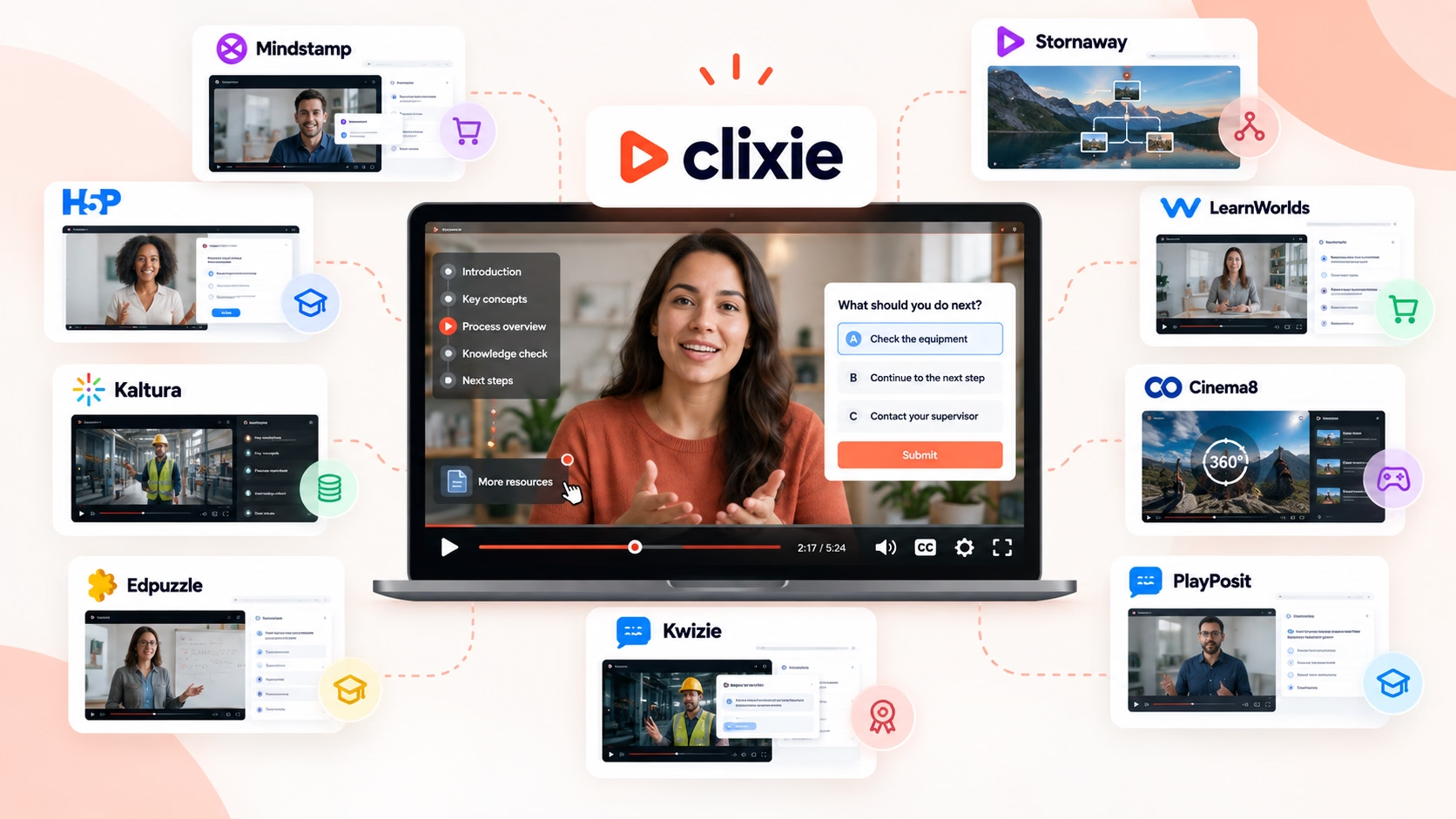


The best interactive video platform depends on the job. H5P is built around free, open-source LMS content. Mindstamp focuses on marketing and personalized journeys. Stornaway specializes in branching stories. Clixie AI focuses on turning existing video into tracked, interactive training. The right pick depends on one question: does your video need to prove someone learned something, or get them to click?
How we stay transparent: Clixie AI publishes this guide and is included in it. We evaluated all 10 tools using the same six criteria. We link each claim to the vendor's own page wherever one exists, and we say plainly where another tool fits better. Clixie appears in 4 of the 13 rows of our fit table, and never alone.
Key Takeaways
- The market splits in two: tools that prove learning in an LMS, and tools that drive clicks and leads.
- Advertised starting prices understate the real cost of LMS use. Four of the ten tools export SCORM natively. The first plan that includes it ranges from $19 to $399 a month.
- AI now drafts whole interaction layers. Clixie and Kwizie both split videos into chapters and write quizzes automatically.
- Shorter courses had higher completion rates. In Easygenerator's 2026 dataset, courses under five minutes averaged 85.5% completion, against 70.6% for courses over fifteen minutes.
New to the format? Start with our interactive video examples to see what these tools produce.
What is an interactive video platform?
An interactive video platform is software that adds clickable hotspots, in-video quizzes, branching paths, forms, and viewer tracking to video. Instead of only watching, viewers can answer questions, choose paths, click hotspots, submit information, and trigger actions during playback. Their answers and clicks flow to an LMS, a CRM, or an analytics dashboard.
The building blocks are few. Hotspots and buttons trigger an action, like opening a link or jumping ahead. In-video questions pause playback until the viewer answers. Branching sends each viewer down a different path. Chapters let people skip to the part they need. Forms collect details on top of the frame.
Where the data goes matters as much as the interaction. A quiz nobody can report on is decoration. For training, that means SCORM or xAPI reporting to your LMS. For sales, it means viewer answers landing in Salesforce or HubSpot.
AI avatar generators have started adding interactivity too. Synthesia now offers buttons and branching menus, with quizzes and SCORM export on its Enterprise plan. The difference is the workflow. Generators build interactive video from a script inside their own editor. The platforms in this guide add interaction to video you already have.
How did we evaluate these platforms?
We evaluated all 10 tools using the same six criteria. The same six appear in the tables and inside every review. In September 2026 we reviewed each vendor's product pages, pricing, documentation, and help center. Where a vendor page was silent, we used recent comparisons published by Easygenerator, Kwizie, and Stornaway, and we say so in each review.
What we left out. We didn't evaluate live streaming, hosting bandwidth, or avatar generation. Several of these tools earn most of their revenue there. Judging them on interactivity alone would be unfair.
What qualified a tool. Its core workflow had to let authors add interaction to video they already have. It also had to offer at least one of the following: branching, assessment, tracked viewer actions, or LMS delivery. AI video generators that build interactive video from a script, such as Synthesia and Colossyan, are a different category. We cover them under "Tools we considered but didn't rank" below.
Why prices carry a date. Vendors change plans often, and some only quote. Every price below was checked in September 2026. Confirm with the vendor before you buy.
The 10 platforms at a glance
Here's each platform in one sentence.
- Clixie AI: An AI interactive video platform that auto-builds chapters, quizzes, and subtitles from existing video, adds branching and 28 interactive element types, and exports SCORM packages for LMS tracking.
- Mindstamp: A polished overlay tool that adds buttons, hotspots, branching, and voice or video-response questions to video you already host.
- H5P: An open-source framework whose Interactive Video type places questions and adaptive navigation on the timeline inside Moodle, Canvas, Drupal, or WordPress.
- Stornaway: A no-code, flowchart-style editor for branching interactive stories, published to the web, LMS, apps, games, and VR.
- LearnWorlds: An all-in-one course and commerce platform with native interactive video for selling online courses.
- Kaltura: An enterprise video platform with Interactive Video Paths and timed quizzes for organizations already on Kaltura.
- Cinema8: An interactive video and hosting platform with more than 100 widgets, gamification, 360-degree scenes, and SCORM export.
- PlayPosit: An education-focused tool for adding graded questions, discussion, and branching to instructional video.
- Edpuzzle: A classroom tool that lets teachers crop videos, embed questions, prevent skipping, and grade K–12 assignments.
- Kwizie: A lightweight tool that turns YouTube and training videos into quizzes with certificates, shared by link, embed, or QR code.
All ten add some form of viewer interaction to video, from embedded questions to branching choices and clickable elements. They differ in how those interactions work and where the resulting data goes.
Prices and plan limits verified September 23, 2026.
Pricing trap: A platform's advertised starting price often doesn't include the feature that put it on your shortlist. Compare the price of the plan you'd actually need, not the cheapest plan.
What it costs to get SCORM export
Verified September 23, 2026. H5P, Kaltura, PlayPosit, Edpuzzle, LearnWorlds, and Kwizie don't export SCORM packages natively.
The 10 best interactive video platforms, reviewed
The order below is not an overall score. Each platform is included for a different use case, and every review follows the same template so you can compare them side by side.
1. Clixie AI: best for turning existing video into tracked, interactive training
Clixie AI is an AI interactive video platform that auto-builds chapters, quizzes, and subtitles from existing video, adds branching and 28 interactive element types, and exports SCORM packages for LMS tracking.
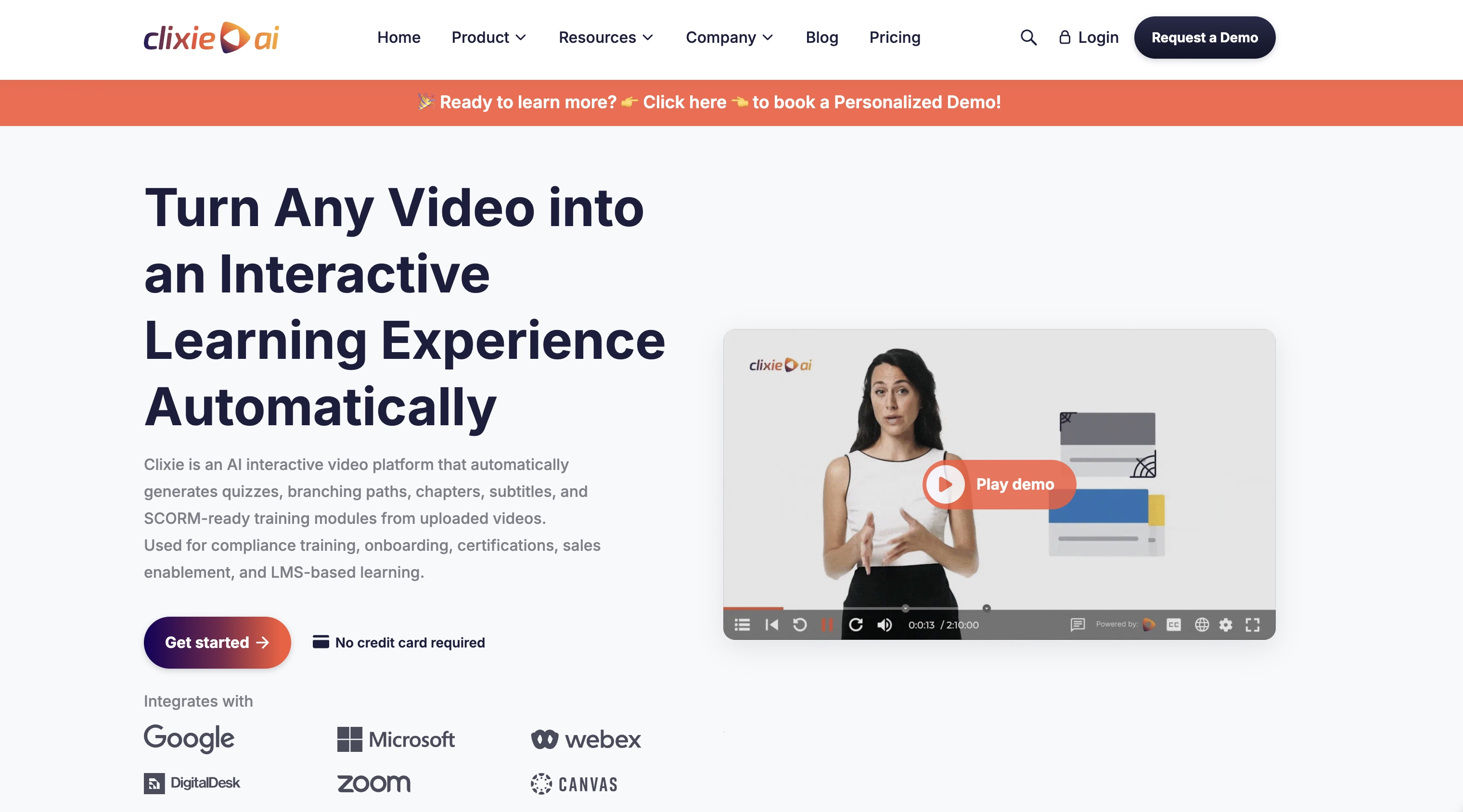
Most teams already have the video. What they lack is time. Turning a 40-minute recording into something learners answer and an LMS can track takes hours by hand. Clixie is built for that job.
Host your video on Clixie's own CDN, or keep it on your own CDN, YouTube, Vimeo, or AWS. Clixie's AI splits it into titled chapters and summarizes each one. It then drafts quiz questions from the transcript. A one-click option adds one question per chapter.
Best for: L&D, compliance, and sales enablement teams with existing video. Universities use it too. The University of Michigan adds Clixie to pre-class videos and lecture recordings.
Standout features:
- Auto-chaptering, auto-quizzing, and transcription
- Translation of captions, quizzes, and chapter titles into 40+ languages
- Hotspots that track moving objects, plus forms and file downloads
- Rule-based branching: send viewers down a path based on a minimum score, a specific quiz answer, or a click on an overlay
- Gates that lock a chapter until the viewer meets the requirement
- Built-in CDN hosting, or bring your own CDN
- Fully white-label player, with SSO, API, and REST API access
- LMS integrations with Canvas, Moodle, and Blackboard, plus native apps inside Zoom, Webex, and Teams, and Salesforce and HubSpot sync
Limitations:
- The $19 Lite plan covers one editor and three videos, with no analytics.
- AI video creation from PDFs and slides is Enterprise-only.
LMS delivery: SCORM 1.2 and 2004 packages on every paid plan, xAPI, direct integrations with Canvas, Moodle, and Blackboard, and embed codes for any other LMS.
Pricing: Lite $19/month, Pro $99/month, Advanced $299/month, and a custom Enterprise plan. Every plan starts with a 14-day free trial, no card needed. See current plans.
How we checked: Our own product. Features and limits from the Clixie feattures and pricing pages, September 23, 2026.
Our take: Most tools here help you write questions faster. Clixie and Kwizie go further and draft the structure too: chapters, summaries, and a question per chapter. The difference between them is what happens next. Clixie adds branching, gates, CRM sync, and SCORM packaging on top of that draft. For teams processing large video libraries, automating chaptering and quiz creation can remove a large share of repetitive authoring work.
2. Mindstamp: best for marketing journeys and branching
Mindstamp is a polished overlay tool that adds buttons, hotspots, branching, and voice or video-response questions to video you already host.
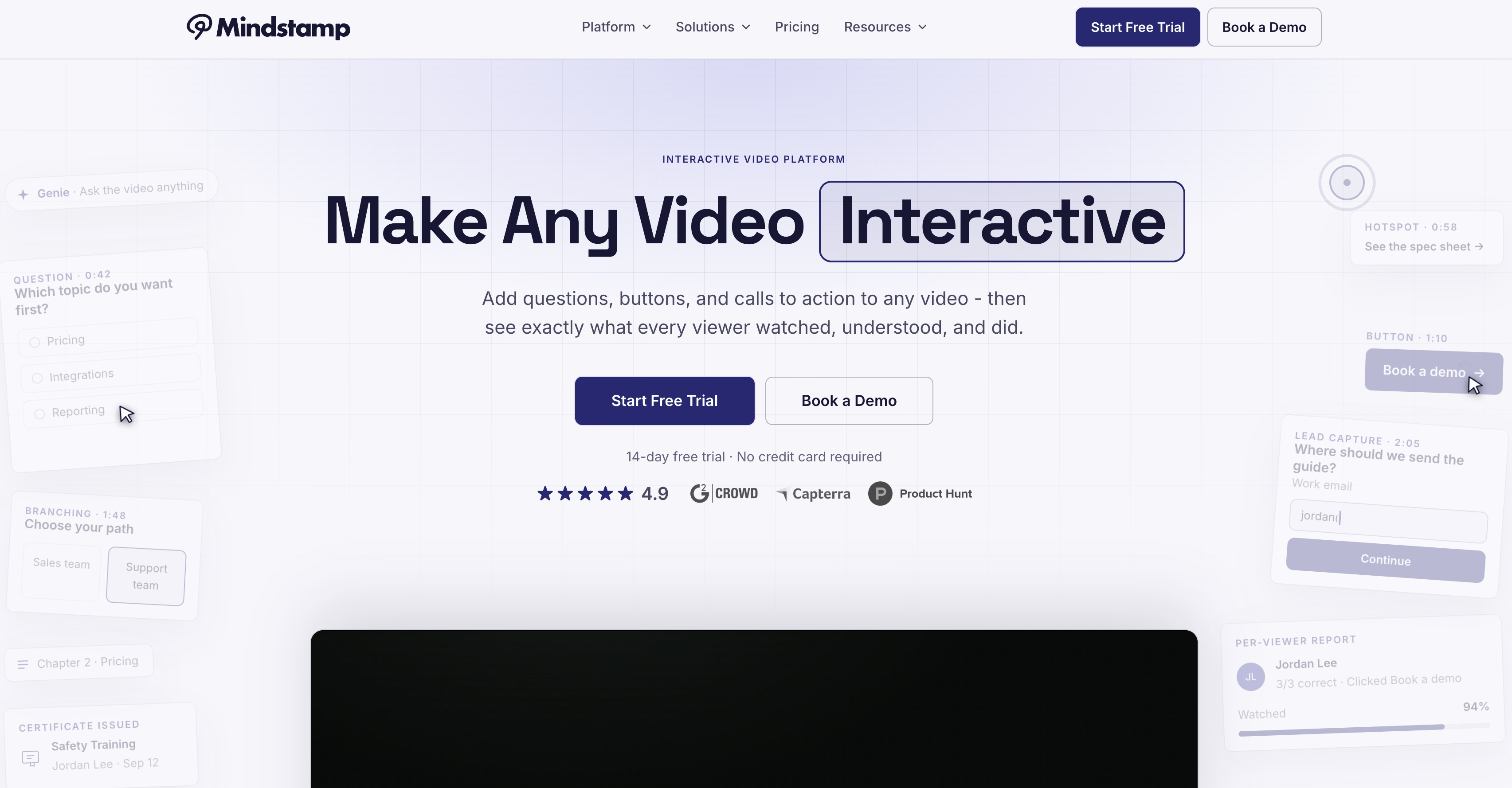
Mindstamp shines when a video has to qualify a lead or personalize a pitch. It can pull viewer data from a CRM and show it inside the video. Question formats go past multiple choice to voice, video response, and ratings. Few rivals match that range.
Best for: Marketing and sales teams building personalized journeys, and trainers who want spoken or recorded answers.
Standout features: Branching and conditional logic, voice and video questions, CRM personalization, and support for YouTube, Vimeo, Wistia, JW Player, and Kaltura.
Limitations: The G2 review base is small, at 23 reviews as of August 2026. Integrations are tiered too. REST API access and HubSpot start on Pro, and Salesforce is quoted per account, according to Mindstamp's FAQ.
LMS delivery: SCORM 1.2 export on Core and higher plans, reporting completion and score.
Pricing: Solo $49/month, Basic $99, Core $299, and Pro $499, per Mindstamp's own comparison pages (checked August 2026). SCORM starts on Core, so a trackable training video starts at $299/month. See Mindstamp's pricing page for current tiers.
How we checked: Mindstamp's FAQ, pricing, and comparison pages, September 23, 2026. G2 figures via Easygenerator's September 2026 review.
For a side-by-side of Clixie and Mindstamp on video-to-SCORM workflows, see our guide to software that converts training videos to SCORM.
3. H5P: best free, LMS-native option
H5P is an open-source framework whose Interactive Video type places questions, hotspots, and adaptive navigation on the video timeline.
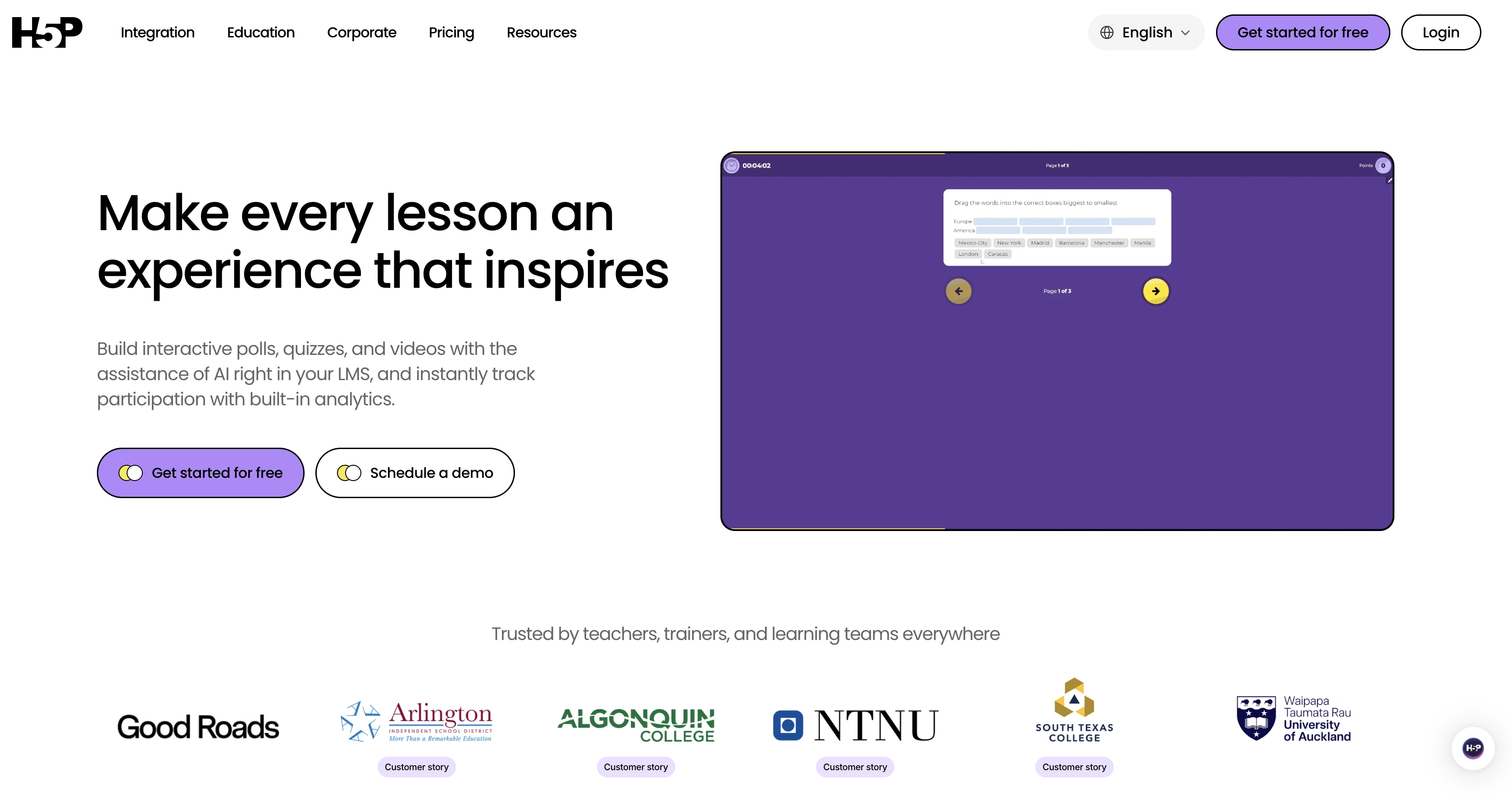
H5P can send a learner back to rewatch a section after a wrong answer, while others move on. The framework is free under the GPL. H5P.com is the hosted paid version. The two behave differently, so test the one you'll actually use.
Best for: Schools and organizations on Moodle, Canvas, Drupal, or WordPress, with IT support on hand.
Standout features: Timeline questions and hotspots, adaptive navigation, 50+ other content types, and portable content with no vendor lock-in.
Limitations: Self-hosting takes technical setup. There's no rated G2 profile to gauge user sentiment. And H5P doesn't create video.
LMS delivery: LTI with gradebook scoring on H5P.com, plus xAPI reporting. H5P has no native SCORM export. The third-party Lumi desktop app can package H5P content as SCORM.
Pricing: Free to self-host. H5P.com pricing depends on authors and learners.
How we checked: H5P.org documentation and forums, H5P.com plan pages, and Kwizie's July 2026 comparison.
4. Stornaway: best for branching storytelling
Stornaway is a no-code, flowchart-style editor for branching interactive stories, published to the web, LMS, apps, games, and VR.
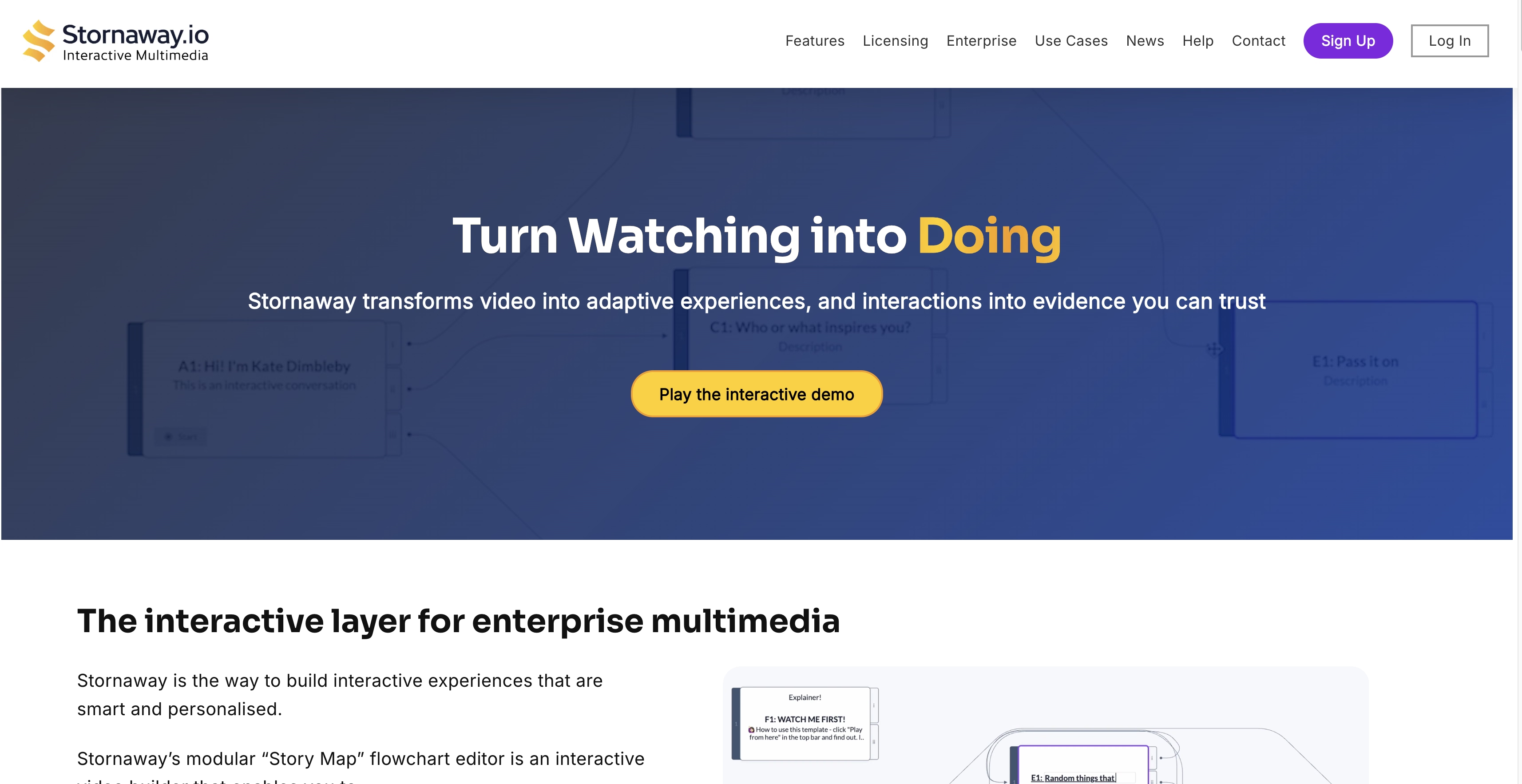
Stornaway treats a video as a map of connected clips it calls islands. You plan the journey visually and can playtest before any footage exists. Its roots in film and theater show in how naturally it handles choose-your-path stories. Stornaway reports more than 60,000 projects on its platform.
Best for: Scenario training, interactive films, agencies, and universities building decision-driven stories.
Standout features: Visual story map, playback before your own video exists, team collaboration, and publishing to web, gaming platforms, apps, and VR.
Limitations: SCORM export is limited to Premium, Custom, and academic plans. Its tools center on narrative branching. Teams that mainly want quick knowledge checks on long recordings may find it more than they need.
LMS delivery: SCORM packages that track score, completion, pass or fail, and choices. Stornaway also lists xAPI support.
Pricing: Free to create, edit, and playtest. SCORM export needs Premium, from $399/month billed yearly. Academic, enterprise, and nonprofit plans are also available.
How we checked: Stornaway's SCORM, help, and features pages, September 2026.
5. LearnWorlds: best for selling video courses
LearnWorlds is an all-in-one course and commerce platform with native interactive video for selling online courses.
LearnWorlds is a full online academy that happens to include interactive video. You build the site, sell access, manage learners, and add questions and buttons inside videos, all in one place.
Best for: Creators and training businesses selling courses directly to customers.
Standout features: Course website builder, built-in commerce, learner management, certificates, and an interactive video editor with transcripts.
Limitations: The full interactive video toolkit, including choose-your-path branching, sits on the Learning Center plan. The cheaper Pro Trainer plan gets a basic version. That makes it pricey if you don't need the academy around it.
LMS delivery: Built-in learner management. Courses run on LearnWorlds rather than in your existing LMS.
Pricing: Learning Center costs $249/month billed yearly, or $299 month to month, per LearnWorlds' plans page.
How we checked: LearnWorlds' plan details as reported by Kwizie (July 2026) and independent reviews (August 2026).
6. Kaltura: best for enterprise video infrastructure
Kaltura is an enterprise video platform with Interactive Video Paths and timed quizzes for organizations already running Kaltura.
Universities and large firms buy Kaltura for hosting, streaming, webinars, and a video portal. Interactivity comes along with it. Kaltura Video Quiz supports multiple choice, true/false, reflection points, and retakes. Interactive Video Paths builds branching journeys.
Best for: Organizations that want hosting, streaming, and interactivity from one vendor, with IT staff to implement it.
Standout features: Interactive Video Paths, timed quizzes, a video portal with analytics, and one-place video replacement across every embed.
Limitations: G2 users rate Kaltura 7.9 for ease of setup, among the lowest of the rated tools in Easygenerator's comparison. Pricing is quoted, so comparing costs takes a sales call.
LMS delivery: Integrations with Canvas, Blackboard, Moodle, and Zoom.
Pricing: Custom quote.
How we checked: Kaltura's Video Quiz documentation. G2 figures via Easygenerator's September 2026 review.
7. Cinema8: best for gamified and 360-degree experiences
Cinema8 is an interactive video and hosting platform with more than 100 widgets, gamification, 360-degree scenes, and SCORM export.
Cinema8 has one of the widest widget libraries here, and it hosts your video on every tier. Read the packaging closely, though. Branching, quizzes, and scoring live in the Interaction Designer Pro add-on, which is included only in the Business plan.
Best for: Teams building 360-degree or gamified experiences who want hosting and interactivity from one vendor.
Standout features: 100+ widgets, 360-degree scenes, gamification, and SSO with SCIM sync on the Business tier.
Limitations: Storage and bandwidth are metered apart from the plan. There's no rated G2 profile.
LMS delivery: SCORM 1.2 and 2004 export, xAPI, and LTI.
Pricing: Free, then Starter $12/month, Pro $24, Pro Plus $84, and Business $639, all billed yearly. SCORM and xAPI export start on Pro Plus. Interaction Designer Pro costs from $249/month as an add-on and is included in Business, per Cinema8's pricing page.
How we checked: Cinema8's pricing, SCORM, and LTI pages, September 23, 2026.
8. PlayPosit: best for higher-ed instructional video
PlayPosit is an education-focused tool for adding graded questions, discussion, and branching to instructional video.
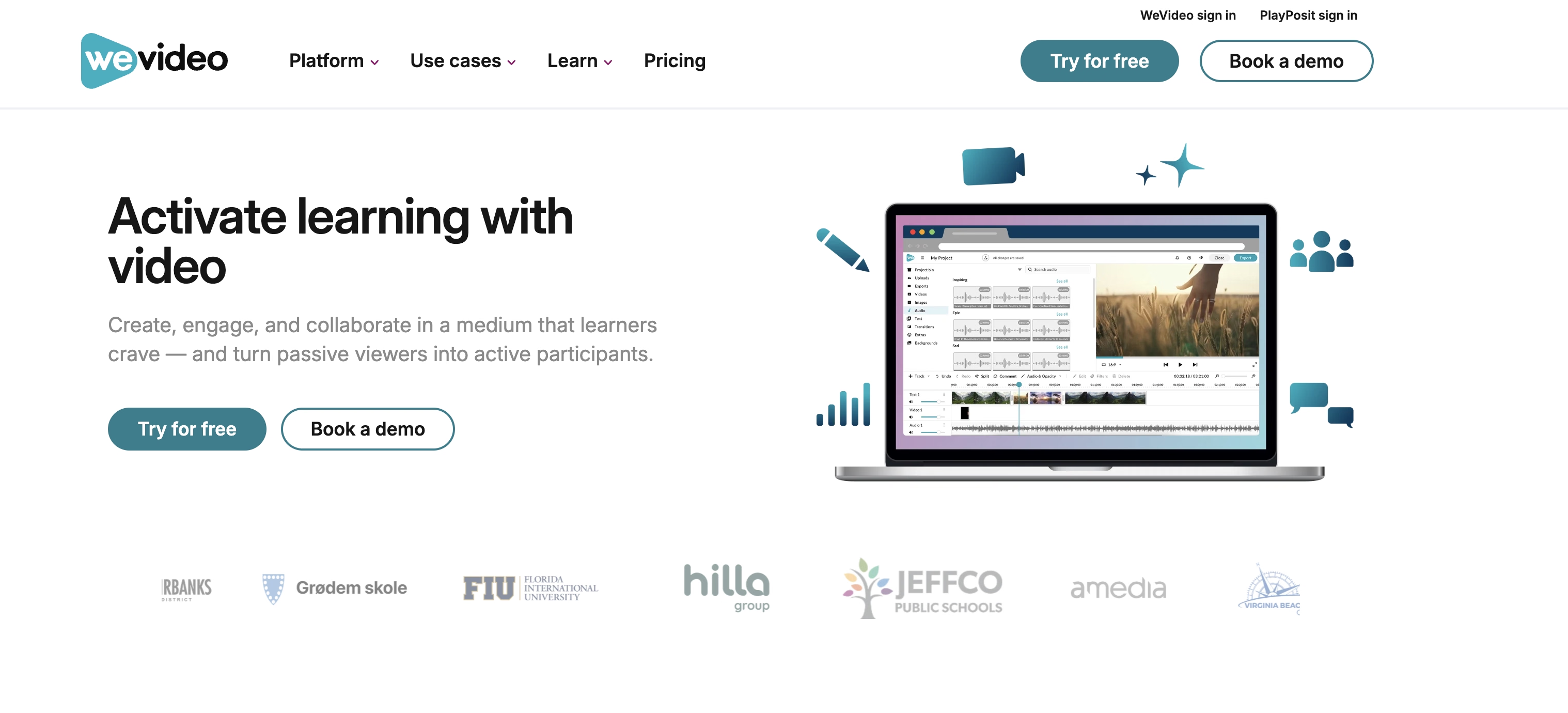
PlayPosit began in 2012 as eduCanon, founded by a former teacher, and it still feels built by educators. Instructors add multiple choice, polls, free response, and discussion prompts. Grades can sync back to the LMS gradebook.
Best for: Universities and schools that grade video-based learning.
Standout features: Graded question types, discussions, branching scenarios, and self-paced or live "broadcast" modes.
Limitations: LMS integration requires an institutional license. It has fewer marketing and CRM features than business tools.
LMS delivery: LTI integrations with Canvas, Blackboard, D2L, Moodle, Schoology, and others.
Pricing: Sold as individual, K–12, higher-ed, and institutional licenses. Contact PlayPosit for current pricing.
How we checked: PlayPosit's knowledge base, September 2026.
9. Edpuzzle: best for K–12 classrooms
Edpuzzle is a classroom tool that lets teachers crop videos, embed questions, prevent skipping, and grade K–12 assignments.
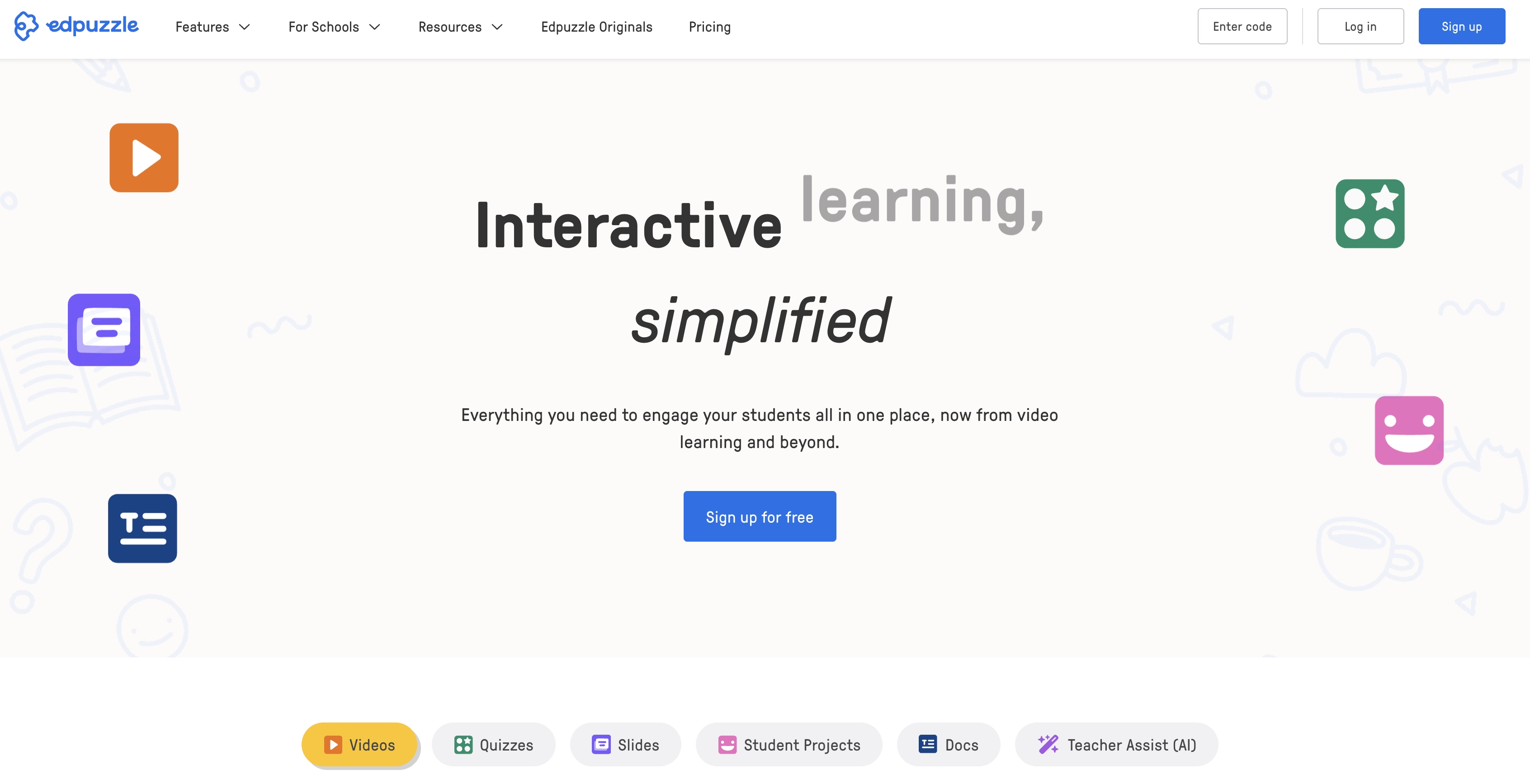
Edpuzzle is built for one workflow: a teacher assigns a video lesson and reviews the results. It does that simply. Its free teacher plan makes it a default in many schools.
Best for: K–12 teachers assigning video lessons and tracking progress.
Standout features: Cropping, embedded questions and notes, skip prevention, class assignment, and a grade book.
Limitations: The classroom model fits customer training, public embeds, and branded certificates poorly.
LMS delivery: Class assignment and school LMS integrations.
Pricing: Free teacher plan. Schools and districts buy institution plans.
How we checked: Edpuzzle's support documentation and Kwizie's July 2026 comparison.
10. Kwizie: best for quick video quizzes with certificates
Kwizie is a lightweight tool that turns YouTube and training videos into quizzes with certificates, shared by link, embed, or QR code.
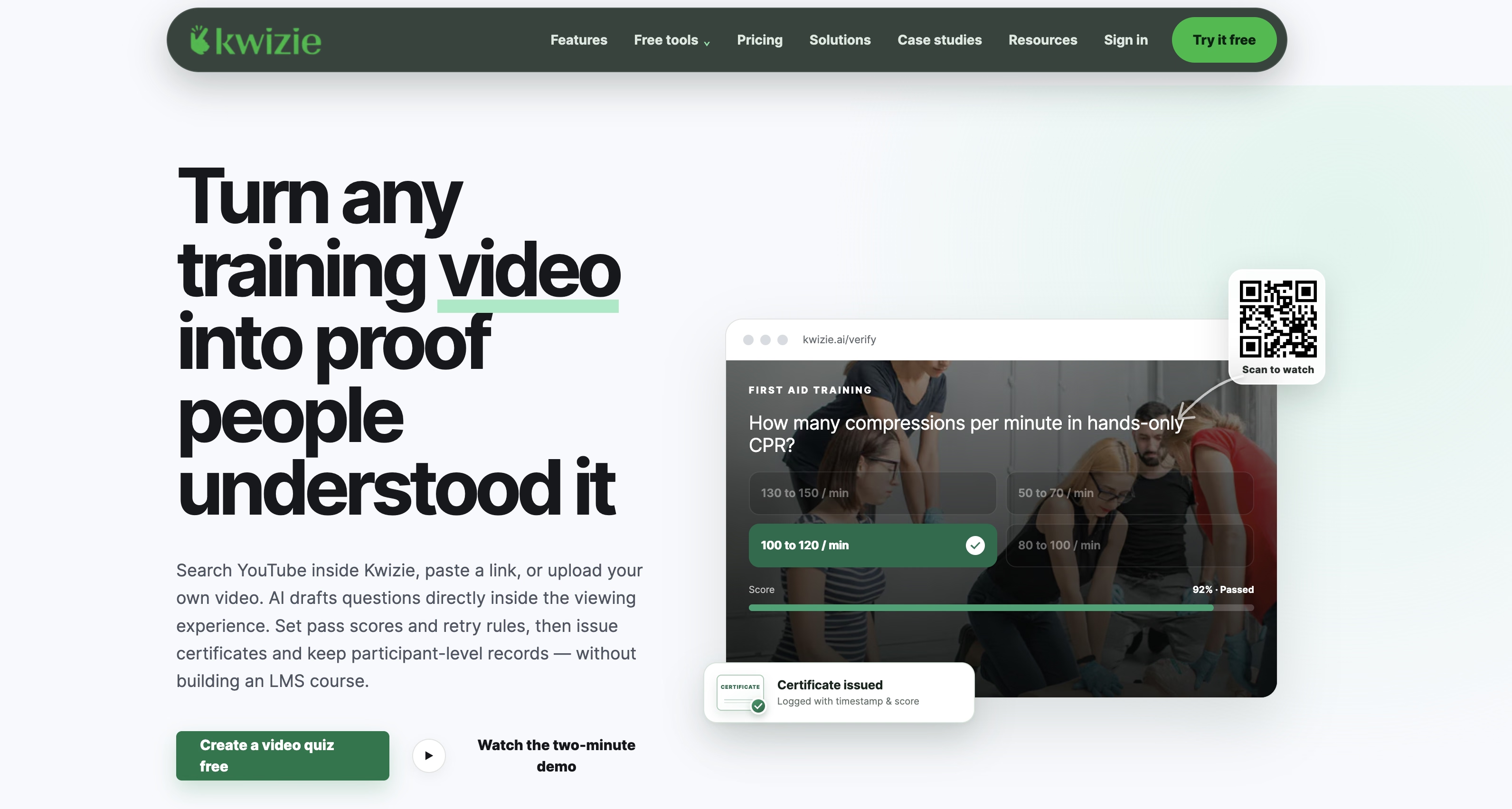
Kwizie's workflow is short. Search YouTube or add a video, review the AI-drafted questions, set pass rules, and publish. Its AI also transcribes long lectures and splits them into chapters, as described in a 2025 ACM paper. Viewers earn certificates, and you keep their records.
Best for: Small teams and training providers that need proof of understanding without an LMS.
Standout features: YouTube search inside the tool, AI-drafted questions and chapters, pass scores, retries, certificates, and CSV record exports.
Limitations: Kwizie itself suggests a full authoring suite for custom interactions or large SCORM workflows. We found no SCORM export.
LMS delivery: An iframe embed for any LMS or website. Records export as CSV.
Pricing: $24.99/month billed yearly, or $39.99 month to month.
How we checked: Kwizie's site and its July 2026 buyer's guide.
Which platforms export SCORM and track learning in an LMS?
In our September 2026 check, four of the ten platforms export SCORM packages natively: Clixie, Mindstamp, Stornaway, and Cinema8. H5P, Kaltura, and PlayPosit connect through LTI or LMS integrations instead. LearnWorlds is its own LMS. If compliance needs completion proof in a system of record, filter on this first.
Why does the standard matter? Completion alone says a viewer reached the end. It doesn't say they understood anything. SCORM can also report a quiz score and pass or fail. xAPI goes further and records single interactions, such as which branch someone chose.
SCORM 1.2 is the oldest and most widely supported standard. It reports completion, score, and pass or fail to almost any LMS.
SCORM 2004 adds sequencing rules and richer status. Not every LMS handles it the same way.
xAPI records individual actions, like "chose option B at 2:14," and can send them to a learning record store.
LTI isn't a package. It lets an LMS launch a tool directly and pass grades back. That's how H5P, PlayPosit, and Kaltura usually connect.
LMS distinction: SCORM, LTI, and xAPI aren't interchangeable. SCORM packages content for an LMS, LTI connects one platform to another, and xAPI records individual learning activity.
Plan tiers matter here. Clixie includes SCORM on every paid plan, Mindstamp starts it on Core, Stornaway on Premium, and Cinema8 on Pro Plus. Check which tier includes it before comparing prices. For a walkthrough, see how to convert video to SCORM.
What most roundups miss: SCORM support is usually a plan question, not a product question. Three of the four tools that export SCORM gate it behind a higher tier. So the "starting price" in most comparison tables isn't the price of a trackable training video.
How does video length affect interactive training?
Shorter videos and courses are consistently associated with higher engagement and completion. In 2014, Philip Guo, Juho Kim, and Rob Rubin studied 6.9 million video sessions on edX, in the largest study of its kind. Engagement dropped sharply after six minutes. Viewers rarely got halfway through videos nine minutes or longer.
Newer course data points the same way. In its 2026 e-learning benchmark report, Easygenerator analyzed 213,660 courses. Completion fell at every step as courses got longer.
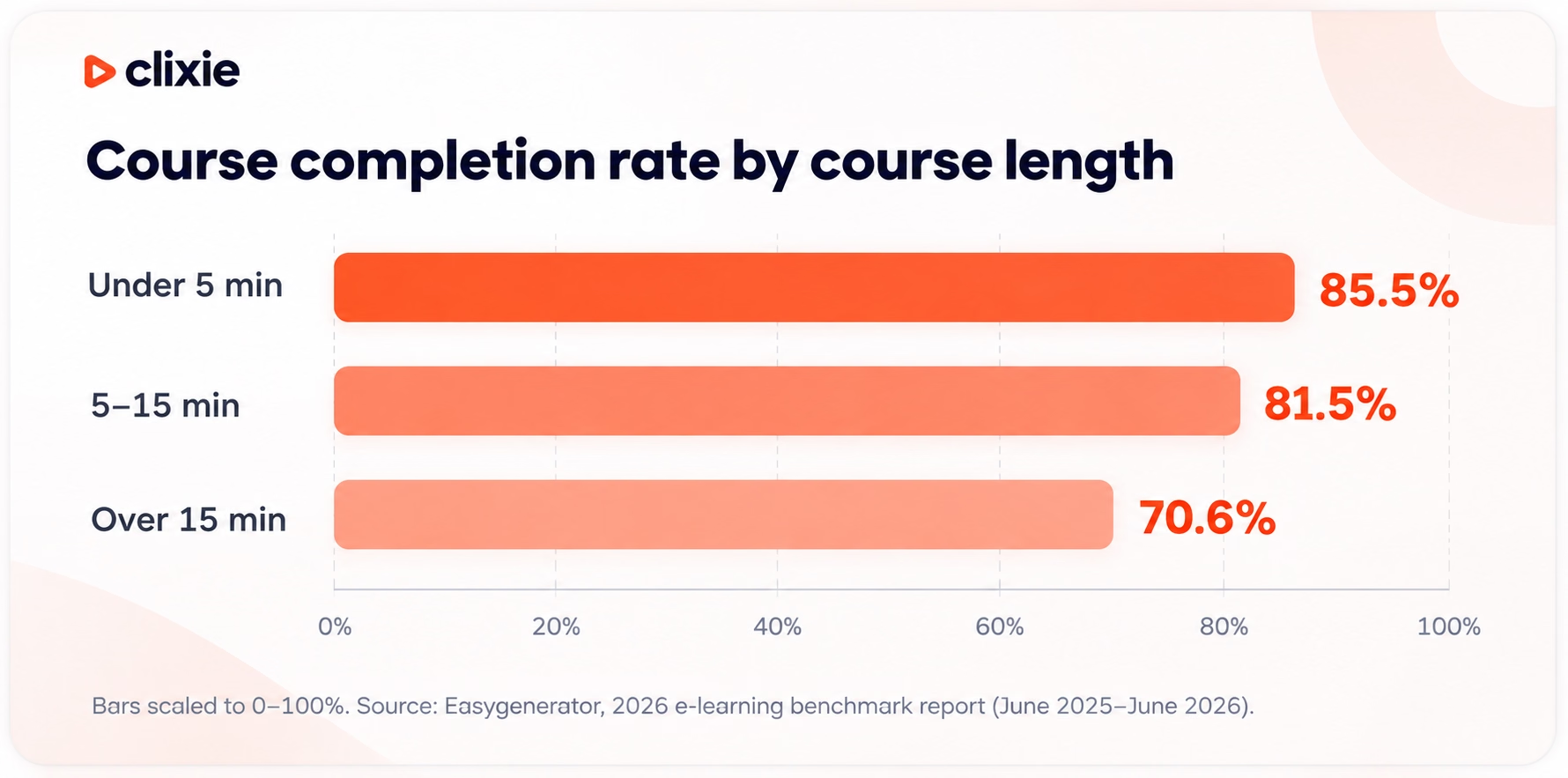
Does that make interactivity pointless if videos stay short? No. The two work together. Chapters let a learner treat one long recording as several short ones. Questions between chapters create natural stops and show where understanding breaks down. That's why auto-chaptering matters for teams with hour-long recordings. It turns one long recording into shorter segments that are easier to navigate, review, and assess.
Which interactive video platform should you choose?
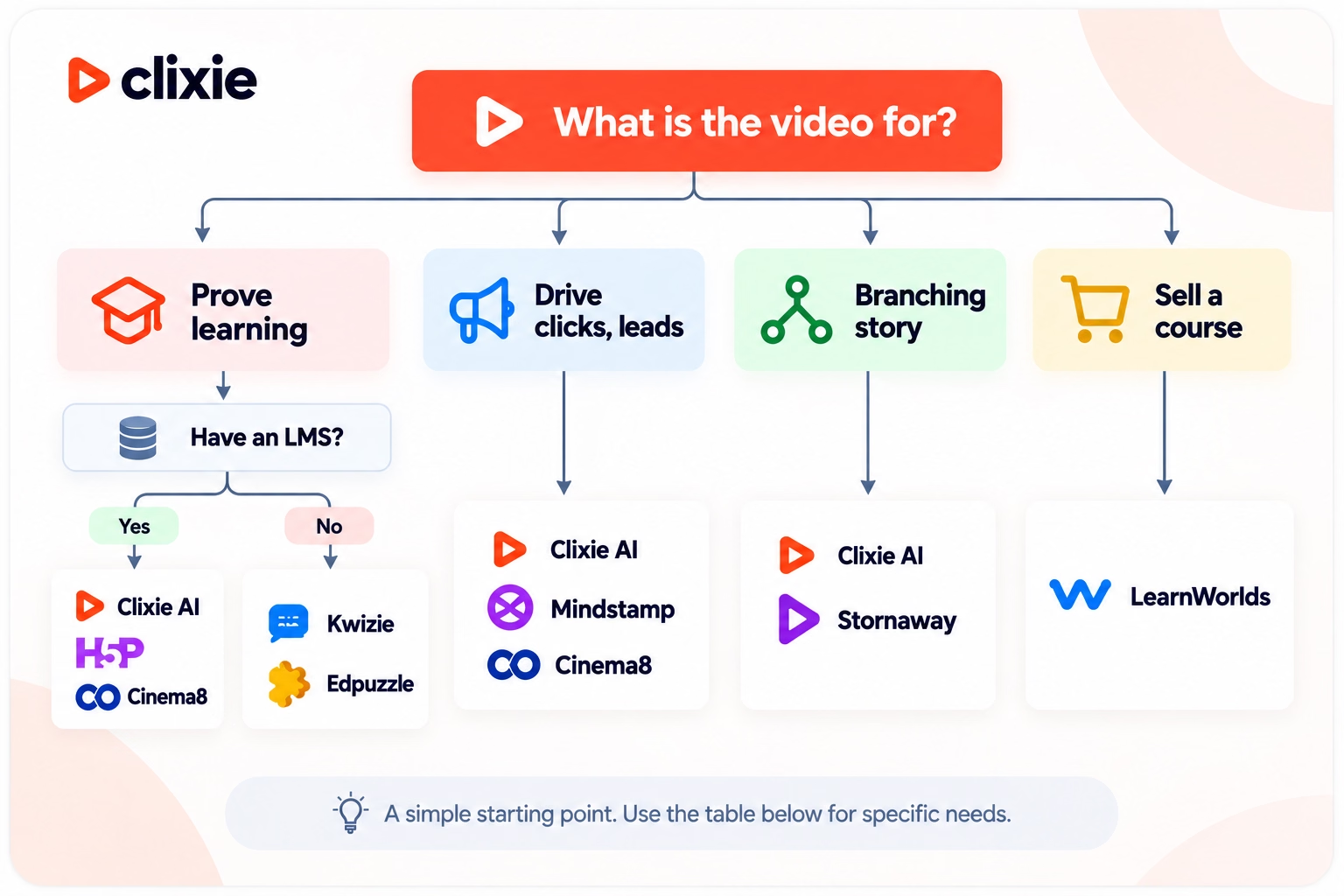
Start with one question: should this video prove learning, or drive a click? Proving learning points to Clixie, H5P, Cinema8, Kaltura, or PlayPosit. Driving clicks points to Mindstamp or Cinema8. Branching stories point to Stornaway, and course businesses to LearnWorlds.
Verified September 23, 2026.
Choosing for a large organization with security reviews? Our enterprise interactive video platform guide covers governance in depth. For onboarding, see our interactive video tools for corporate training.
When is Clixie not the right choice?
Clixie adds interactivity to video you already have. Its strongest features target organizations tracking learning at scale. Three situations point elsewhere.
You need a free, open-source tool. H5P is open source and free to run on your own servers. Clixie is a paid platform with a 14-day free trial.
You need classroom rostering and a free teacher plan. Edpuzzle is built for K–12 assignments and grading.
You want a course storefront with built-in payments. LearnWorlds bundles a course website, commerce, and learner management. Clixie adds interactivity and tracking to video inside the LMS or website you already use.
Tools we considered but didn't rank
These are good products that fall outside our definition, or overlap too much with a tool above.
- Articulate 360, iSpring Suite, and Adobe Captivate are e-learning authoring suites. They can build interactive video, but video is one content type among many, and they take more skill.
- Easygenerator creates training video from slides and scripts. Its questions sit around the video in the course, not on the timeline.
- Camtasia is a screen recorder with quizzes and hotspots. It's strongest at software walkthroughs.
- Synthesia and Colossyan are AI avatar generators that now include interactivity. Synthesia offers buttons and branching, with quizzes and SCORM export on its Enterprise plan, and its interactive elements work only in Synthesia's own player. Colossyan offers branching, quizzes, and buttons, with SCORM export on paid plans: five exports a month on Professional and unlimited on Enterprise. We treat both as a separate category because they build interactive video from a script rather than adding interaction to video you already have. If you need new video from scratch, compare them directly.
- Hihaho adds chapter jumps and interactions to training video. It was a close call for the tenth spot.
- Vimeo offers interactive video to Enterprise customers only.
Frequently asked questions
What is the best interactive video platform in 2026?
It depends on the job. For existing training videos that need LMS tracking, Clixie AI is designed around that workflow, with AI-built chapters and quizzes. For free, self-hosted interactive video, H5P is the stronger fit. Mindstamp focuses on marketing journeys, while Stornaway specializes in branching narratives.
Is there a free interactive video platform?
Yes. H5P is free if you host it yourself. Stornaway is free to create and playtest. Edpuzzle has a free teacher plan, and Cinema8 has a free tier. Clixie offers a 14-day free trial with no credit card, and paid plans start at $19 a month.
Can you add quiz questions inside a video?
Yes. Most platforms here place questions directly on the video timeline and pause playback until the viewer answers. Stornaway works a little differently, building questions and choices into a branching story. Clixie and Kwizie can also write the questions for you. Clixie's one-click option adds a question to each of its auto-built chapters.
Which interactive video tools export SCORM?
In September 2026, four of the ten exported SCORM natively: Clixie on every paid plan, Mindstamp on Core and up, Stornaway on Premium and up, and Cinema8 on Pro Plus and up. H5P, Kaltura, and PlayPosit connect through LTI or LMS integrations instead. See our video to SCORM guide.
How long should an interactive training video be?
Aim for under six minutes per segment. A study of 6.9 million edX sessions found engagement dropped sharply after six minutes. For longer recordings, split the content into chapters with a question between each. Clixie's auto-chaptering does this for you.
How often is this list updated?
We review this guide regularly and show the date of the last full review at the top. Vendors can send corrections to contact@clixie.ai. We check each one against the vendor's own pages before changing the guide.
The bottom line
If your videos need to prove people learned something, and you already have the footage, start with Clixie AI. Its AI builds the chapters and quizzes, and the results flow to your LMS. For a free, open-source route, H5P is the strongest alternative. For marketing and leads, look at Mindstamp. For branching stories, Stornaway.
Want to see what the AI builds from your own footage? Start a 14-day free trial, upload one training video, and review the chapters and quizzes Clixie drafts.
About the author
Jancarlo Nesto is Co-Founder and COO of Clixie AI. He has spent more than 20 years in enterprise SaaS, leading product strategy, go-to-market, and distributed teams across Latin America, North America, and Europe. Before Clixie, he held leadership roles at Eidosmedia, Atex Group, and Unisys. At Clixie, he works directly with corporate learning teams on interactive video rollouts, LMS integrations, SCORM delivery, and video analytics. He trained as an electrical engineer and holds an MBA in Project Management. LinkedIn
.png)
.png)



.avif)
